
Explore Illustration and Visual Concepts with Grok
Explore Grok Image Ideas with klingai.me
Choose only the resolution and aspect ratio shown for the selected model. Check framing, fine details and any text in the completed image. A larger output size does not guarantee a more accurate result.
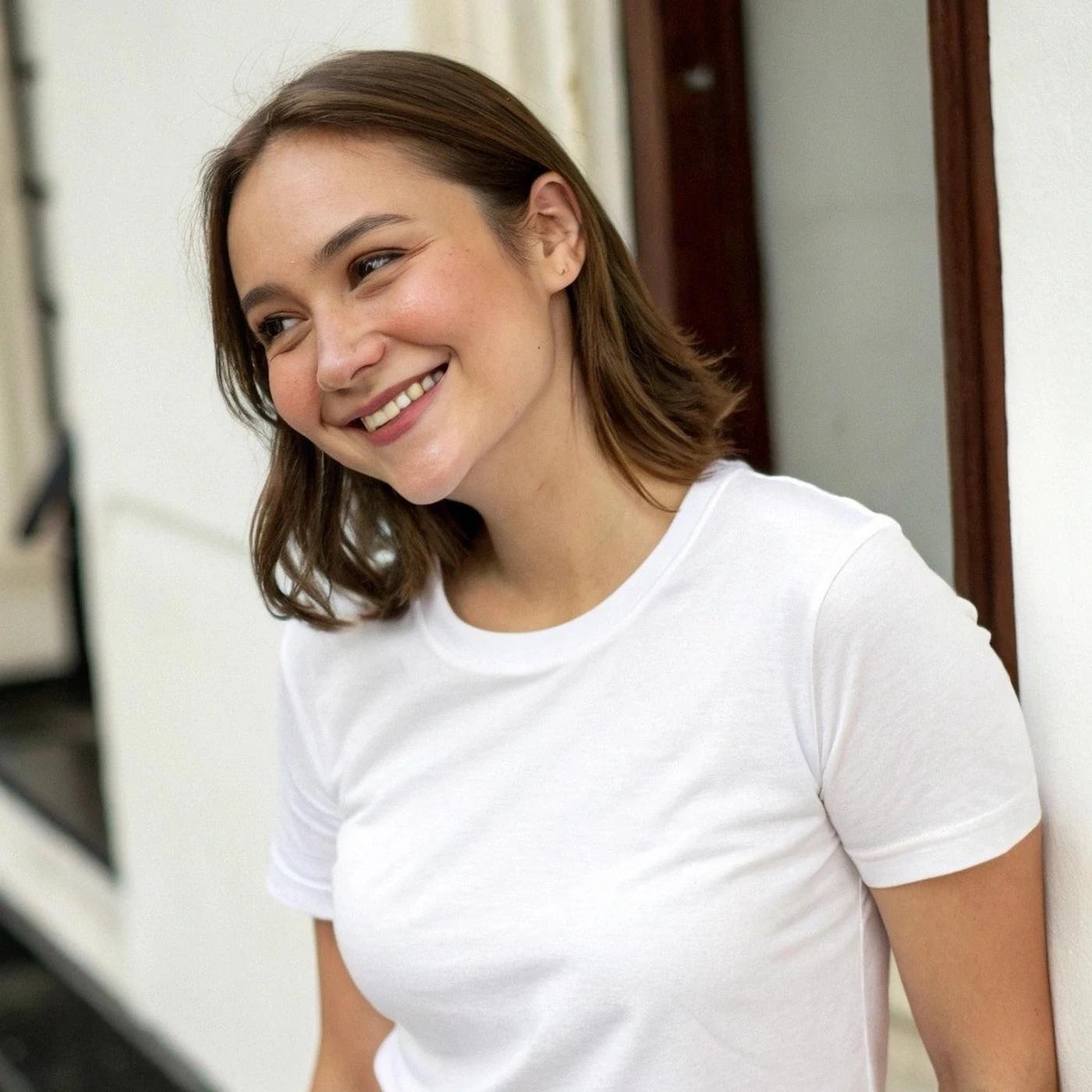
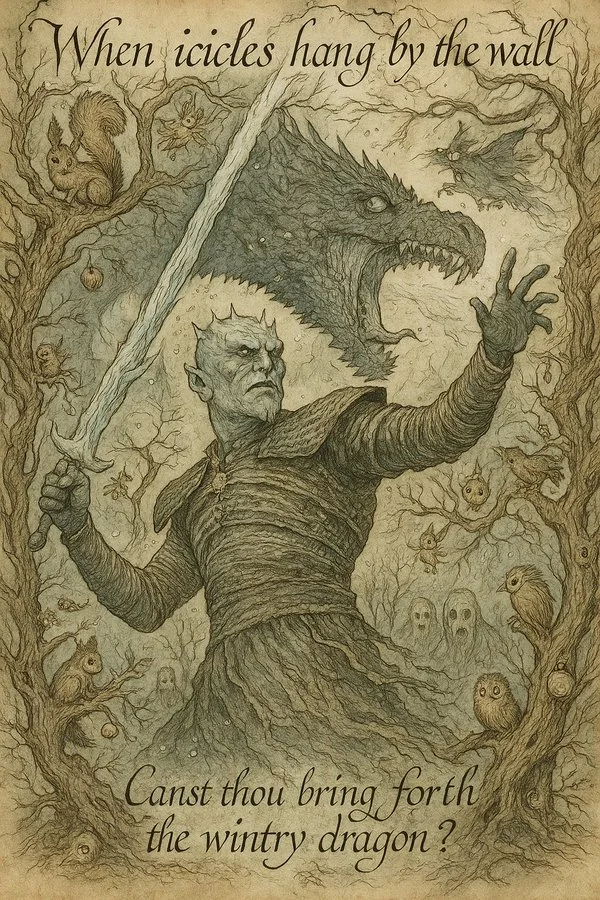
Verified prompt
Transform this image into a 1920s fairy tale illustration in the style of Arthur Rackham. Use muted watercolor tones and intricate ink linework. Fill the scene with whimsical forest creatures, twisted tree branches, and hidden magical objects. The overall tone should be mysterious, enchanting, and slightly eerie. Add handwritten calligraphy-style captions and riddles.
Transform this image into a 1920s fairy tale illustration in the style of Arthur Rackham. Use muted watercolor tones and intricate ink linework. Fill the scene with whimsical forest creatures, twisted tree branches, and hidden magical objects. The overall tone should be mysterious, enchanting, and slightly eerie. Add handwritten calligraphy-style captions and riddles.
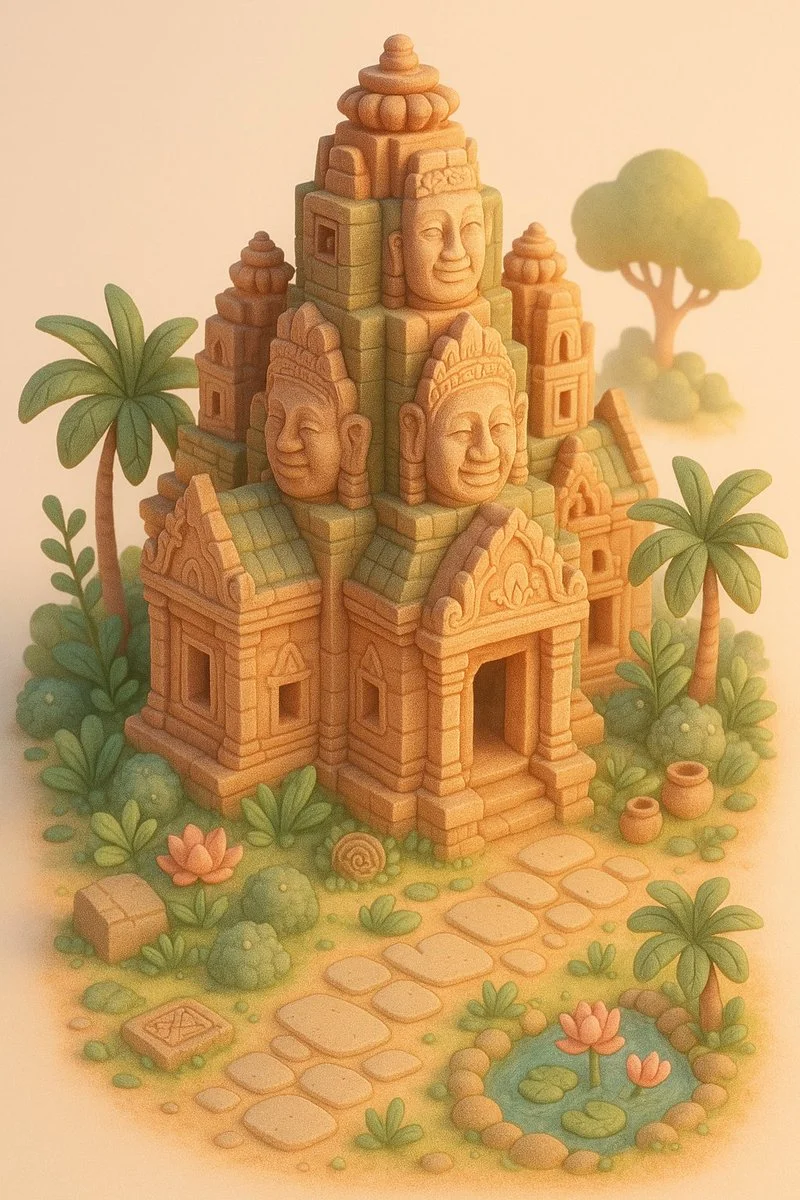
Verified prompt
A miniature version of [LOCATION], designed in a whimsical dollhouse style. The structure is surrounded by thematic natural elements and tiny architectural details that reflect its cultural context (e.g., plants, paths, decor). The color palette uses soft pastels (such as coral, blush, sand, mint, or dusty green), with warm cinematic lighting and a serene, dreamy atmosphere. Highly detailed, cozy and stylized. Isometric view, vertical 9:16 format, on a clean studio background.
A miniature version of [LOCATION], designed in a whimsical dollhouse style. The structure is surrounded by thematic natural elements and tiny architectural details that reflect its cultural context (e.g., plants, paths, decor). The color palette uses soft pastels (such as coral, blush, sand, mint, or dusty green), with warm cinematic lighting and a serene, dreamy atmosphere. Highly detailed, cozy and stylized. Isometric view, vertical 9:16 format, on a clean studio background.
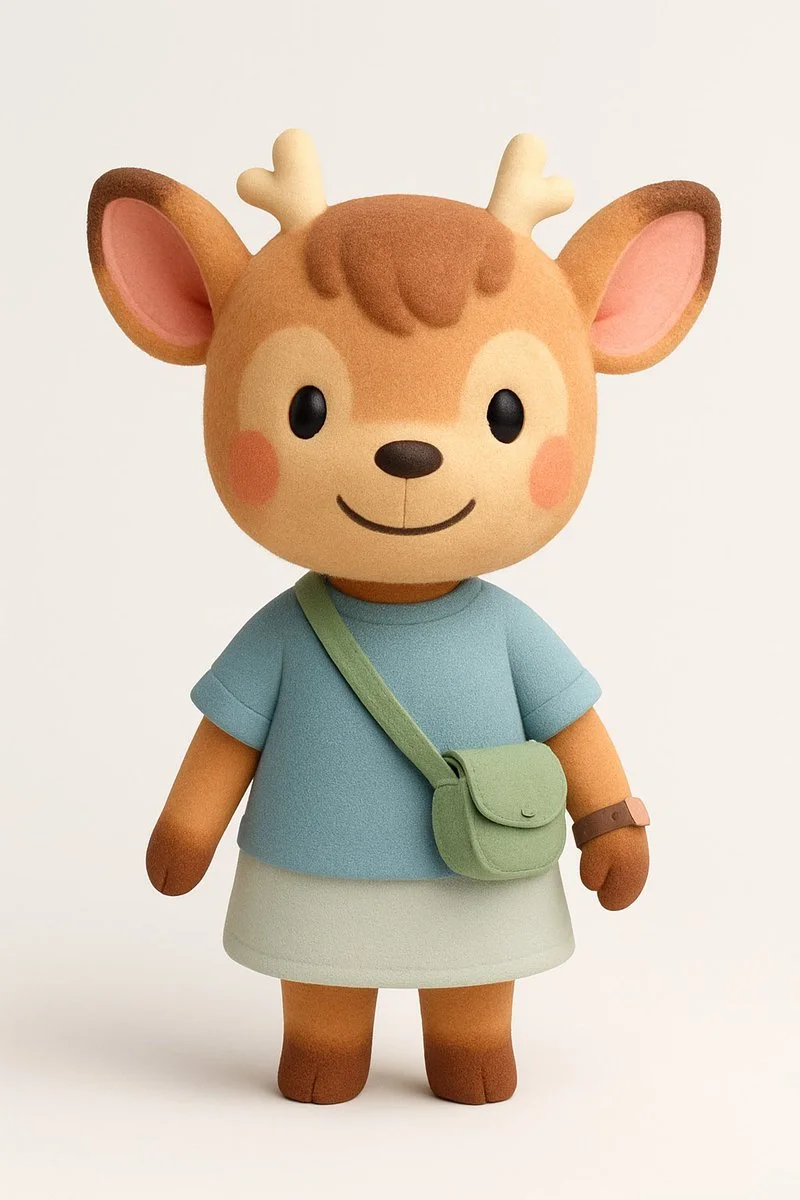
Verified prompt
Create a 3D-rendered digital illustration of a stylized cartoon boy character, standing in a neutral pose. The character should be rendered in a realistic-minimalist 3D style, with soft rounded proportions and plush matte textures — similar to high-end Cinema 4D + Redshift product renders.
Create a 3D-rendered digital illustration of a stylized cartoon boy character, standing in a neutral pose. The character should be rendered in a realistic-minimalist 3D style, with soft rounded proportions and plush matte textures — similar to high-end Cinema 4D + Redshift product renders.
Verified prompt
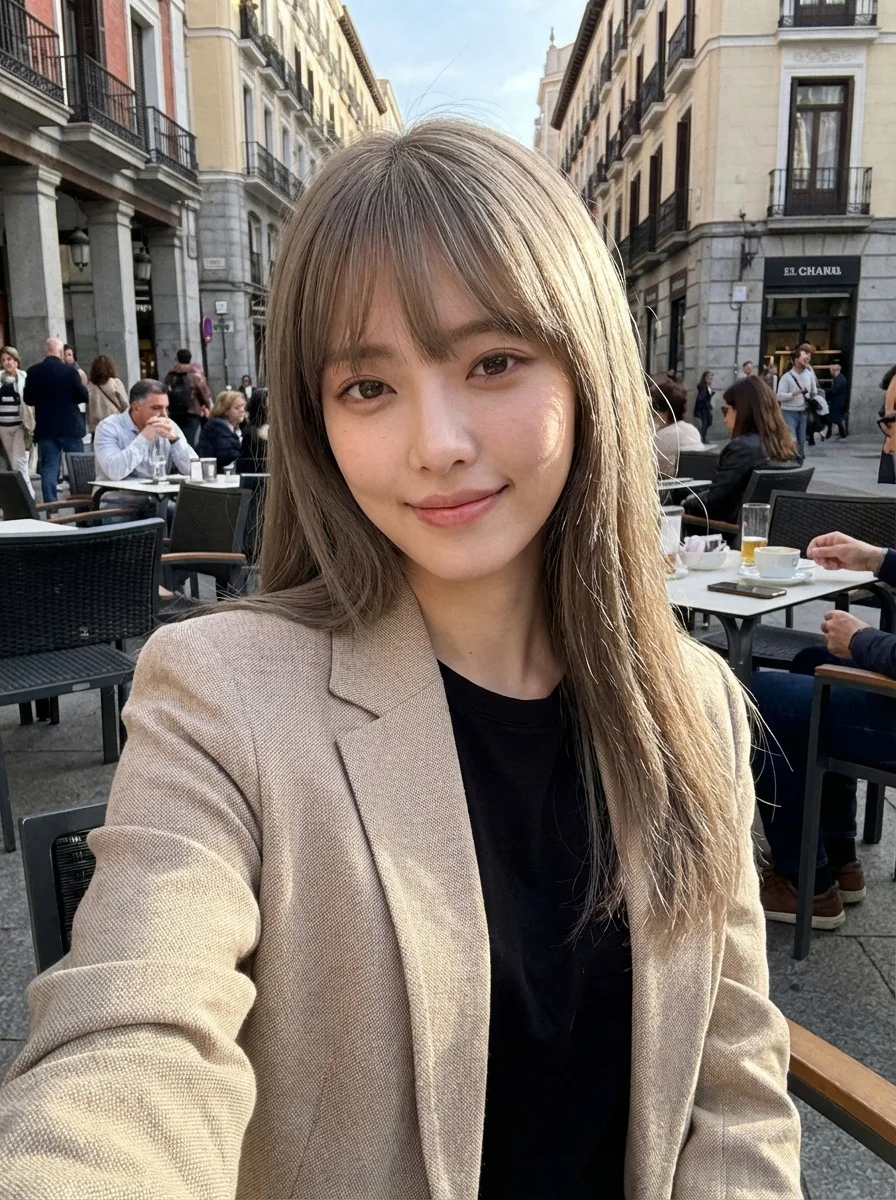
ndid, raw smartphone selfie photo. The subject is the uploaded woman, sitting at an outdoor cafe in the center of Madrid, captured using a front-facing smartphone camera. Sunlight hits her face from the side, creating natural highlights and soft shadows, authentic daytime lighting with no artificial setup. She has sun-kissed hair with a relaxed, natural texture. She wears a textured beige Zara-style blazer over a black top, effortless, everyday outfit styling. Natural daytime makeup, visible skin texture, no beauty retouching. A genuine, slight smile while looking directly at the phone camera. The image has a subtle grainy texture, reflecting a real smartphone photo aesthetic, as if shot on an iPhone 17 Pro Max. Overall mood: casual, warm, authentic, unposed. Feels like a spontaneous travel moment, not styled, not editorial, not influencer-like.
ndid, raw smartphone selfie photo. The subject is the uploaded woman, sitting at an outdoor cafe in the center of Madrid, captured using a front-facing smartphone camera. Sunlight hits her face from the side, creating natural highlights and soft shadows, authentic daytime lighting with no artificial setup. She has sun-kissed hair with a relaxed, natural texture. She wears a textured beige Zara-style blazer over a black top, effortless, everyday outfit styling. Natural daytime makeup, visible skin texture, no beauty retouching. A genuine, slight smile while looking directly at the phone camera. The image has a subtle grainy texture, reflecting a real smartphone photo aesthetic, as if shot on an iPhone 17 Pro Max. Overall mood: casual, warm, authentic, unposed. Feels like a spontaneous travel moment, not styled, not editorial, not influencer-like.
Verified prompt
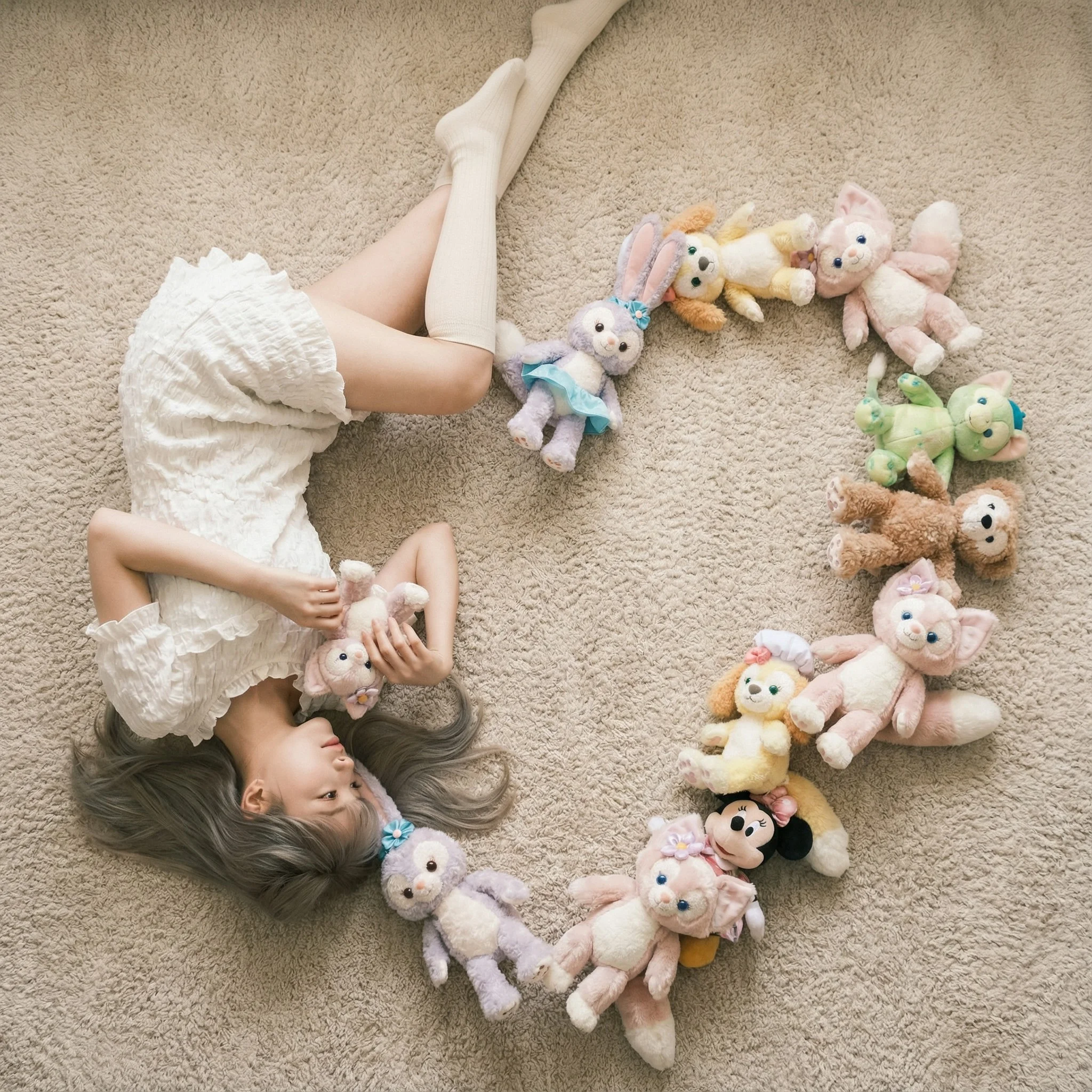
A top-down flat-lay portrait of a young woman lying on a soft carpet in a cozy girl's room. She is lying comfortably on her side, her body curved to create the left half of a heart contour. Her posture is relaxed and sweet, holding one small plush toy gently. White ruffled textured dress with lace details, cream-colored knee-high socks, soft aesthetic. Natural fresh makeup, long dark wavy hair fanned out artistically on the floor. A diverse assortment of Disney-style plush toys in various sizes and categories (keychains, small dolls, medium plushies). Characters include StellaLou, CookieAnn, LinaBell, and various Disney characters. The mixed plush toys are naturally interspersed and scattered in a curved line on the carpet, forming the right half of the heart shape with a relaxed, slightly messy and organic feel. 90-degree Bird's-eye view. 35mm lens, wide framing. f/8 for deep depth of field. Soft, diffused natural indoor light. Fujifilm Classic Negative film simulation. Wholesome, playful collection, pastel colors, heart composition, cozy mood.
A top-down flat-lay portrait of a young woman lying on a soft carpet in a cozy girl's room. She is lying comfortably on her side, her body curved to create the left half of a heart contour. Her posture is relaxed and sweet, holding one small plush toy gently. White ruffled textured dress with lace details, cream-colored knee-high socks, soft aesthetic. Natural fresh makeup, long dark wavy hair fanned out artistically on the floor. A diverse assortment of Disney-style plush toys in various sizes and categories (keychains, small dolls, medium plushies). Characters include StellaLou, CookieAnn, LinaBell, and various Disney characters. The mixed plush toys are naturally interspersed and scattered in a curved line on the carpet, forming the right half of the heart shape with a relaxed, slightly messy and organic feel. 90-degree Bird's-eye view. 35mm lens, wide framing. f/8 for deep depth of field. Soft, diffused natural indoor light. Fujifilm Classic Negative film simulation. Wholesome, playful collection, pastel colors, heart composition, cozy mood.
Verified prompt
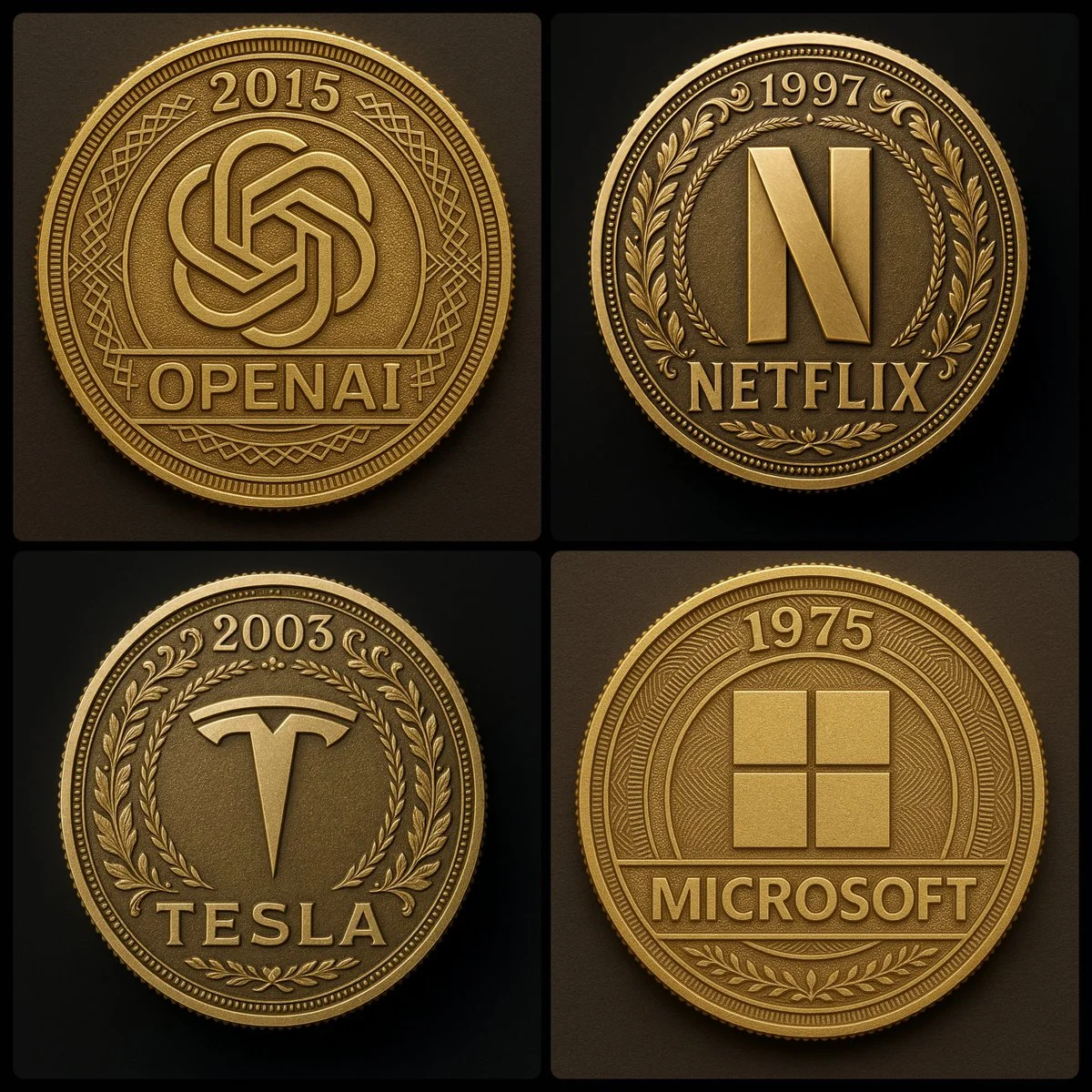
Prompt: A high-resolution photograph of a gold coin featuring the [COMPANY NAME] logo at the center. The coin should have the year [YEAR] engraved at the top. Include finely detailed engravings, ornamental border patterns, and authentic coin textures like reeded edges, matte
Prompt: A high-resolution photograph of a gold coin featuring the [COMPANY NAME] logo at the center. The coin should have the year [YEAR] engraved at the top. Include finely detailed engravings, ornamental border patterns, and authentic coin textures like reeded edges, matte

Verified prompt
Transform this image into a Nintendo-inspired 3D cartoon style illustration. Use soft, rounded 3D shapes and clean, toy-like geometry to give the characters and objects a charming, handcrafted look. Characters should have exaggerated, childlike proportions (large heads, small limbs), with expressive, simplified faces and bright, colorful clothing — similar to designs seen in Zelda: Link’s Awakening, Animal Crossing, or Miitopia. Apply smooth, matte textures with no realistic detail — everything should look cheerful and slightly plastic, as if sculpted from soft clay or digital vinyl. The environment should be bright and whimsical, with stylized grass, puffy clouds, geometric trees, and soft lighting like a sunny afternoon. The overall tone should be lighthearted, clean, and family-friendly, like a frame from a Nintendo fantasy adventure game.
Transform this image into a Nintendo-inspired 3D cartoon style illustration. Use soft, rounded 3D shapes and clean, toy-like geometry to give the characters and objects a charming, handcrafted look. Characters should have exaggerated, childlike proportions (large heads, small limbs), with expressive, simplified faces and bright, colorful clothing — similar to designs seen in Zelda: Link’s Awakening, Animal Crossing, or Miitopia. Apply smooth, matte textures with no realistic detail — everything should look cheerful and slightly plastic, as if sculpted from soft clay or digital vinyl. The environment should be bright and whimsical, with stylized grass, puffy clouds, geometric trees, and soft lighting like a sunny afternoon. The overall tone should be lighthearted, clean, and family-friendly, like a frame from a Nintendo fantasy adventure game.
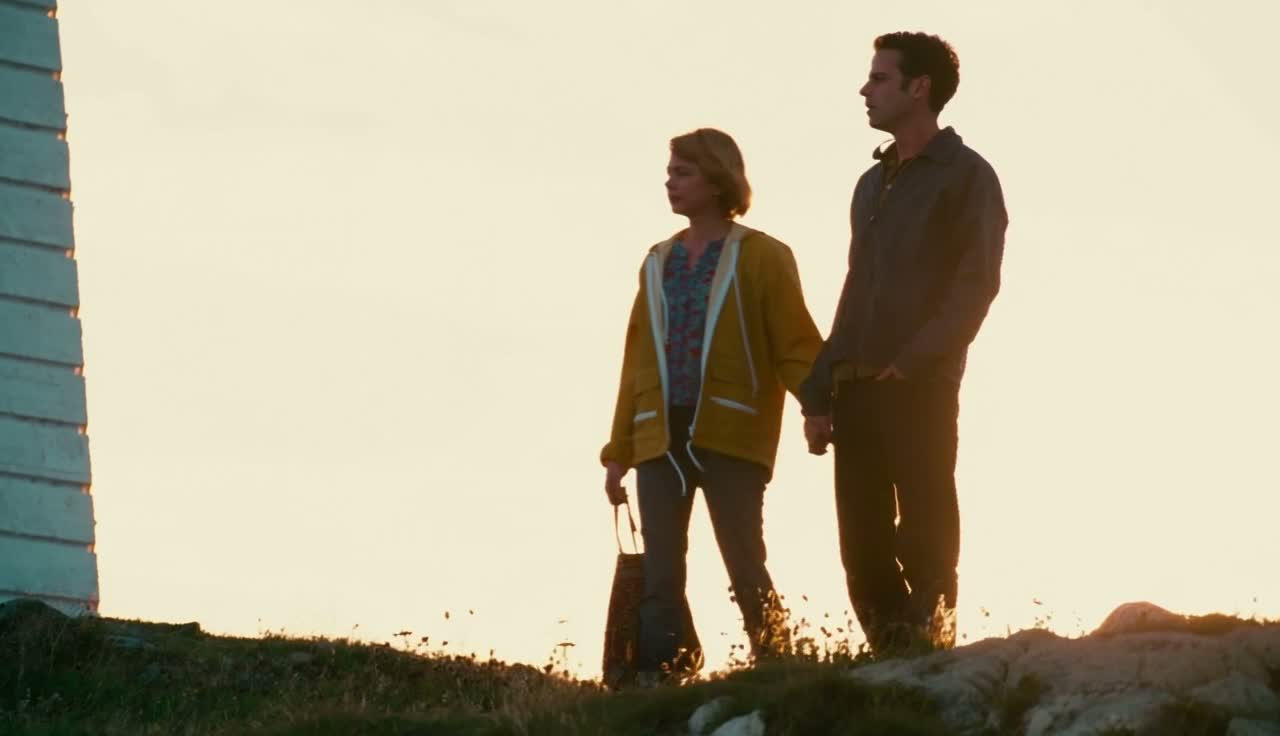
Verified prompt
Verified prompt
Verified prompt
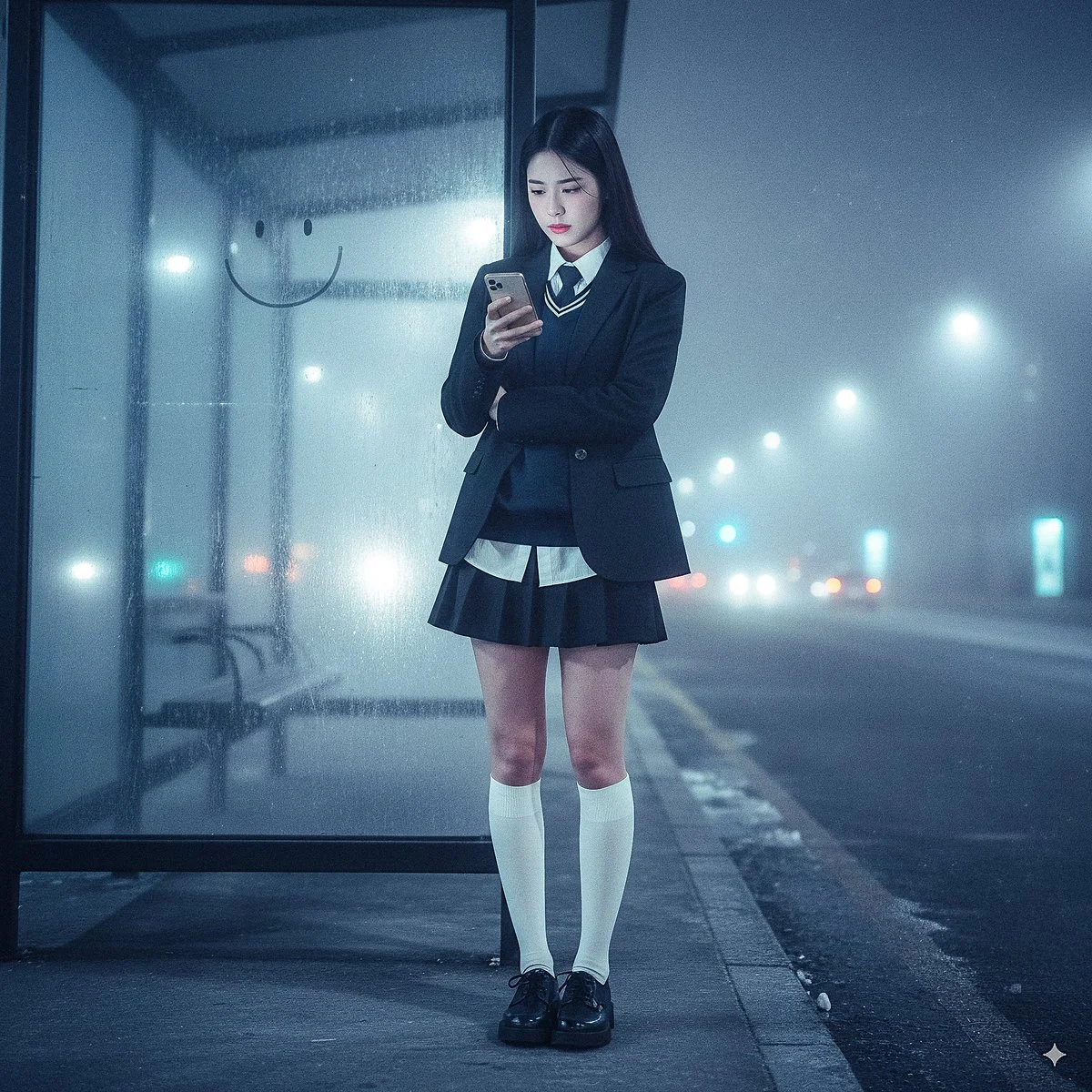
{ "description": "A hyper-realistic, 4K, full-body night-time portrait of a 23-year-old Korean woman with clear pale skin and long straight black hair tucked behind one ear.", "subject": { "age": 23, "ethnicity": "Korean", "skin_tone": "pale", "hair": { "colour": "black", "style": "long, straight, tucked behind one ear" }, "pose": "standing at a frost-covered bus stop, arms folded against the cold", "expression": "70 % quiet annoyance, 30 % amused resignation, as if re-reading a text she regrets sending" }, "outfit": { "top_layers": [ "black blazer", "navy sweatshirt", "crisp white dress shirt", "thin black tie" ], "bottom": "ultra-short black pleated skirt", "legwear": "brand-new white knee-length pelerine socks", "footwear": "polished black shoes" }, "environment": { "location": "night-time city bus stop", "ground": "icy pavement reflecting distant headlights", "fog": "dense, occupying the top third of the frame", "bus_shelter": { "glass": "steamed-up with one finger-drawn smiley that melts faster than the surrounding condensation" }, "lighting": "cool blue-white, high contrast, cinematic" }, "hidden_detail": "reflection in her left shoe: a blurred red double-decker bus that may or may not be arriving", "camera": { "angle": "low eye-level, full body in frame", "lens_simulation": "Phase-One medium-format realism", "depth_of_field": "sharp focus on subject, soft bokeh on distant lights" }, "output": { "style": "hyper-realistic, cinematic, cool colour grading" } } }
{ "description": "A hyper-realistic, 4K, full-body night-time portrait of a 23-year-old Korean woman with clear pale skin and long straight black hair tucked behind one ear.", "subject": { "age": 23, "ethnicity": "Korean", "skin_tone": "pale", "hair": { "colour": "black", "style": "long, straight, tucked behind one ear" }, "pose": "standing at a frost-covered bus stop, arms folded against the cold", "expression": "70 % quiet annoyance, 30 % amused resignation, as if re-reading a text she regrets sending" }, "outfit": { "top_layers": [ "black blazer", "navy sweatshirt", "crisp white dress shirt", "thin black tie" ], "bottom": "ultra-short black pleated skirt", "legwear": "brand-new white knee-length pelerine socks", "footwear": "polished black shoes" }, "environment": { "location": "night-time city bus stop", "ground": "icy pavement reflecting distant headlights", "fog": "dense, occupying the top third of the frame", "bus_shelter": { "glass": "steamed-up with one finger-drawn smiley that melts faster than the surrounding condensation" }, "lighting": "cool blue-white, high contrast, cinematic" }, "hidden_detail": "reflection in her left shoe: a blurred red double-decker bus that may or may not be arriving", "camera": { "angle": "low eye-level, full body in frame", "lens_simulation": "Phase-One medium-format realism", "depth_of_field": "sharp focus on subject, soft bokeh on distant lights" }, "output": { "style": "hyper-realistic, cinematic, cool colour grading" } } }
Verified prompt
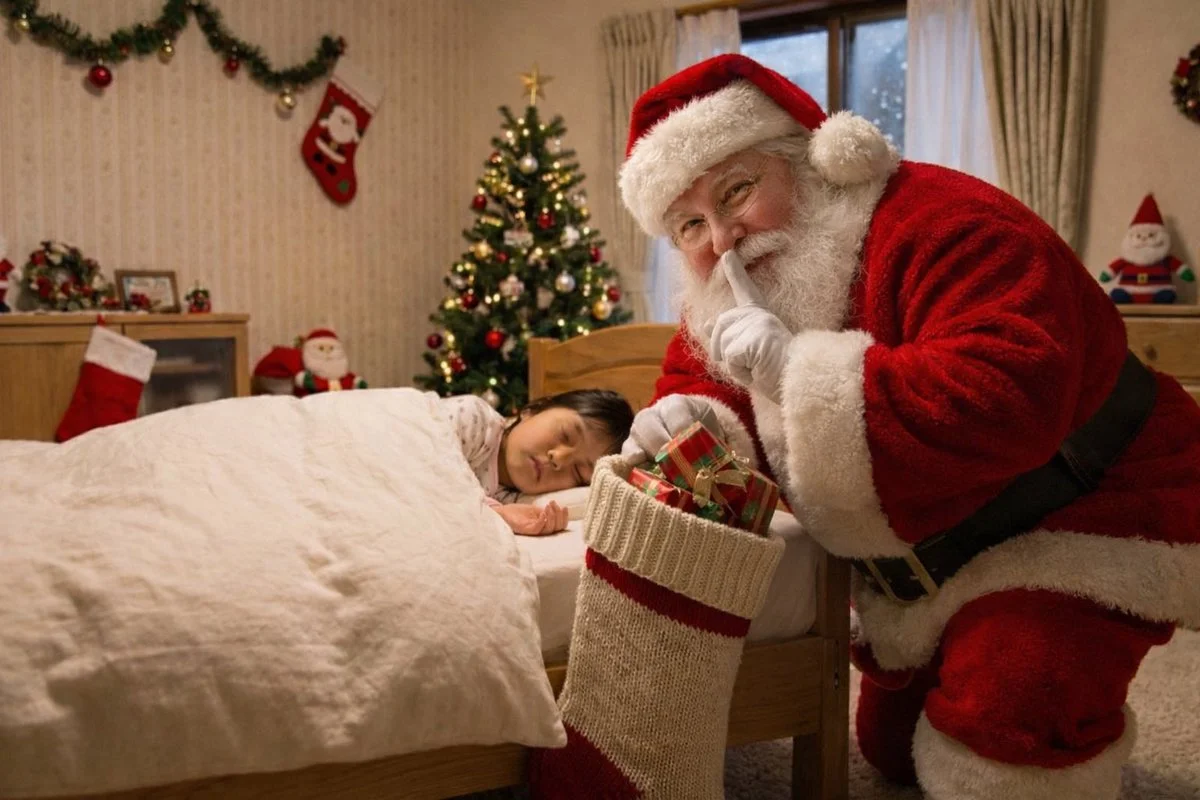
Add a real fat Santa Claus from Greenland putting presents into a big stocking without waking the child. Santa knows he's being photographed so add a 'shh' quiet gesture.
Add a real fat Santa Claus from Greenland putting presents into a big stocking without waking the child. Santa knows he's being photographed so add a 'shh' quiet gesture.
Verified prompt
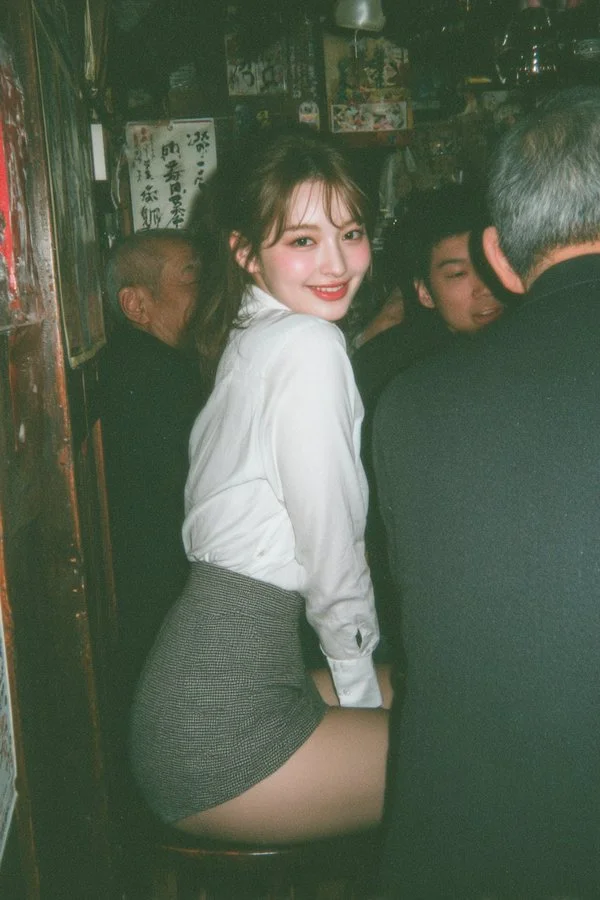
a young beautiful sweet smiling Asian woman with soft brown hair tied loosely in a low ponytail with gentle face-framing bangs, sitting sideways on a narrow wooden bar stool inside a tiny, crowded Japanese izakaya, turning back toward the camera with a gentle natural smile; wearing a white blouse and gray plaid high-waisted shorts; surrounded by middle-aged and elderly Japanese men in dark suits chatting quietly beside her; the bar interior is narrow and dimly lit, walls covered with old handwritten menus and vintage posters, cluttered shelves of bottles, ceramics, and small trinkets; soft warm tungsten lighting with slight haze, smoke lingering in the air, evoking the scent of grilled food and sake; authentic candid moment, intimate social atmosphere, nostalgic Showa-era Japanese nightlife vibe;cozy ambient tungsten lighting, low contrast, muted color palette with subtle green tint, shallow depth of field, film-like softness, slight haze, nostalgic 35mm analog photo, visible fine film grain, authentic Japanese retro bar atmosphere, candid portrait, in the style of Daido Moriyama, Takashi Homma, and Wong Kar Wai, Kodak Portra 400 film aesthetic --ar 3:4 --v 7
a young beautiful sweet smiling Asian woman with soft brown hair tied loosely in a low ponytail with gentle face-framing bangs, sitting sideways on a narrow wooden bar stool inside a tiny, crowded Japanese izakaya, turning back toward the camera with a gentle natural smile; wearing a white blouse and gray plaid high-waisted shorts; surrounded by middle-aged and elderly Japanese men in dark suits chatting quietly beside her; the bar interior is narrow and dimly lit, walls covered with old handwritten menus and vintage posters, cluttered shelves of bottles, ceramics, and small trinkets; soft warm tungsten lighting with slight haze, smoke lingering in the air, evoking the scent of grilled food and sake; authentic candid moment, intimate social atmosphere, nostalgic Showa-era Japanese nightlife vibe;cozy ambient tungsten lighting, low contrast, muted color palette with subtle green tint, shallow depth of field, film-like softness, slight haze, nostalgic 35mm analog photo, visible fine film grain, authentic Japanese retro bar atmosphere, candid portrait, in the style of Daido Moriyama, Takashi Homma, and Wong Kar Wai, Kodak Portra 400 film aesthetic --ar 3:4 --v 7
Explore Image Workflows
Explore the Grok workflow and compare it with the related image pages. The generator is the source of truth for current model access and settings. Use the prompt library to study published results and the model that created them.
Unleash Creativity with the Grok
Explore the Grok workflow and compare it with the related image pages. The generator is the source of truth for current model access and settings. Use the prompt library to study published results and the model that created them.
Allow time to inspect each image result and refine your brief. Processing time varies by model, request and service load. Change one direction at a time so that you can judge which edit improves the result.
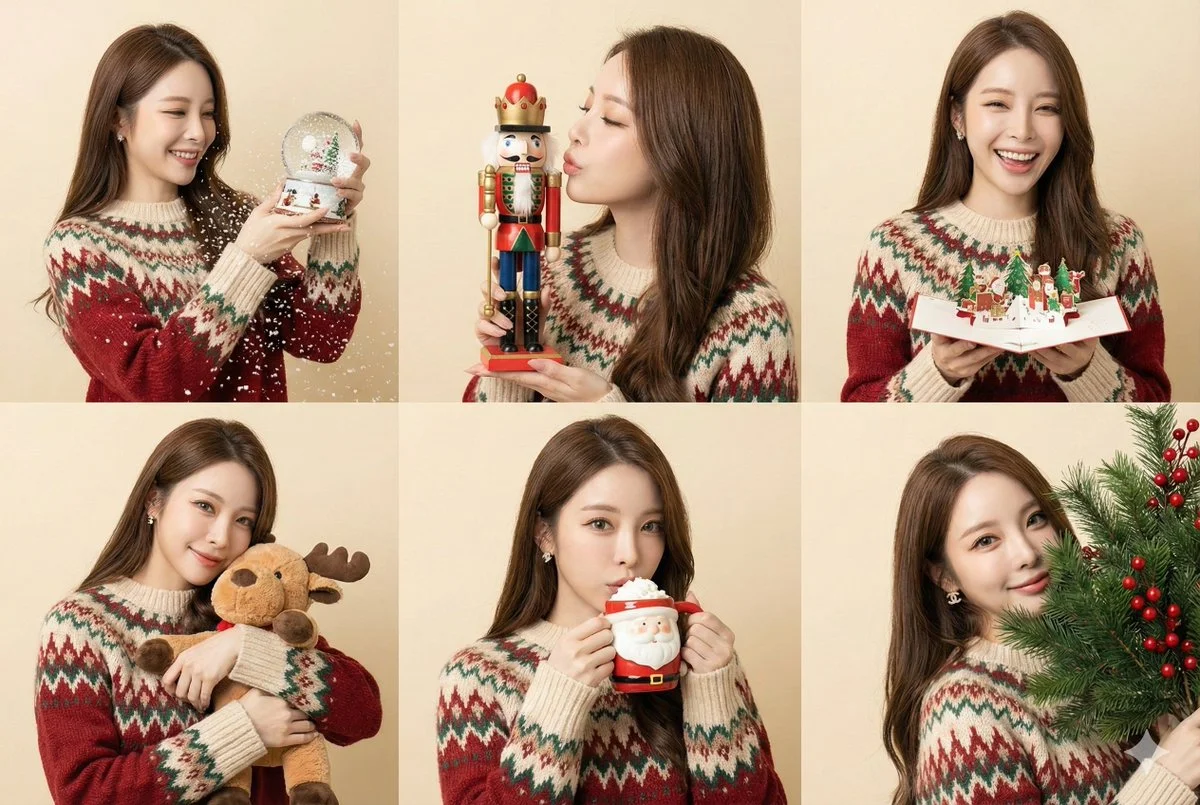
Explore Grok
From a Brief to a Reviewed Image: The Grok Workflow
Start your Grok image brief with a source image you have permission to use. Name the area to change and the colors, proportions or objects to preserve. Reference count and editing support depend on the selected model.
Enter prompt or upload reference
Start your Grok image brief with a source image you have permission to use. Name the area to change and the colors, proportions or objects to preserve. Reference count and editing support depend on the selected model.
Review Availability, Settings and Credits
Allow time to inspect each image result and refine your brief. Processing time varies by model, request and service load. Change one direction at a time so that you can judge which edit improves the result.
Review and Download Completed Results
When a request completes, inspect the image in History and download the result you want to keep. Review the composition and any unintended details before sharing it with your team or publishing it.
Build Your Grok Image Brief
Write your Grok image brief around a subject, composition, lighting and intended style. Add a material or texture when it matters. For edits, state one precise change and explain which parts of the source should remain intact.
Text-to-image creation
Write your Grok image brief around a subject, composition, lighting and intended style. Add a material or texture when it matters. For edits, state one precise change and explain which parts of the source should remain intact.
- Use the grok ai image generatorWrite your Grok image brief around a subject, composition, lighting and intended style. Add a material or texture when it matters. For edits, state one precise change and explain which parts of the source should remain intact.
- The grok imagineWrite your Grok image brief around a subject, composition, lighting and intended style. Add a material or texture when it matters. For edits, state one precise change and explain which parts of the source should remain intact.grok text to image generator.
- Choose only the resolution and aspect ratio shown for the selected model. Check framing, fine details and any text in the completed image. A larger output size does not guarantee a more accurate result.grok ai photo generator.
- Rely on this grok image prompt generatorExplore the Grok workflow and compare it with the related image pages. The generator is the source of truth for current model access and settings. Use the prompt library to study published results and the model that created them.
Write Precise Editing and Style Directions
Explore the Grok workflow and compare it with the related image pages. The generator is the source of truth for current model access and settings. Use the prompt library to study published results and the model that created them.
- Start your Grok image brief with a source image you have permission to use. Name the area to change and the colors, proportions or objects to preserve. Reference count and editing support depend on the selected model.grok ai image generatorDevelop your Grok image brief around the result you need. Keep the main direction specific, check supported settings in the generator, and review the completed work before using it in your project.
- The grok imagine platform acts as a sophisticated grok ai image editorFor a Grok product concept, specify the product shape, material, key detail and setting. Keep logos and claims accurate, allow room for your own typography, and review the result before using it in an advertisement.
- Use the grok image editing aiList the details that matter in your Grok image brief: identity, shape, colors, clothing and background. Use supported references where appropriate and compare every result; exact consistency is not guaranteed.
- This grok ai photo generatorDevelop your Grok image brief around the result you need. Keep the main direction specific, check supported settings in the generator, and review the completed work before using it in your project.
Use References to Explain the Intended Result
Start your Grok image brief with a source image you have permission to use. Name the area to change and the colors, proportions or objects to preserve. Reference count and editing support depend on the selected model.
- The grok ai image generatorList the details that matter in your Grok image brief: identity, shape, colors, clothing and background. Use supported references where appropriate and compare every result; exact consistency is not guaranteed.
- With grok imagine, you are not leaving things to chance; the grok reference image generator minimizes randomness.
- Ensure your brand consistency by letting the grok ai photo generator match the exact aesthetic of your provided references.
- creative for maintaining a cohesive look when using the Grok for marketing visuals.
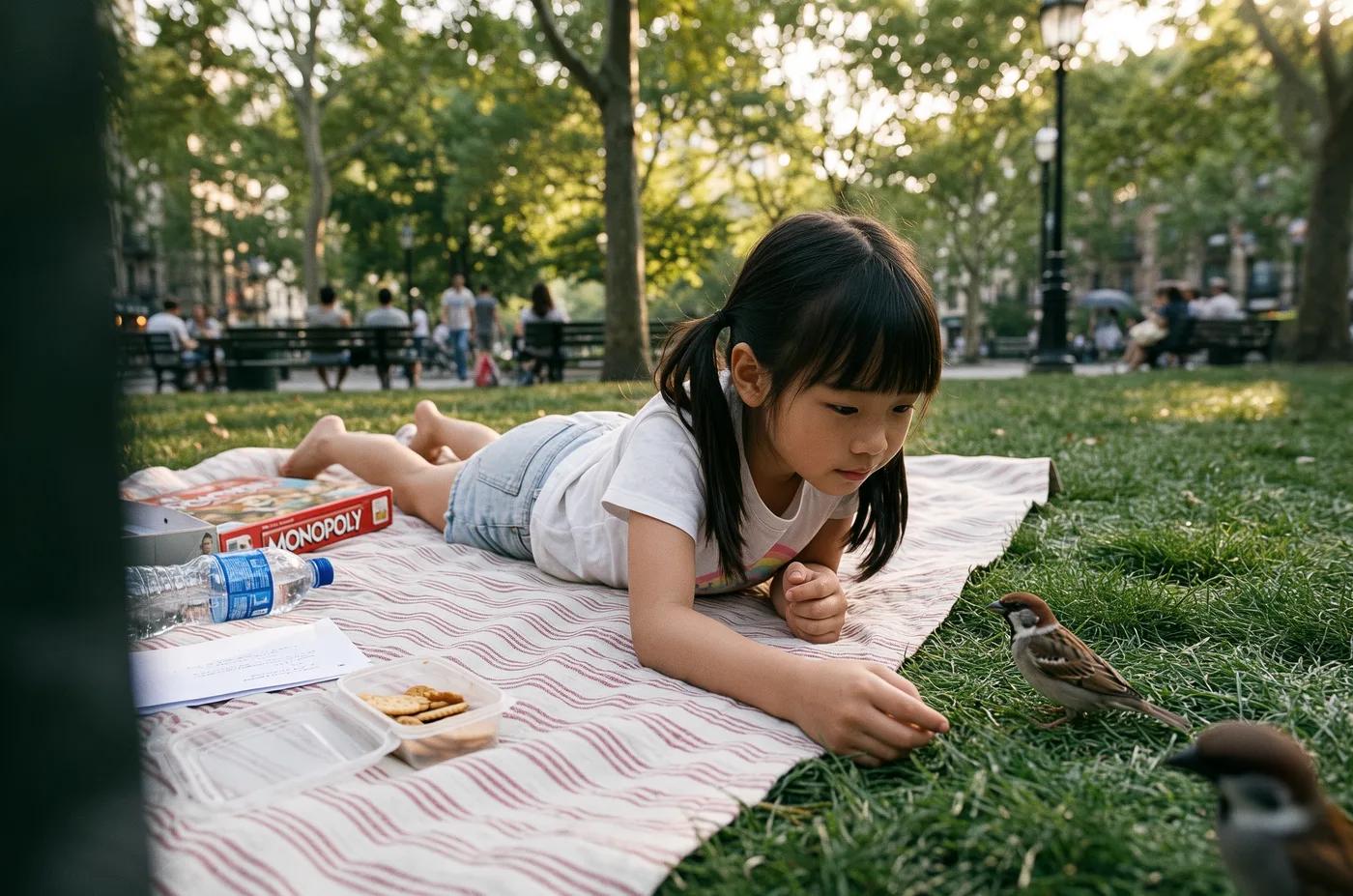
Explain Your Subject, Changes and References
Explore the Grok workflow and compare it with the related image pages. The generator is the source of truth for current model access and settings. Use the prompt library to study published results and the model that created them.
- The grok ai image generatorAllow time to inspect each image result and refine your brief. Processing time varies by model, request and service load. Change one direction at a time so that you can judge which edit improves the result.
- Use grok imagineFor a Grok product concept, specify the product shape, material, key detail and setting. Keep logos and claims accurate, allow room for your own typography, and review the result before using it in an advertisement.
- The grok ai photo generator provides you with a variety of options, making it the ideal Grok for social media.
- Develop your Grok image brief around the result you need. Keep the main direction specific, check supported settings in the generator, and review the completed work before using it in your project.grok imagine ai image generator.
A Clearer Creative Brief for Grok
Allow time to inspect each image result and refine your brief. Processing time varies by model, request and service load. Change one direction at a time so that you can judge which edit improves the result.
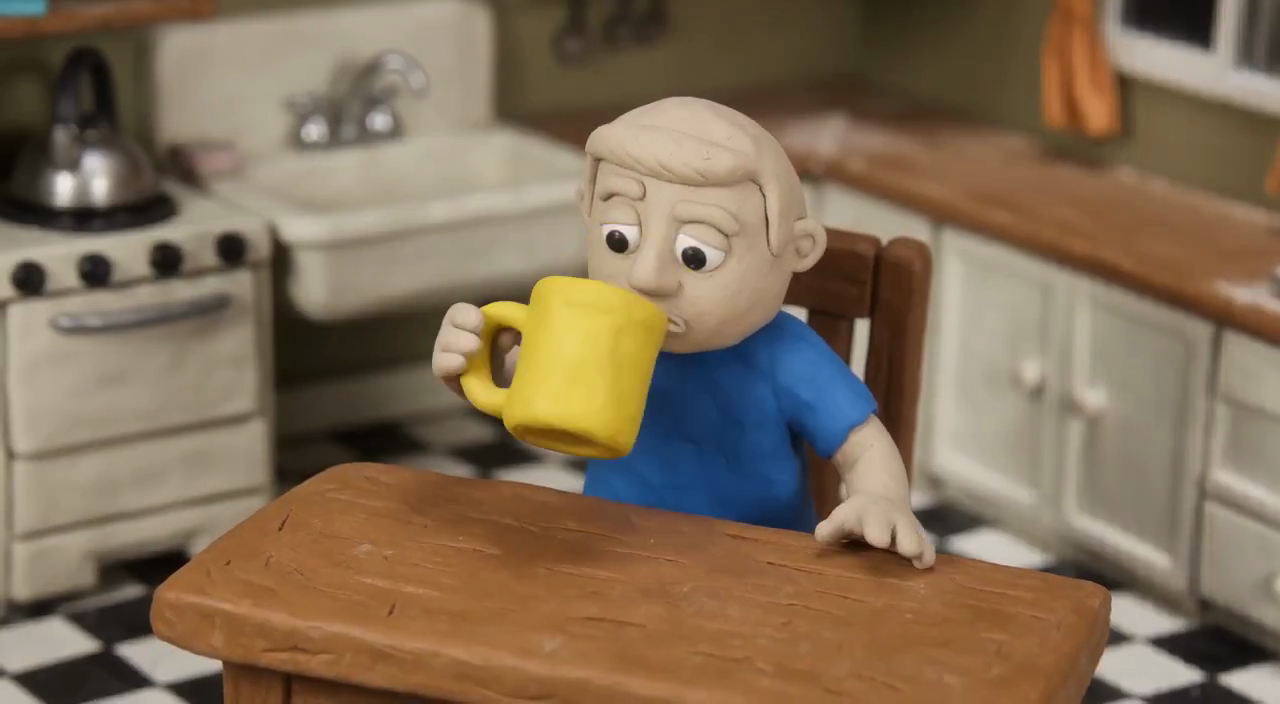
Skip Complex Software
Allow time to inspect each image result and refine your brief. Processing time varies by model, request and service load. Change one direction at a time so that you can judge which edit improves the result.

Turn Ideas into Visuals
Choose only the resolution and aspect ratio shown for the selected model. Check framing, fine details and any text in the completed image. A larger output size does not guarantee a more accurate result.
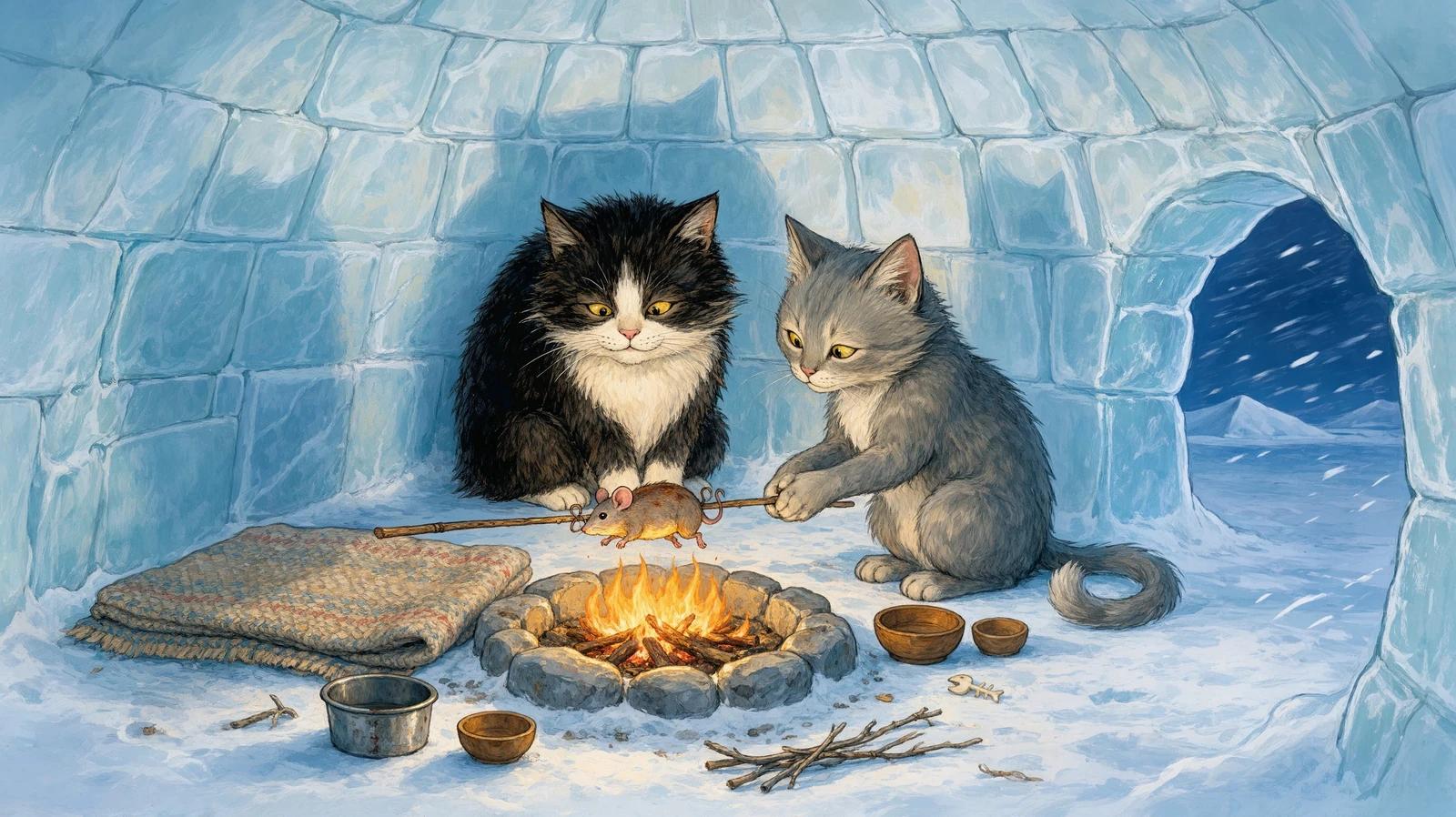
Check Details Across Every Result
Start your Grok image brief with a source image you have permission to use. Name the area to change and the colors, proportions or objects to preserve. Reference count and editing support depend on the selected model.
Built for Marketing & Social
For a Grok product concept, specify the product shape, material, key detail and setting. Keep logos and claims accurate, allow room for your own typography, and review the result before using it in an advertisement.
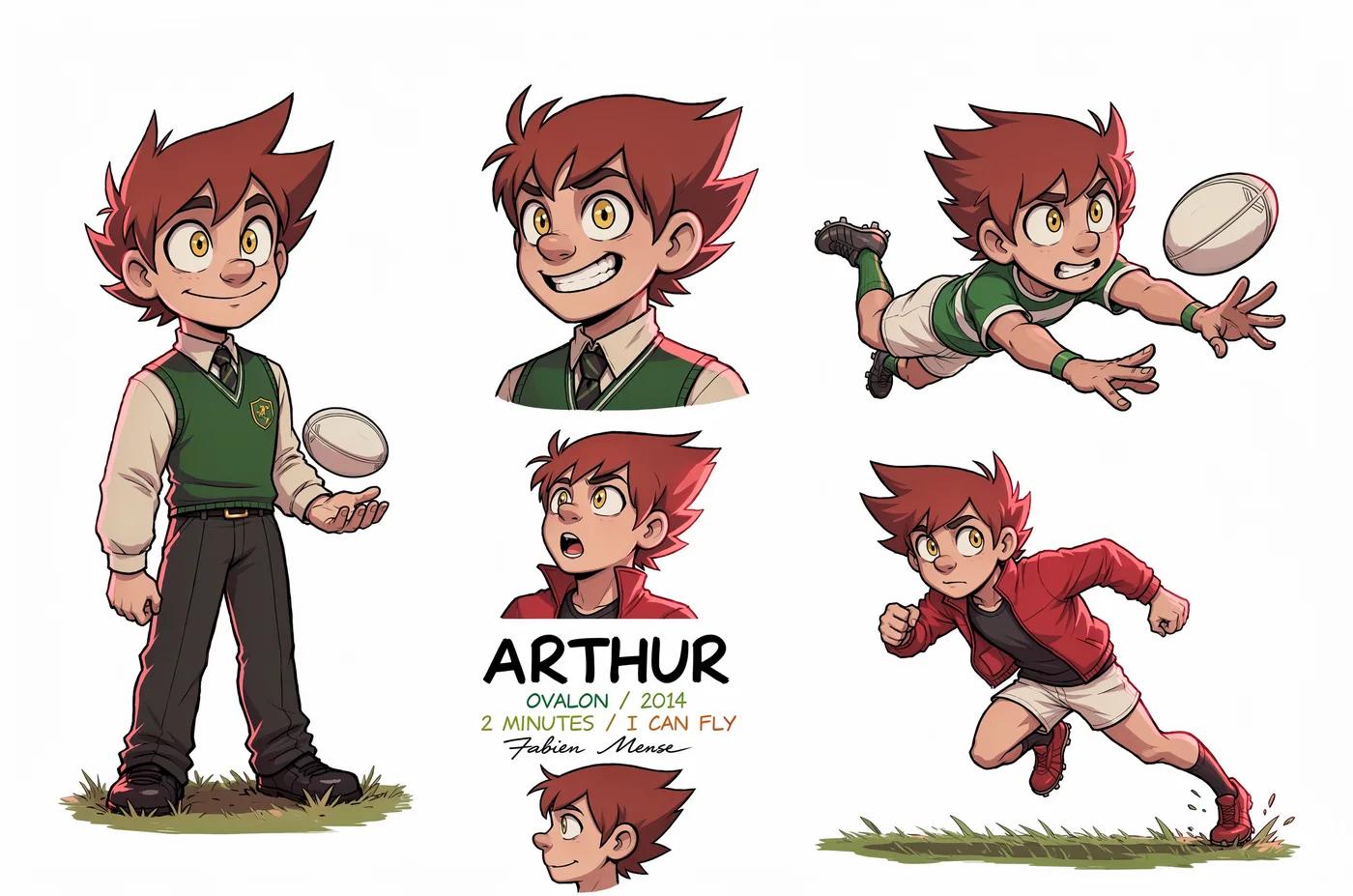
Easy Natural-Language Editing
Allow time to inspect each image result and refine your brief. Processing time varies by model, request and service load. Change one direction at a time so that you can judge which edit improves the result.
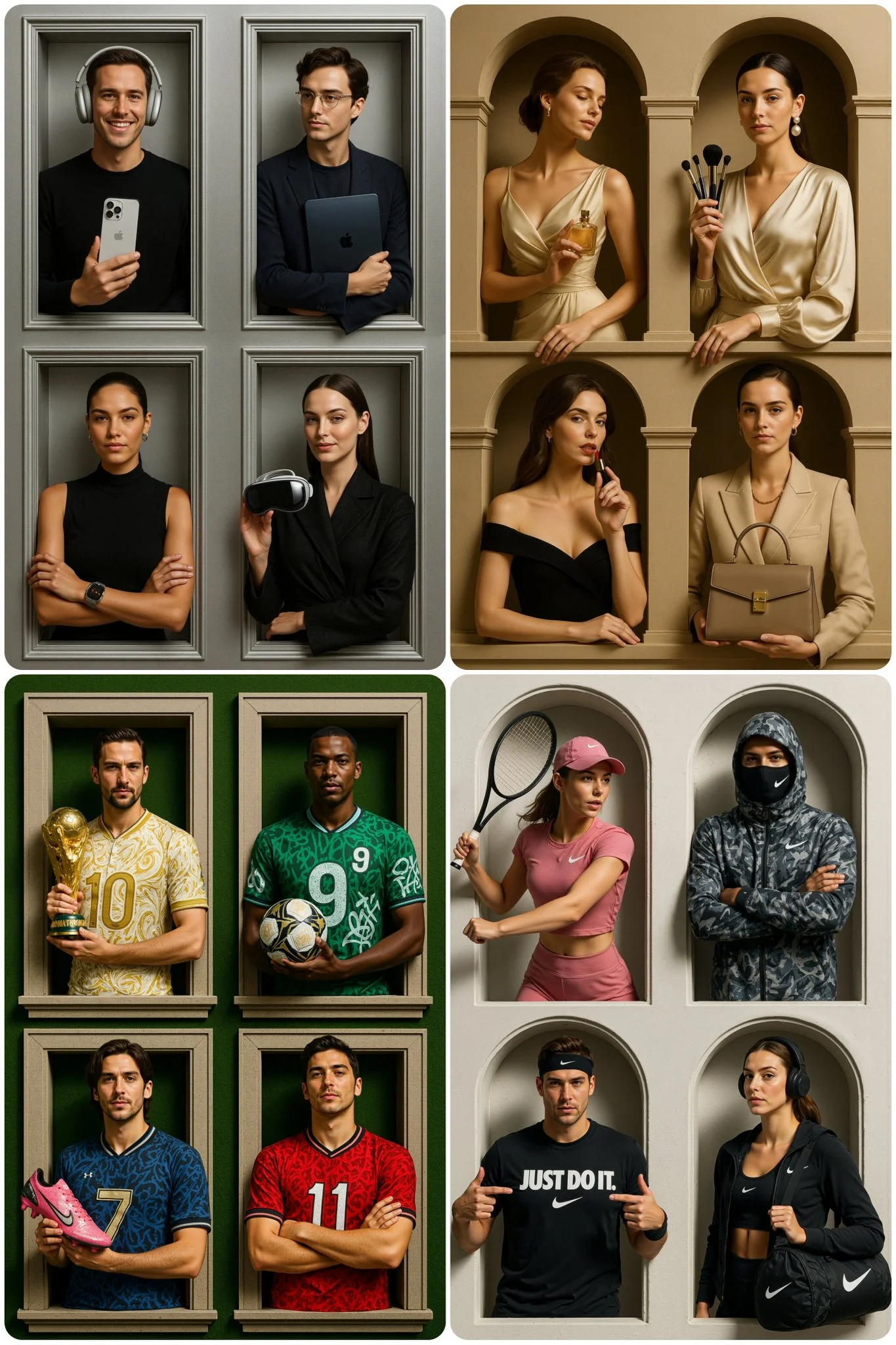
Rapid Visual Iteration
Allow time to inspect each image result and refine your brief. Processing time varies by model, request and service load. Change one direction at a time so that you can judge which edit improves the result.
Creative Notes for Your Grok Image Brief
Give the main subject one clear action. For a Grok concept, a precise brief is easier to assess than a list of competing effects.

Grok Image Workflow: Questions & Answers
Develop your Grok image brief around the result you need. Keep the main direction specific, check supported settings in the generator, and review the completed work before using it in your project.
This klingai.me page explains the Grok image workflow. It helps you write a focused brief and review the available inputs. Current access is shown in the generator; a model name on a guide does not mean it currently accepts requests.
Develop your Grok image brief around the result you need. Keep the main direction specific, check supported settings in the generator, and review the completed work before using it in your project.
Write your Grok image brief around a subject, composition, lighting and intended style. Add a material or texture when it matters. For edits, state one precise change and explain which parts of the source should remain intact.
Use only the input modes and controls offered by the selected model. Describe the intended image clearly and add supported references when useful. This page does not promise separate motion-brush, audio-upload, restoration or editing tools.
For a Grok product concept, specify the product shape, material, key detail and setting. Keep logos and claims accurate, allow room for your own typography, and review the result before using it in an advertisement.
Choose only the resolution and aspect ratio shown for the selected model. Check framing, fine details and any text in the completed image. A larger output size does not guarantee a more accurate result.
You can request a refund within 10 days of purchase if you have unused credits from that purchase and provide a clear reason, subject to our Refund Policy. If eligible, an unused purchase can be fully refunded; a partly used purchase is refunded in proportion to its remaining unused credits. Fully used purchases and free or promotional credits are not refundable.
Credit validity depends on the pack, subscription or promotion that issued them. Review the purchase terms and expiration dates in Settings > Credits. A renewal or new purchase does not extend older credits. Use credits before their stated expiration; do not assume unused subscription credits roll over indefinitely.
Credits charged for a task that is confirmed as failed due to a system error are returned automatically. A task that is still processing has not yet been confirmed as failed. Check its status and your credit history before submitting again. If a confirmed failure still shows an unresolved charge, email support@klingai.me with the task ID.
AI results can vary, so a completed result that differs from your expectations is not automatically treated as a technical failure. Eligible completed image tasks can be submitted for credit refund review using the refund option where available; approval is required. For a video or another issue, contact support@klingai.me with the task ID and details. A credit refund returns credits, not money to your payment method.
Email support@klingai.me. For billing, include your account email and order ID; for generation, include the task ID, issue description and relevant screenshots. If you purchased as a guest, keep the original browser data and payment receipt so we can help locate the purchase.
Explore Your Next Grok Image Idea
Allow time to inspect each image result and refine your brief. Processing time varies by model, request and service load. Change one direction at a time so that you can judge which edit improves the result.
klingai.me · Updated
See update history
- — Corrected the default model selection for the Grok image generator. Added editable example prompts and separate drafts for text and reference modes, with an action to restore the example.
- — Updated page copy and content.
- — Page content published.