
Oh You Can Make It Cap AI: Two-Person Studio Video
Oh You Can Make It Cap AI
Watch a shared reaction and high-five
History
Loading history…
Oh You Can Make It Cap AI is a klingai.me guide to making an original, light comedy video with two people. Upload one person as the laughing responder and another as the handbag-turning lead. Add optional style notes, review the displayed quote, then generate and check the finished video.
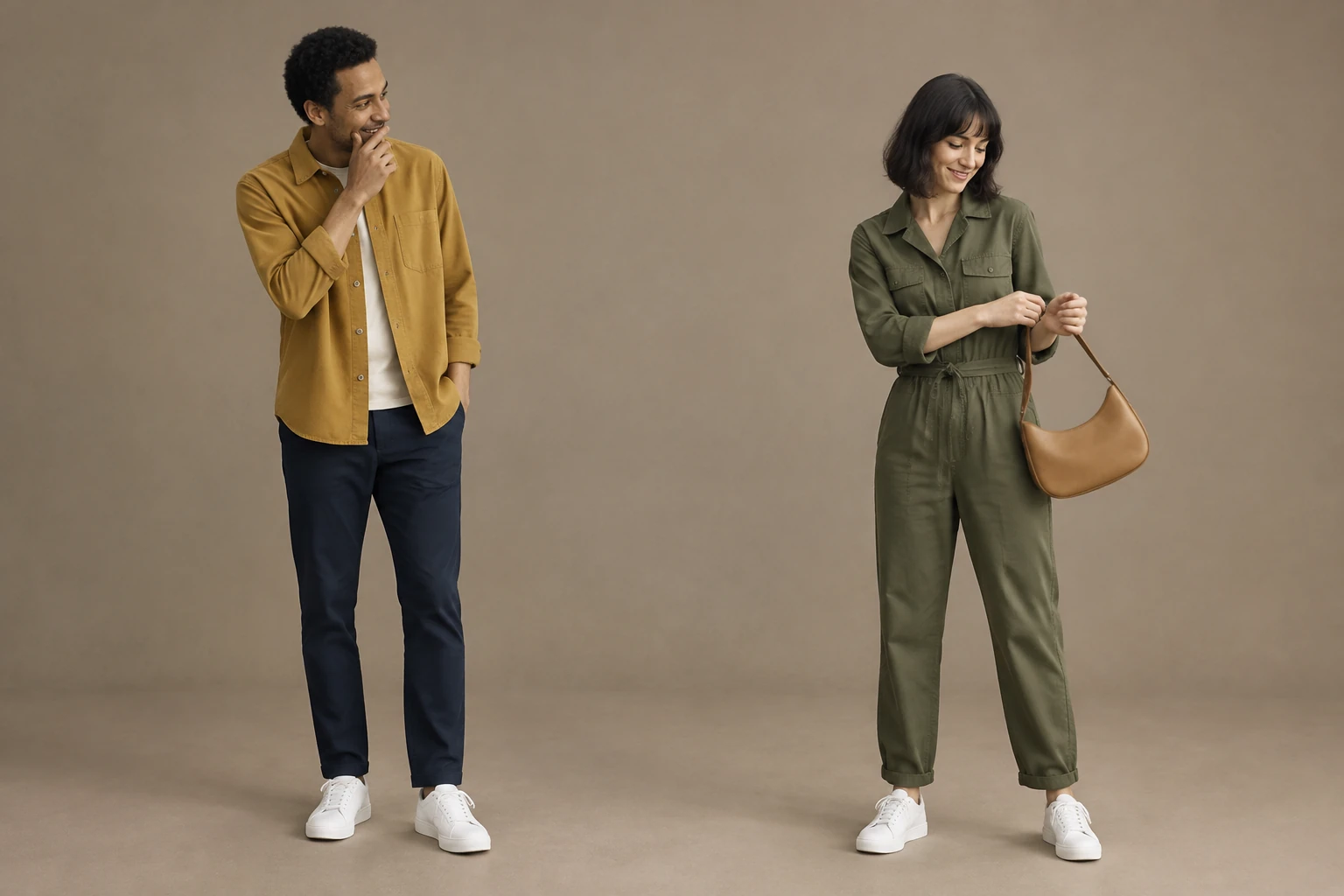
Create your two-person studio scene
Choose two separate photos
Select a clear photo of the person who will react and a separate clear photo of the person who will turn. This page's two-person setup needs both images. Use the named selectors: Image 1 is the laughing responder; Image 2 is the handbag-turning person. Do not rely on one photo to supply both roles.
Check the roles and add optional notes
Confirm each photo is in the correct selector before continuing. The scene direction already specify the actions and image-role order. You may add a short visual or style note, but it is optional and does not replace or edit those scene direction. Keep notes focused on simple visual preferences.
Review settings and the displayed quote
This page sets the output duration to 8 seconds. Aspect ratio and output quality depend on the live model options. An optional audio toggle may be offered, but it does not promise a soundtrack. Seedance 2.0 is currently a paid option; credits can change with selected quality and media. Always review the Required Credits shown beside Generate and confirm your account access before choosing Generate. No free model, free credits, fixed price, or fixed wait time is guaranteed.
Generate, review, and download
Follow progress and find results in History. When a video is complete, review whether both people remain distinct, each has the right role, and faces and outfits are recognizable. Check that the handbag stays with the second person, the turn and reaction flow continuously, no extra people or limbs appear, hands and feet are readable, and the ending is clear. Use the Download control on the completed video to save the result. Cropping, captions, and music finishing are separate editing choices.
What this guide makes
Make a short studio exchange from two separate portraits. The first photo supplies the laughing responder; the second supplies the person who turns with the handbag. The page already includes a scene direction for those roles, so you can focus on choosing the cast and adding a brief visual preference if useful. Keep each person in the selector that matches the action you want them to perform.
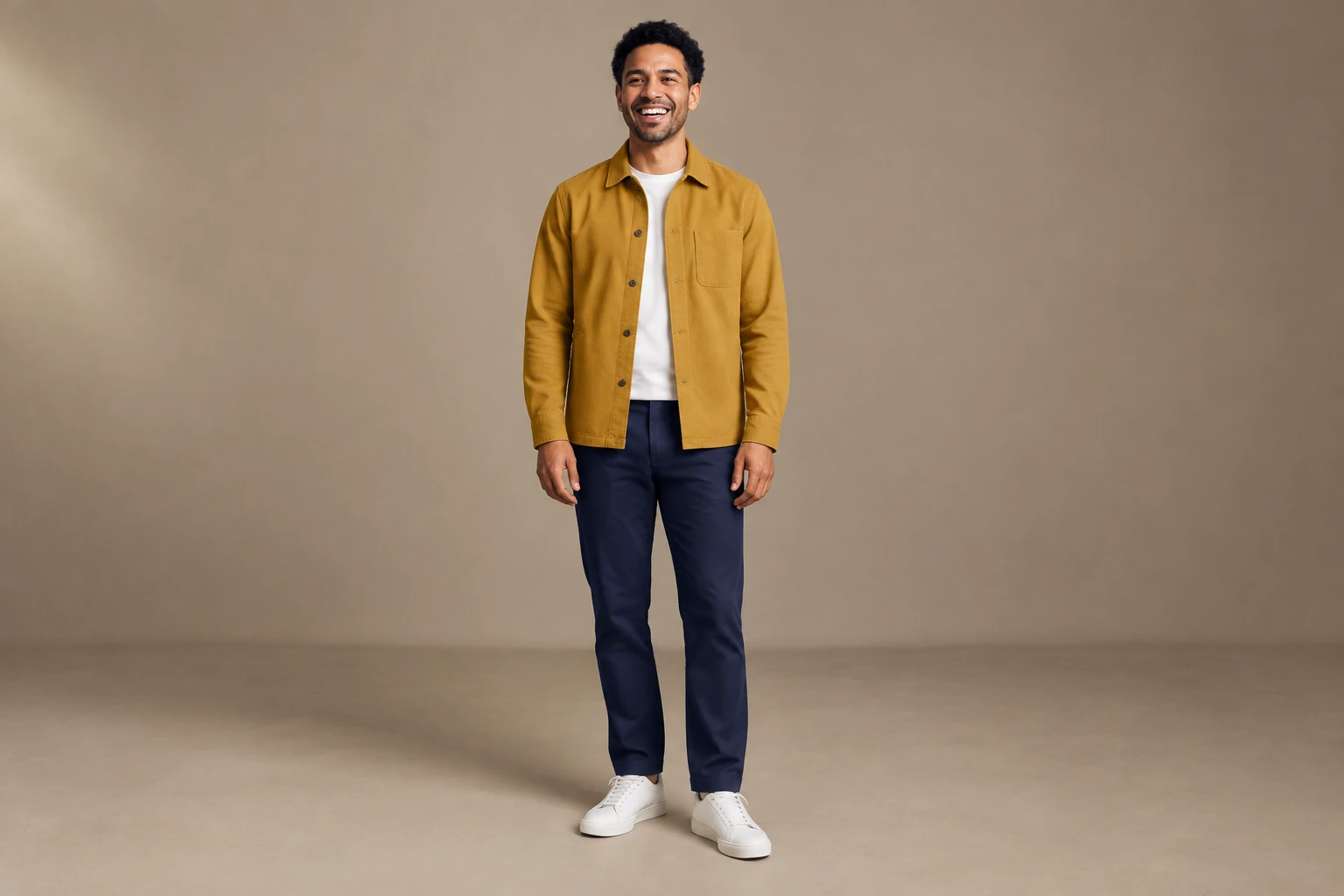
Build the scene around clear roles
The visual direction is deliberately simple: one person makes a small, confident handbag turn while the other tries to keep a straight face and reacts with a restrained laugh. Keep the people clearly separated in an uncluttered warm taupe studio with a matte floor and soft side light. A scene concept might show an adult man with short curly black hair, a mustard overshirt, navy trousers, and white trainers reacting to an adult woman with a dark bob, an olive jumpsuit, white trainers, and a plain small tan handbag. These are fictional visual examples, not required identities or outfits. Do not force them onto uploaded people; preserve the people and clothing shown in their own photos.

Use photos that make each person readable
Choose one person per image and make the intended role easy to identify. A clear view of the face and outfit helps you assess whether the result keeps that person's appearance recognizable. The action depends on readable movement, so check for framing that gives the scene room for hands and feet. If the two people look similar in their photos, carefully verify their order in the separate selectors before generating. Do not expect an automatic identity lock: review the completed video for role swaps or appearance changes.

Know what is and is not included
The page starts with an eight-second scene and offers the aspect ratios and output qualities currently available for the selected model. Check Required Credits before generating, then follow progress in History. Download a completed video after watching the whole turn, reaction and ending. If you want captions, another crop or a chosen music track, add those during separate finishing work. Use the filmed interaction on this page to study how two people share a frame.
Oh You Can Make It Cap AI questions
What is Oh You Can Make It Cap AI, and why are two photos required?
It is a guide to making an original two-person comedy scene on klingai.me. Add two different person photos: one for the laughing responder and one for the person making the handbag turn.
Which photo goes first?
Put the laughing responder in the first selector, Image 1. Put the person who turns with the handbag in the second selector, Image 2. Check the labels and photo order before generating.
Is this paid, and can I check the current cost?
Seedance 2.0 is currently a paid option, and free-model or free-credit eligibility is not guaranteed. The live Required Credits display beside Generate reflects the selected settings and media. Review that quote and your account access before choosing Generate; no fixed price is promised.
How long will generation take, and where can I check it?
There is no fixed wait-time promise. Check the job status and available results in History.
Will the people and movement look exactly as expected?
The scene instructions request distinct people, correct roles, recognizable appearance, a small turn, and a restrained reaction, but exact appearance or motion is not guaranteed. Review the completed video for role assignment, continuity, the handbag, extra people or limbs, readable hands and feet, and a clear ending.
How do I download and finish the video?
Use Download on the completed video after checking it in History. Cropping, captions, and music are separate finishing work; an optional audio toggle, if available, does not promise a soundtrack.
More ideas to explore
klingai.me · Updated
See update history
- — Independent two-person studio guide with separately assigned photo roles, a ready scene direction, four original studio illustrations, a filmed interaction reference and current credit and result checks.