
Christmas Dance Trend: A Two-Photo Video Guide
Seedance 2.0 Christmas Dance Trend Generator
Watch a paired holiday turn
History
Loading history…
This Christmas Dance Trend guide shows how to make a clean, stage-style paired holiday clip using two separate adult portrait photos and written instructions. The included routine is designed for 15 seconds, with a steady full-body camera, clear silhouettes and a simple shared-wave finish. You do not need to upload a dance video or fill in a general prompt.
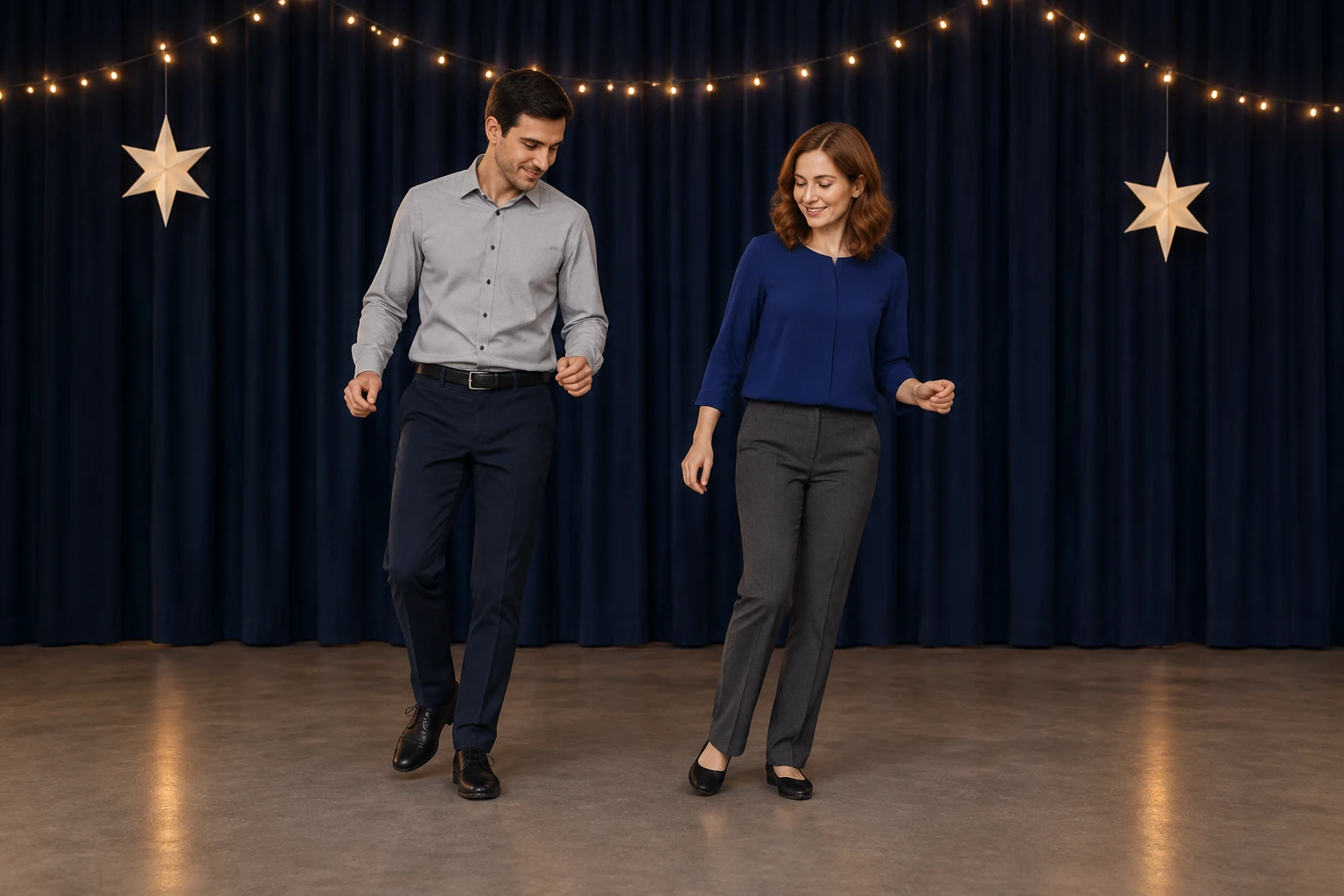
Create your Christmas dance video
Choose one portrait for each adult
Upload a clear photo of the first adult in the left portrait field and a separate photo of the second adult in the right field. Keep each face and hairstyle easy to see. The example pairs man with short dark hair in a silver-gray shirt with woman with auburn hair in a deep-blue blouse, but your photos supply the intended people and clothing.
Start with the prepared holiday routine
The full 15-second direction is ready: a relaxed stance, small synchronized side-steps, gentle shoulder movement and a shared wave in a midnight-blue holiday stage. The camera stays wide enough to follow both people. Leave Optional visual notes empty to start, or add a brief preference for the setting or lighting.
Review the settings and live quote
Seedance 2.0 uses a 15-second duration here. Review the available aspect ratio, resolution and audio options, then check the current credit requirement and account eligibility before generating.
Watch the whole greeting
Follow the task in History; processing time varies. When the clip is ready, compare both faces with the portraits and inspect the side-steps, clothing, feet and shared-wave finish. Download the clip once it suits your greeting.
A written routine made for a paired stage clip
The page supplies a complete written 15-second independent holiday side-step routine. It is intended to give the pair a simple shared movement and a calm wave at the end, while keeping the camera steady and both people visible full-body. The routine is not an exact viral choreography recreation and does not promise a match to a named artist, song or external recorded motion.
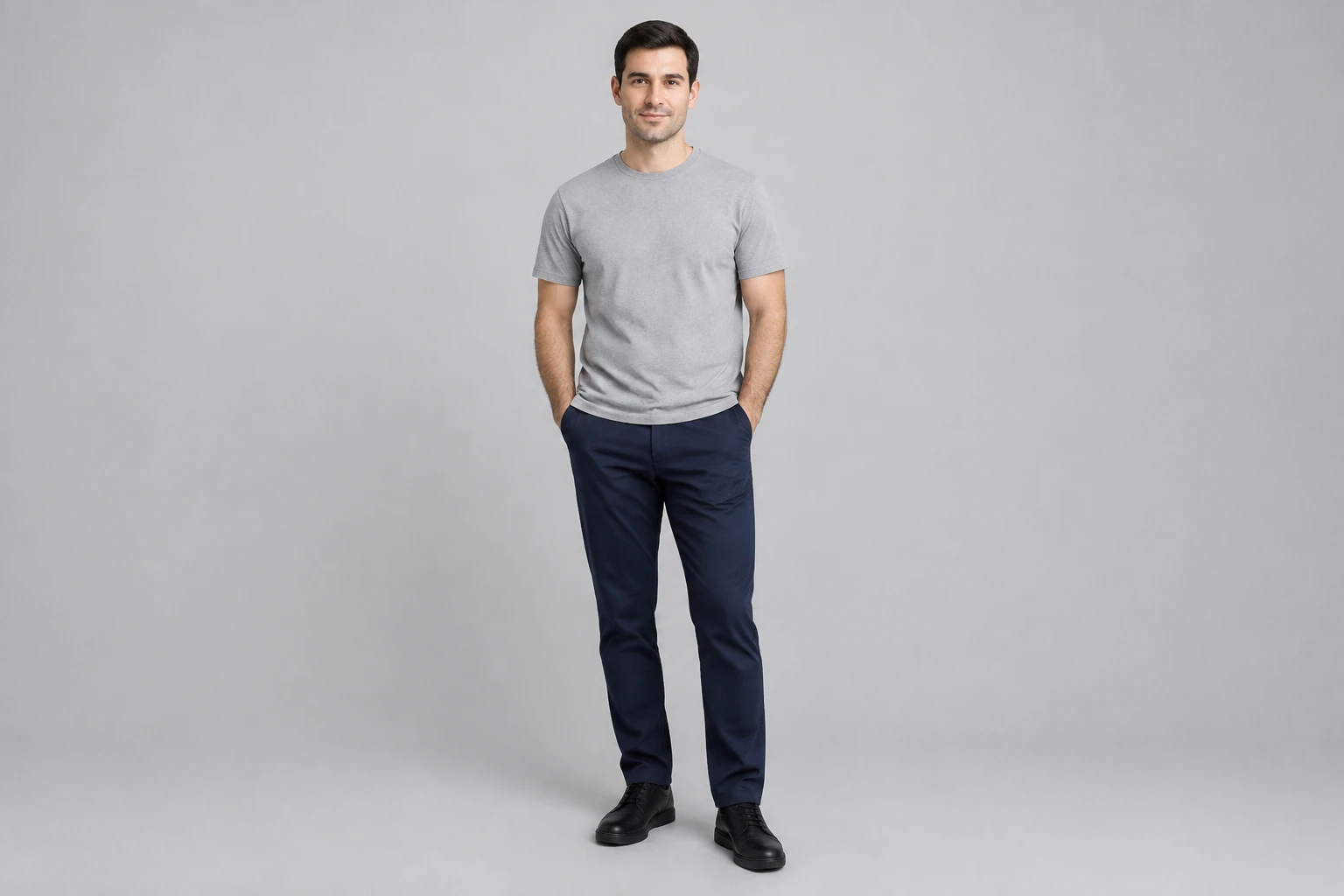
What the observation clip can—and cannot—do
The licensed 8-second clip is for observing visible spacing and gestures between two bodies. It is not submitted as motion input: the native request uses the two portrait photos and written instructions. The clip is optional, and no video upload is mandatory.
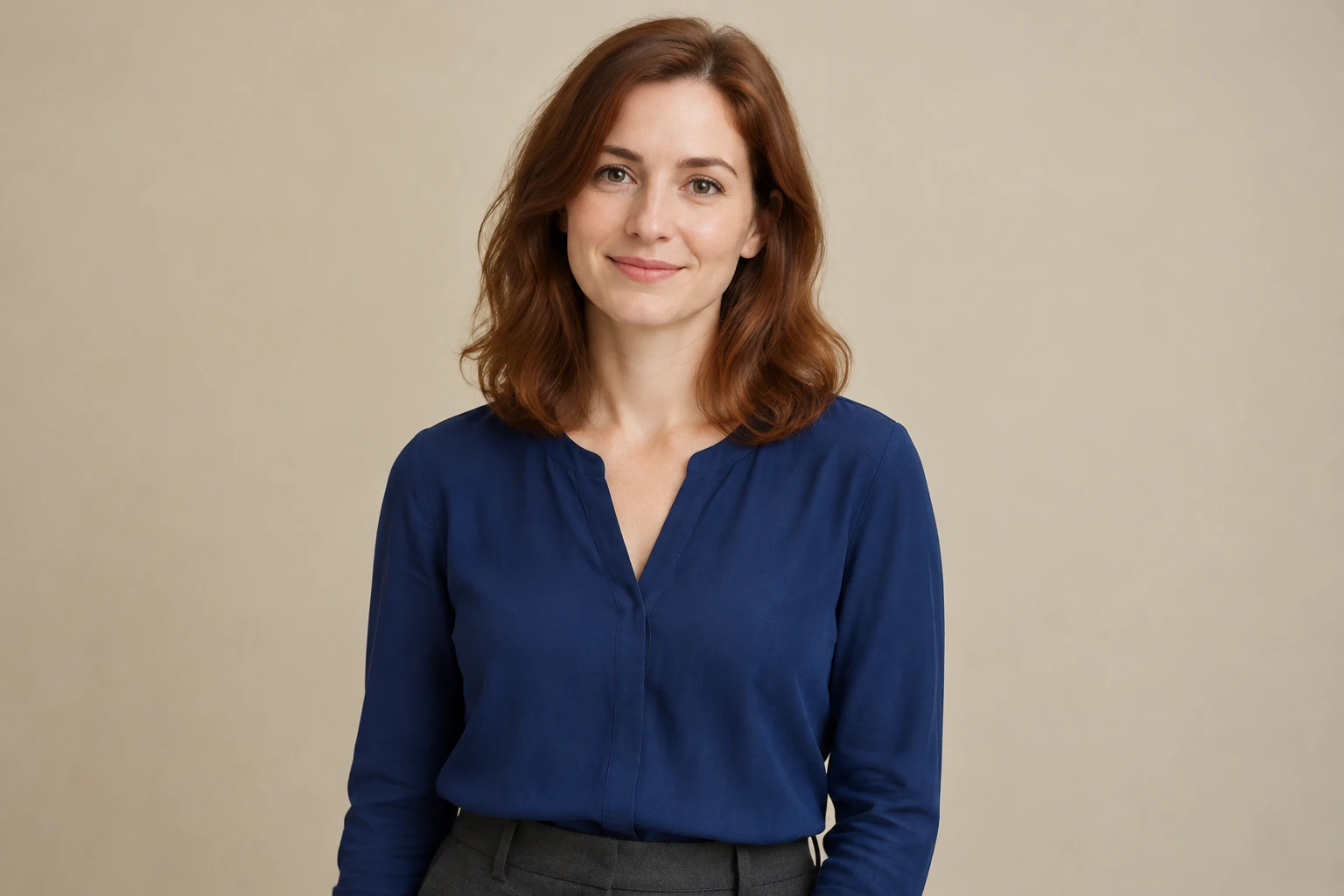
Set expectations before generating
Generation has a live quote, and a paid account is required to be eligible before Generate. There is no fixed cost or stated free allowance here. Check the History status and review a ready clip when it appears; waiting time can vary. Review faces, body positions and feet in the finished result rather than assuming every detail will match the intended pose.
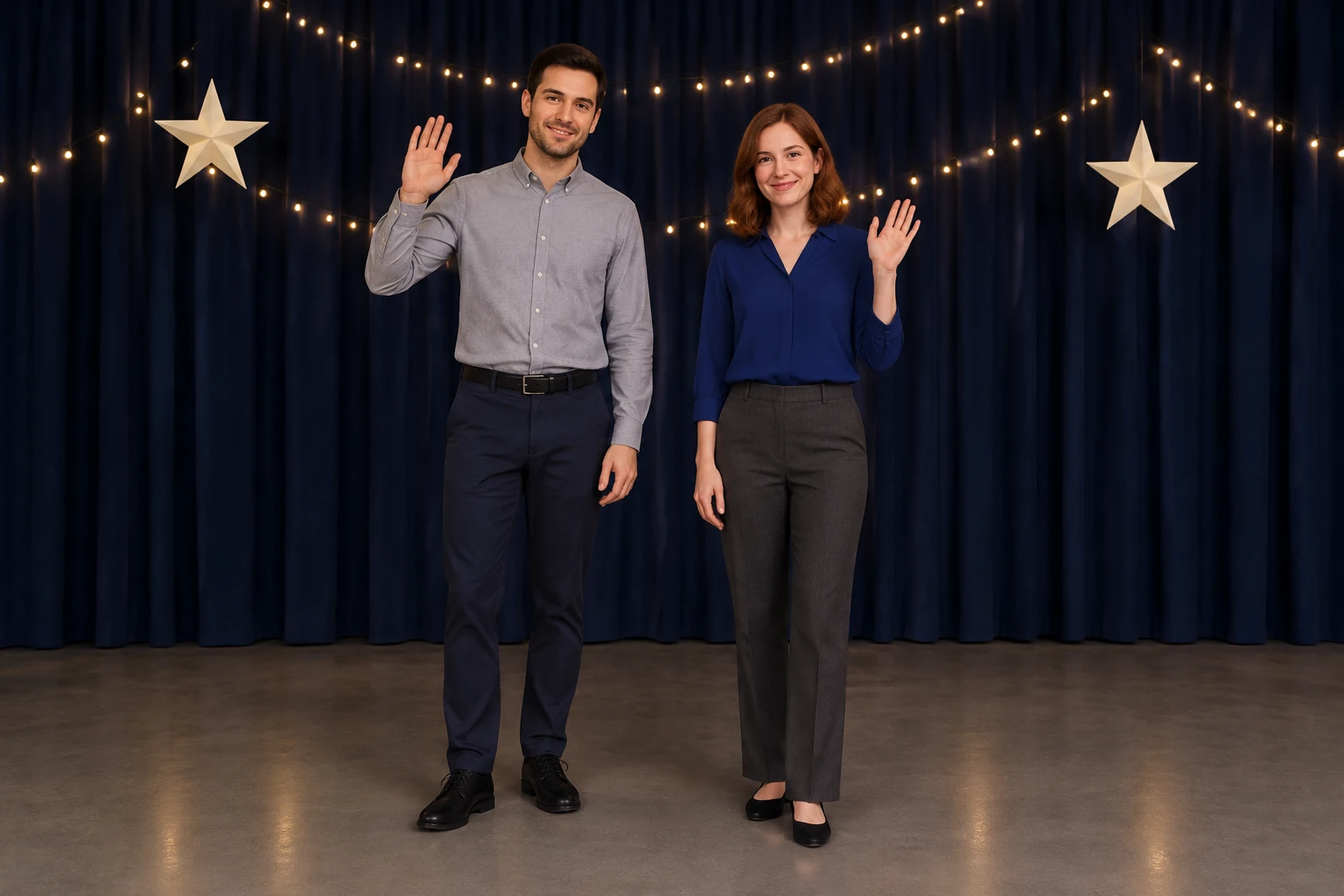
Plan the opening and the finish
The wide stage picture leaves room around both dancers. The separate portraits help you compare individual faces and clothing, while the final paired picture shows a small shared wave. Keep that simple progression in mind when reviewing the full clip, especially where a hand crosses a face or a foot approaches the edge of the frame.
Christmas Dance Trend questions
What photos does Christmas Dance Trend need?
Upload two separate adult portrait photos: the first for the left dancer and the second for the right dancer. Seedance 2.0 combines the portraits with the prepared 15-second scene direction.
How should I prepare the two photos?
Use one clear portrait per adult, with each person’s appearance and clothing visible enough to distinguish. For this scene, the first person wears a soft silver-gray shirt and navy trousers; the second wears a modest deep-blue blouse and charcoal trousers. Avoid treating one shared picture as a substitute for the two required portraits.
Do I need to add notes or write a general prompt?
No general prompt is required. Optional visual notes start empty and may refine the setting, while the photos and built-in instructions are enough. The page supplies a complete written 15-second holiday side-step routine with a steady full-body camera and shared-wave finish.
How do credits and payment work?
Check the live quote and paid-account eligibility before selecting Generate. The cost is not fixed here, and no free allowance is specified. Confirm the displayed terms in your account before starting.
Where can I find the result, and how long will it take?
Check History for the generation status and ready clips. Waiting time varies, so the guide does not promise a fixed completion time.
What should I review in the finished clip?
Check whether both faces remain recognizable, the bodies stay clearly separated and the full-body framing includes the feet. Also review the side steps and shared-wave finish. A prompt cannot guarantee exact identity or flawless movement.
More ideas to explore
klingai.me · Updated
See update history
- — Added a two-portrait holiday video guide for a midnight-blue holiday stage, with a prepared 15-second routine, optional notes, four original pictures and a filmed spacing study.