Kling AI Video Generator
Write a Focused Visual Brief for Kling 3.0
Focus your Kling 3.0 video brief on visible action, camera movement and lighting. Add final sound and dialogue in your editing workflow when needed; do not assume audio is included with a video request.
Verified prompt
A deadly manga heroine with long silver hair, piercing crimson eyes, athletic silhouette, black battle kimono flowing in the wind, rendered in ultra-premium Japanese anime rendering, manga-style visual language, epic anime-inspired sakuga animation, sharp anime linework, high-contrast cel shading, hand-drawn speed lines, explosive impact frames, dynamic motion smears, dramatic facial close-ups, cinematic anime lighting - Stands alone on a shattered temple staircase as dozens of demon warriors charge uphill toward her, camera slowly circling her calm expression before a sudden crash zoom into her eyes; - Explodes forward with impossible speed, slicing through enemies in a blur of steel, bodies launched through pillars, stone stairs shattering beneath each step, epic anime-style impact frames punctuating every strike; - Reaches the giant demon general at the summit and defeats him with a single devastating slash that splits the temple gate behind him, ending with the heroine standing amid falling debris while the remaining demons retreat in terror Epic fantasy anime battle, brutal sword choreography, heroic final payoff.
A deadly manga heroine with long silver hair, piercing crimson eyes, athletic silhouette, black battle kimono flowing in the wind, rendered in ultra-premium Japanese anime rendering, manga-style visual language, epic anime-inspired sakuga animation, sharp anime linework, high-contrast cel shading, hand-drawn speed lines, explosive impact frames, dynamic motion smears, dramatic facial close-ups, cinematic anime lighting - Stands alone on a shattered temple staircase as dozens of demon warriors charge uphill toward her, camera slowly circling her calm expression before a sudden crash zoom into her eyes; - Explodes forward with impossible speed, slicing through enemies in a blur of steel, bodies launched through pillars, stone stairs shattering beneath each step, epic anime-style impact frames punctuating every strike; - Reaches the giant demon general at the summit and defeats him with a single devastating slash that splits the temple gate behind him, ending with the heroine standing amid falling debris while the remaining demons retreat in terror Epic fantasy anime battle, brutal sword choreography, heroic final payoff.
Verified prompt
The exact same adult woman from the reference image — identical face, hairstyle, outfit, and body proportions. She performs an intense K-POP girl-crush solo dance with confident hip shakes, deep body rolls, fluid body waves, thigh isolations, sharp waist movements, and natural hair whips. Use a dynamic multi-cut music video setup. Start with a smooth 360° tracking shot, then move between full-body dance shots, upper-body close-ups, waist-to-hip close-ups, rear three-quarter angles, and dramatic low-angle shots. Keep the choreography clear and continuous. Use close-ups as short rhythmic inserts, while showing her full body for most of the dance. End with a slow low-angle push-in as she turns toward the camera with a confident expression. Warm skin tones, deep teal shadows, cinematic lighting, subtle film grain, photorealistic skin and fabric details, high-end K-POP MV and fashion campaign style, 24fps. Fit the attached character image. Keep the face, outfit, and body proportions consistent throughout.
The exact same adult woman from the reference image — identical face, hairstyle, outfit, and body proportions. She performs an intense K-POP girl-crush solo dance with confident hip shakes, deep body rolls, fluid body waves, thigh isolations, sharp waist movements, and natural hair whips. Use a dynamic multi-cut music video setup. Start with a smooth 360° tracking shot, then move between full-body dance shots, upper-body close-ups, waist-to-hip close-ups, rear three-quarter angles, and dramatic low-angle shots. Keep the choreography clear and continuous. Use close-ups as short rhythmic inserts, while showing her full body for most of the dance. End with a slow low-angle push-in as she turns toward the camera with a confident expression. Warm skin tones, deep teal shadows, cinematic lighting, subtle film grain, photorealistic skin and fabric details, high-end K-POP MV and fashion campaign style, 24fps. Fit the attached character image. Keep the face, outfit, and body proportions consistent throughout.
Verified prompt
この背景で故障しているの女性型ロボットの視界を作ってください。「システムエラー」「システムシャットダウン」などの警告メッセージとノイズはいっぱいで視界を被る。全てのメッセージは英語で書く。
この背景で故障しているの女性型ロボットの視界を作ってください。「システムエラー」「システムシャットダウン」などの警告メッセージとノイズはいっぱいで視界を被る。全てのメッセージは英語で書く。
Explore Video Workflows
Explore the Kling 3.0 workflow and compare it with the related video pages. The generator is the source of truth for current model access and settings. Use the prompt library to study published results and the model that created them.
Write a Focused Visual Brief for Kling 3.0
Focus your Kling 3.0 video brief on visible action, camera movement and lighting. Add final sound and dialogue in your editing workflow when needed; do not assume audio is included with a video request.
Focus your Kling 3.0 video brief on visible action, camera movement and lighting. Add final sound and dialogue in your editing workflow when needed; do not assume audio is included with a video request.
Explore Kling 3.0A Clearer Creative Brief for Kling 3.0
Turn a Rough Idea into a Focused Brief
Choose only the resolution and aspect ratio shown for the selected model. Check framing, fine details and any text in the completed video. A larger output size does not guarantee a more accurate result.
Explore Kling 3.0 Video Ideas with klingai.me
Choose only the resolution and aspect ratio shown for the selected model. Check framing, fine details and any text in the completed video. A larger output size does not guarantee a more accurate result.
Review Model and Input Options
Focus your Kling 3.0 video brief on visible action, camera movement and lighting. Add final sound and dialogue in your editing workflow when needed; do not assume audio is included with a video request.
Write a Focused Visual Brief for Kling 3.0
Focus your Kling 3.0 video brief on visible action, camera movement and lighting. Add final sound and dialogue in your editing workflow when needed; do not assume audio is included with a video request.
Explore Variations with a Focused Brief
Choose only the resolution and aspect ratio shown for the selected model. Check framing, fine details and any text in the completed video. A larger output size does not guarantee a more accurate result.
Explore Related Video Workflows
Explore the Kling 3.0 workflow and compare it with the related video pages. The generator is the source of truth for current model access and settings. Use the prompt library to study published results and the model that created them.
Write a Focused Visual Brief for Kling 3.0
Focus your Kling 3.0 video brief on visible action, camera movement and lighting. Add final sound and dialogue in your editing workflow when needed; do not assume audio is included with a video request.
Describe Your Video Concept or Upload Images
For your Kling 3.0 video brief, describe how the subject should move from its starting pose. If the selected model supports an image or ending frame, use it to explain composition and continuity. Do not assume every reference type is accepted.
Write a Focused Visual Brief for Kling 3.0
Focus your Kling 3.0 video brief on visible action, camera movement and lighting. Add final sound and dialogue in your editing workflow when needed; do not assume audio is included with a video request.
Review and Download Completed Results
When a request completes, inspect the video in History and download the result you want to keep. Review the composition and any unintended details before sharing it with your team or publishing it.
Experience Professional Video Creation
Choose only the resolution and aspect ratio shown for the selected model. Check framing, fine details and any text in the completed video. A larger output size does not guarantee a more accurate result.
Kling 3.0 Video Ideas for Your Projects
For your Kling 3.0 video brief, describe how the subject should move from its starting pose. If the selected model supports an image or ending frame, use it to explain composition and continuity. Do not assume every reference type is accepted.
Marketing & Advertising Videos
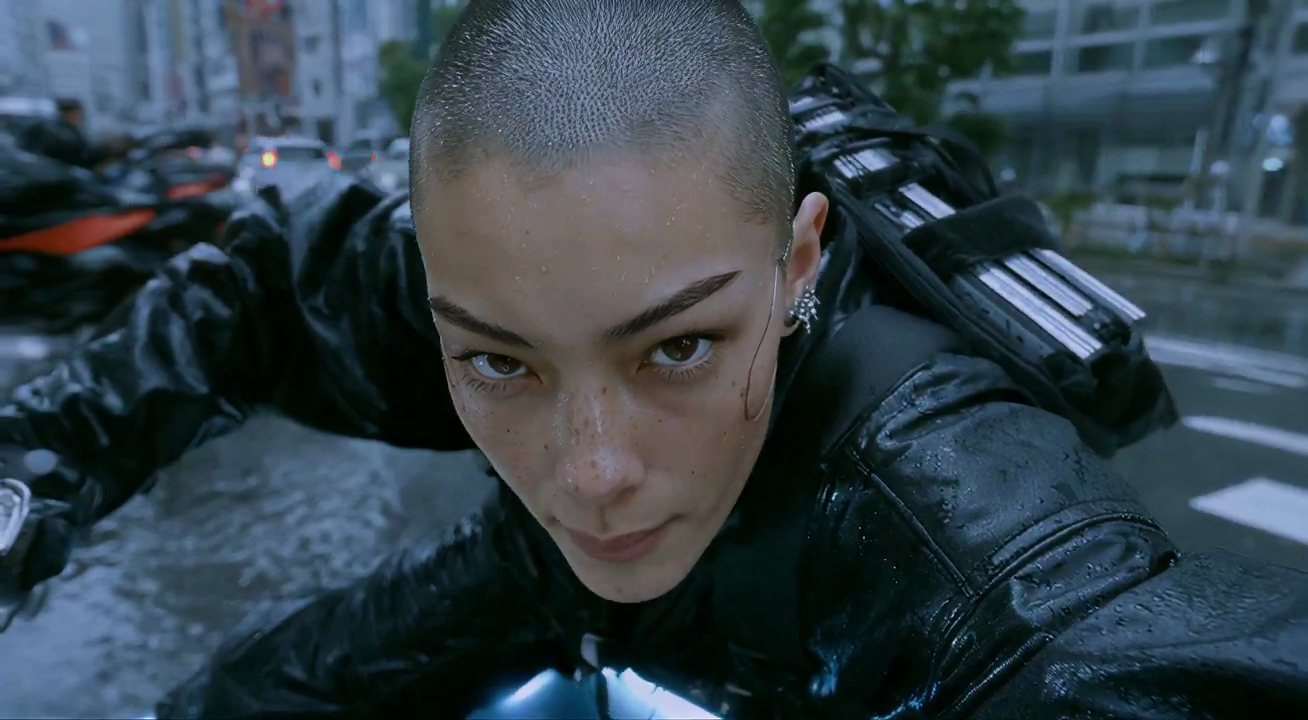
For a Kling 3.0 product concept, specify the product shape, material, key detail and setting. Keep logos and claims accurate, allow room for your own typography, and review the result before using it in an advertisement.

Social Media Content
Plan your Kling 3.0 social video around one clear message. Decide the framing for the target channel, place the main subject where it stays visible, and check small-screen readability before sharing.
Educational & Training Materials
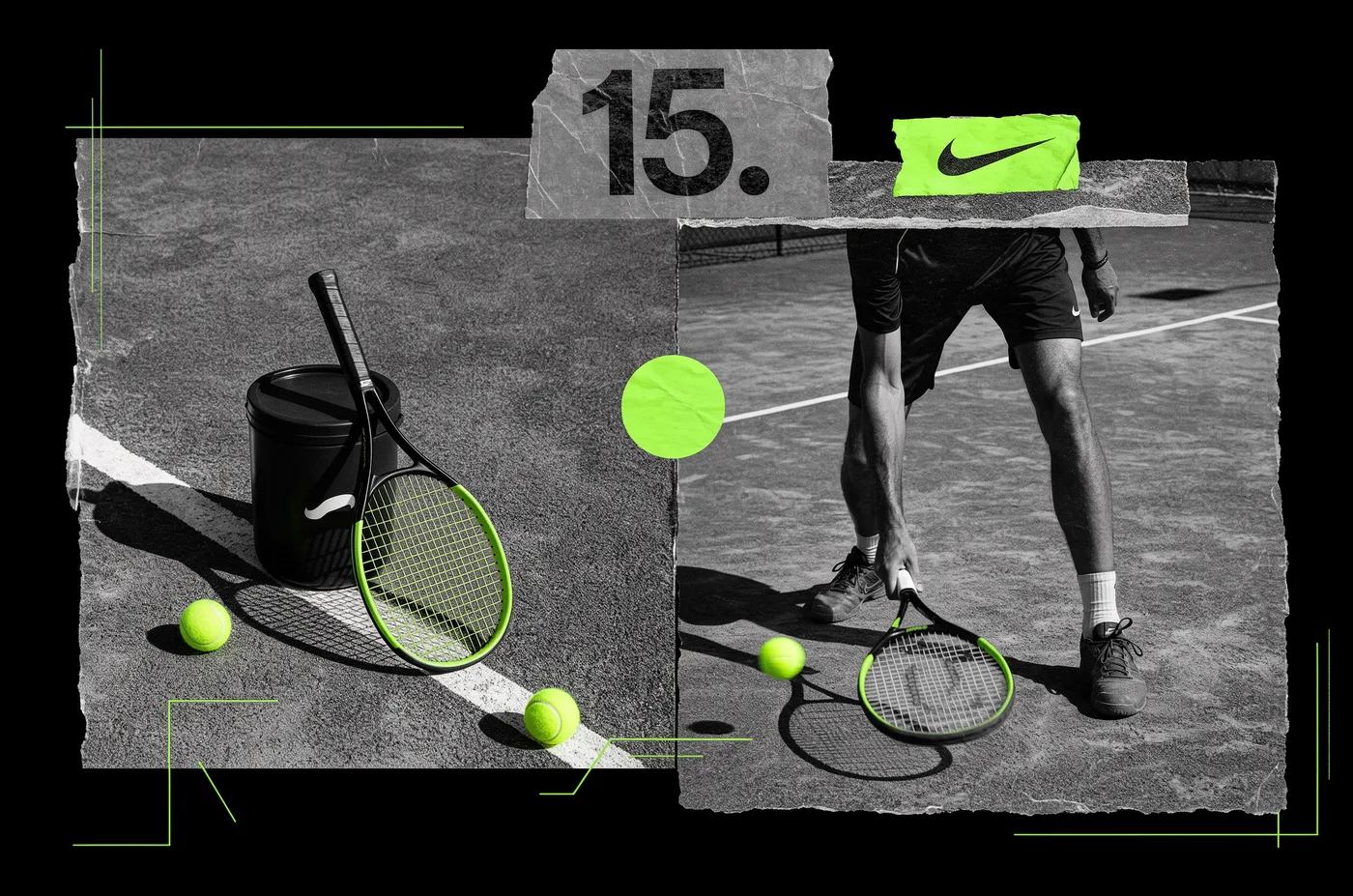
Use a Kling 3.0 visual concept to support one teaching or presentation point. Check facts and labels yourself, and add final captions in your editing workflow rather than relying on generated text.
Corporate Presentations & Communications
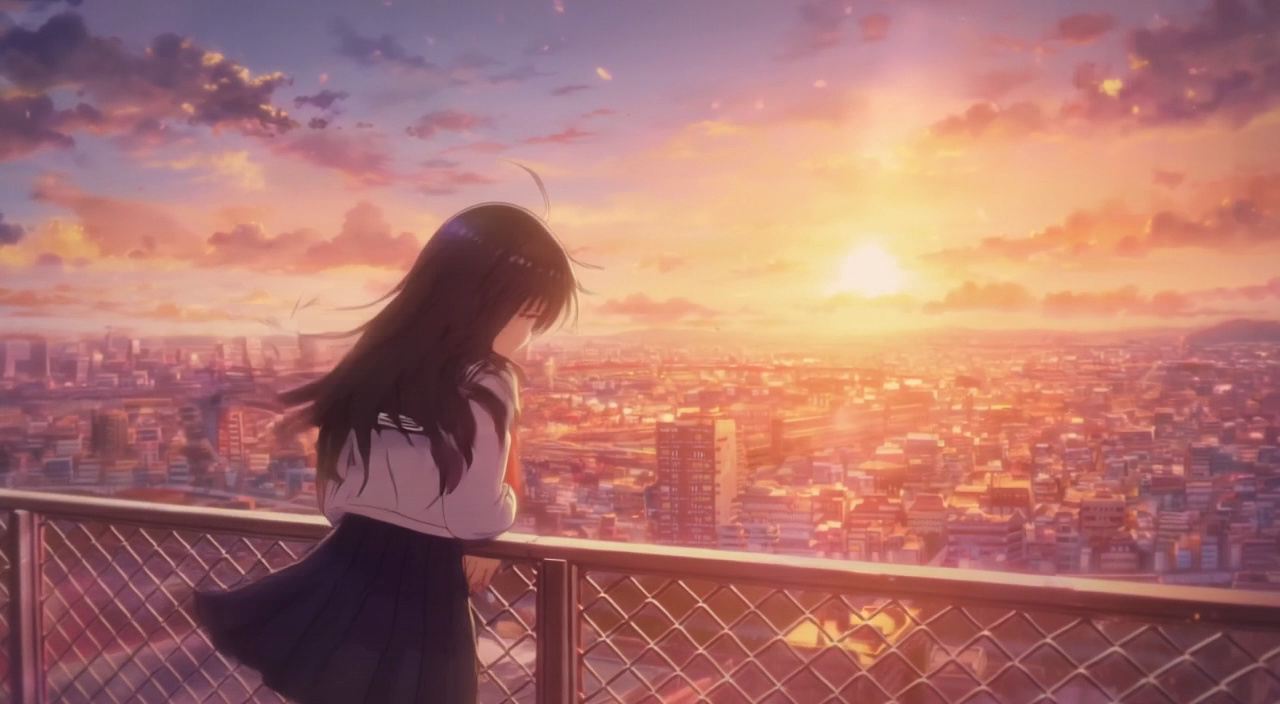
Use a Kling 3.0 visual concept to support one teaching or presentation point. Check facts and labels yourself, and add final captions in your editing workflow rather than relying on generated text.
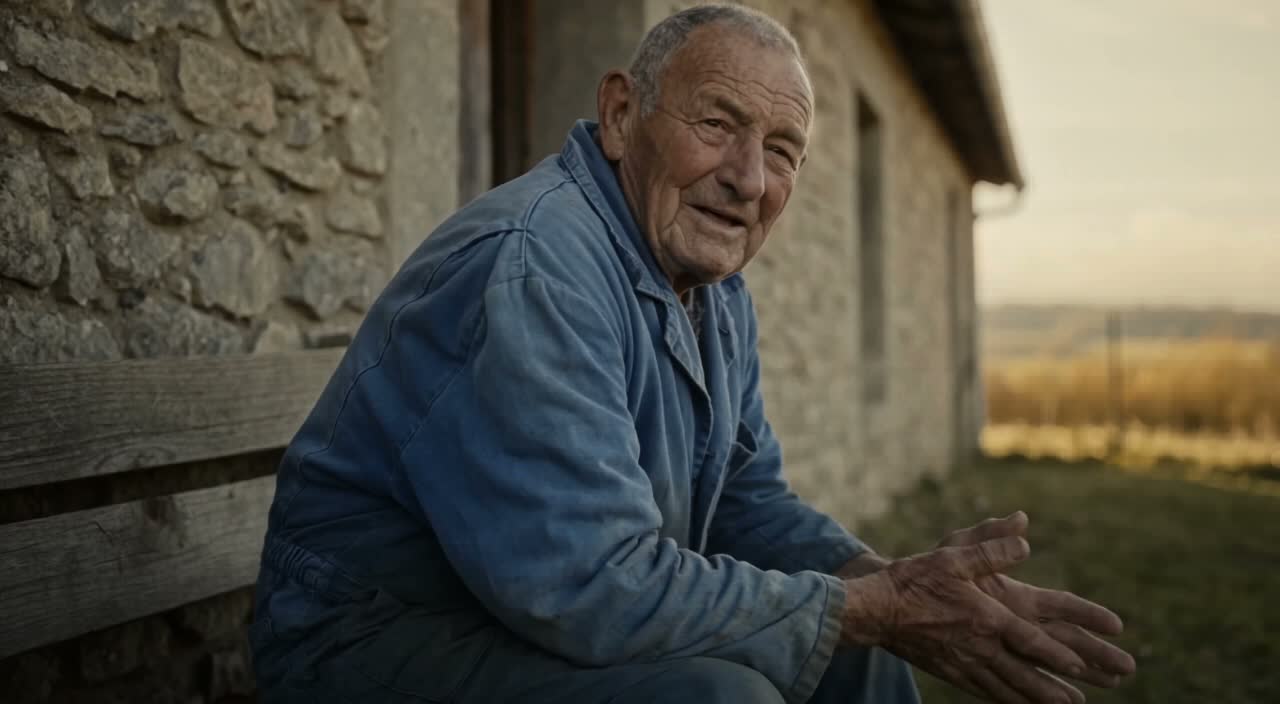
Film & Episodic Content Creation
Break a Kling 3.0 story concept into short, clearly described shots. Give each shot one action and a camera direction. Review continuity between results before assembling them into a sequence.

Personal Projects & Creative Storytelling
Break a Kling 3.0 story concept into short, clearly described shots. Give each shot one action and a camera direction. Review continuity between results before assembling them into a sequence.
Creative Notes for Your Kling 3.0 Video Brief
Give the main subject one clear action. For a Kling 3.0 concept, a precise brief is easier to assess than a list of competing effects.
Kling 3.0 Video Workflow: Questions & Answers
This klingai.me page explains the Kling 3.0 video workflow. It helps you write a focused brief and review the available inputs. Current access is shown in the generator; a model name on a guide does not mean it currently accepts requests.
New accounts receive 10 registration credits. Review the credit cost of your selected model before submitting; those credits do not guarantee a free video. klingai.me subscriptions and credit packs are listed on the Pricing page and are separate from any official Kling service plans.
Use klingai.me in your browser. On a smaller screen, open the navigation menu to move between the generator, prompt library and your account. Supported upload and download behavior also depends on your device.
For your Kling 3.0 video brief, describe how the subject should move from its starting pose. If the selected model supports an image or ending frame, use it to explain composition and continuity. Do not assume every reference type is accepted.
Prompts, uploaded references and generated results may be stored to provide your history and process requests. Review the Privacy Policy before uploading sensitive material. Published cases and public media links can be viewed by other people.
Choose only the resolution and aspect ratio shown for the selected model. Check framing, fine details and any text in the completed video. A larger output size does not guarantee a more accurate result.
Plan your Kling 3.0 social video around one clear message. Decide the framing for the target channel, place the main subject where it stays visible, and check small-screen readability before sharing.
Subscriptions renew according to the billing interval shown at checkout. A one-time credit pack is a single purchase, not a subscription. To cancel a subscription, open Settings > Billing, choose your subscription and confirm cancellation. Check the updated status and end date. If cancellation fails, contact support@klingai.me before your next renewal.
Cancellation stops future subscription renewals once confirmed. Check Settings > Billing for your paid access end date. Existing credits keep their original expiration dates; cancellation does not extend them or automatically issue a cash refund.
You can request a refund within 10 days of purchase if you have unused credits from that purchase and provide a clear reason, subject to our Refund Policy. If eligible, an unused purchase can be fully refunded; a partly used purchase is refunded in proportion to its remaining unused credits. Fully used purchases and free or promotional credits are not refundable.
Email support@klingai.me with the subject Refund Request. Include your account email, order or transaction ID, purchase date and reason. Our Refund Policy provides for a response within 5 business days. Approved refunds return to the original payment method and may take 5–10 business days to appear, depending on the payment provider. The corresponding credits are removed. See /refund-policy for the full conditions.
Credit validity depends on the pack, subscription or promotion that issued them. Review the purchase terms and expiration dates in Settings > Credits. A renewal or new purchase does not extend older credits. Use credits before their stated expiration; do not assume unused subscription credits roll over indefinitely.
Credits charged for a task that is confirmed as failed due to a system error are returned automatically. A task that is still processing has not yet been confirmed as failed. Check its status and your credit history before submitting again. If a confirmed failure still shows an unresolved charge, email support@klingai.me with the task ID.
AI results can vary, so a completed result that differs from your expectations is not automatically treated as a technical failure. Eligible completed image tasks can be submitted for credit refund review using the refund option where available; approval is required. For a video or another issue, contact support@klingai.me with the task ID and details. A credit refund returns credits, not money to your payment method.
Check that you are using the same account or guest browser used for checkout, then review your order status and credit history. Avoid paying again while the first payment is being checked. Email support@klingai.me with your order ID, purchase time and payment receipt so we can investigate. Never send your password or full card details.
Email support@klingai.me. For billing, include your account email and order ID; for generation, include the task ID, issue description and relevant screenshots. If you purchased as a guest, keep the original browser data and payment receipt so we can help locate the purchase.
Write a Focused Visual Brief for Kling 3.0
Focus your Kling 3.0 video brief on visible action, camera movement and lighting. Add final sound and dialogue in your editing workflow when needed; do not assume audio is included with a video request.
klingai.me · Updated
What's new on this page
- — Added editable example prompts and separate drafts for text and reference modes, with an action to restore the example.
- — Updated page copy and content.
- — Page content published.