Verified prompt
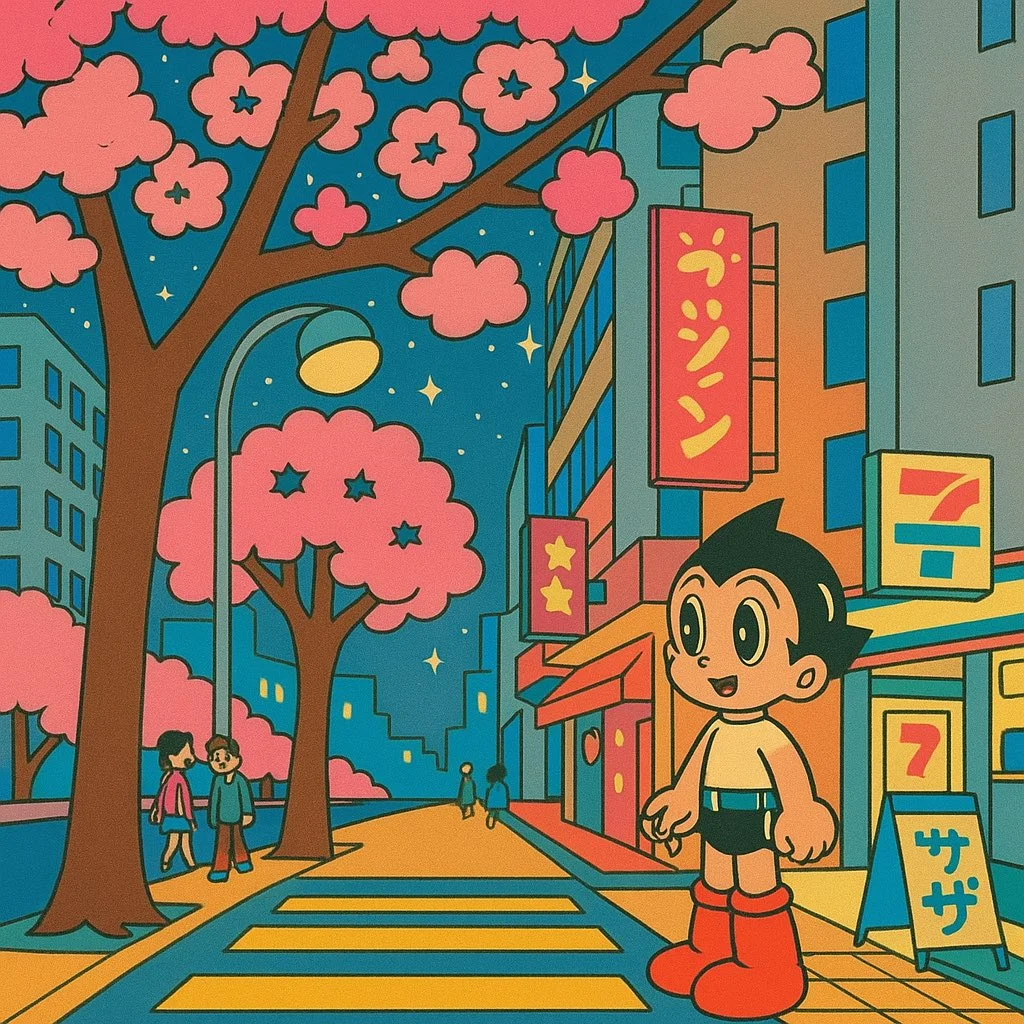
Transform this image into a 1960s Tezuka-style illustration. Use big, rounded expressive eyes with bright highlights. Simplify the anatomy with soft, rounded limbs and clean linework. Avoid detailed textures — focus on smooth color fills and strong silhouettes. The final image should resemble a vintage anime frame from Astro Boy, with an optimistic, futuristic feel.
Transform this image into a 1960s Tezuka-style illustration. Use big, rounded expressive eyes with bright highlights. Simplify the anatomy with soft, rounded limbs and clean linework. Avoid detailed textures — focus on smooth color fills and strong silhouettes. The final image should resemble a vintage anime frame from Astro Boy, with an optimistic, futuristic feel.
Verified prompt
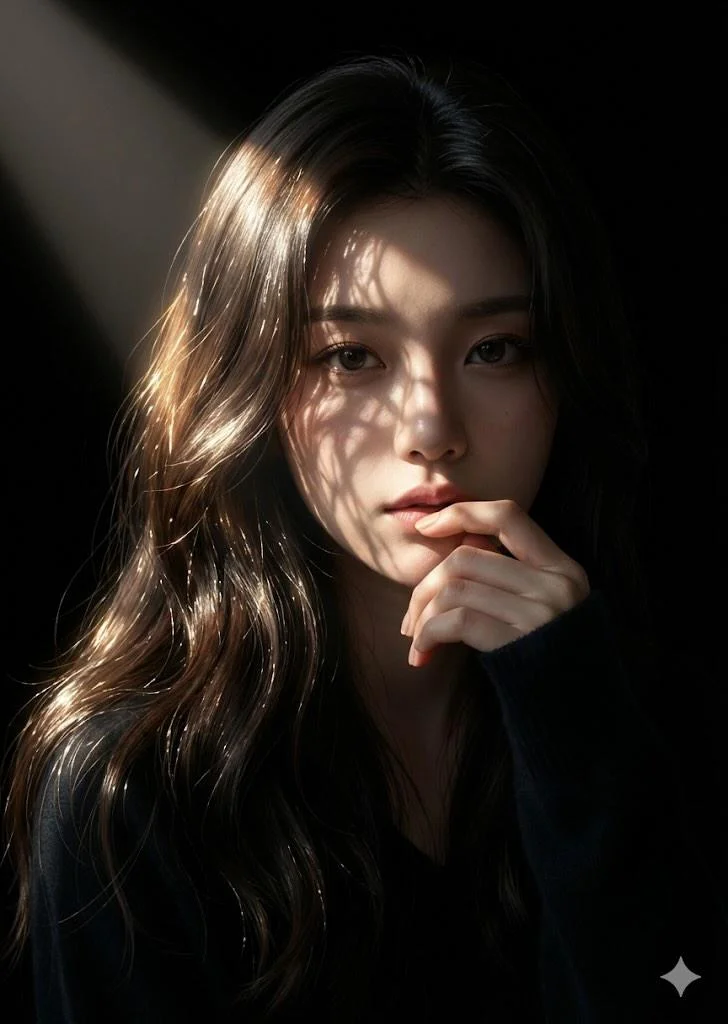
Close-up photographic portrait of young East Asian woman with long wavy dark brown hair, soft rim lighting. Sunlight rays through foliage cast delicate intricate leaf shadows on face and forehead. Contemplative expression, one hand softly near lips, dark navy blue sweater. Completely dark background for high-contrast cinematic chiaroscuro with warm golden highlights. Hyper-realistic 8K, 85mm portrait lens, soft depth of field.
Close-up photographic portrait of young East Asian woman with long wavy dark brown hair, soft rim lighting. Sunlight rays through foliage cast delicate intricate leaf shadows on face and forehead. Contemplative expression, one hand softly near lips, dark navy blue sweater. Completely dark background for high-contrast cinematic chiaroscuro with warm golden highlights. Hyper-realistic 8K, 85mm portrait lens, soft depth of field.
Verified prompt
Verified prompt
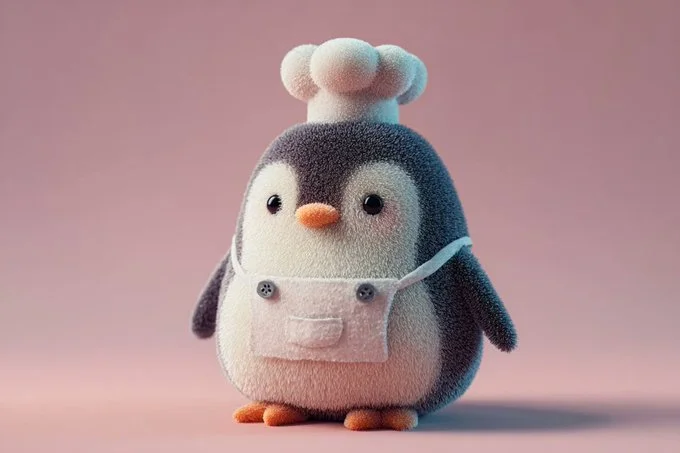
A soft and plush 3D model of a [subject] with a [key detail], rendered in a cute, stylized aesthetic. The texture appears velvety, squeezable, and toy-like, emphasizing the charm of animated [object type] designs. Clean background, centered composition, soft ambient lighting, pastel tones, subtle shadows, high-resolution render, front-facing view.
A soft and plush 3D model of a [subject] with a [key detail], rendered in a cute, stylized aesthetic. The texture appears velvety, squeezable, and toy-like, emphasizing the charm of animated [object type] designs. Clean background, centered composition, soft ambient lighting, pastel tones, subtle shadows, high-resolution render, front-facing view.
Verified prompt
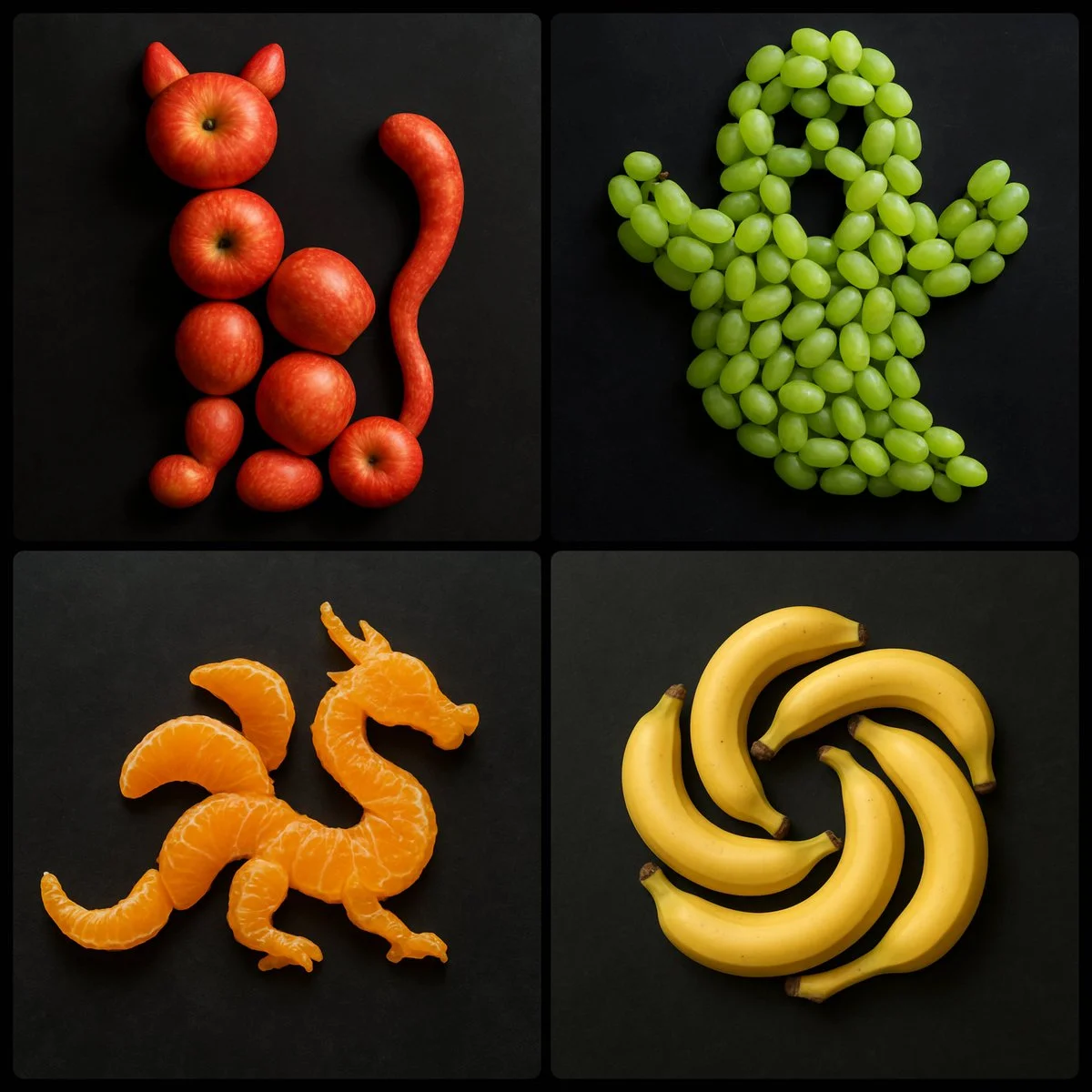
Create an image by arranging [NUMBER/AGGREGATE] of [FRUIT] strategically on a dark surface to form the shape of [OBJECT/EMOJI/LOGO]
Create an image by arranging [NUMBER/AGGREGATE] of [FRUIT] strategically on a dark surface to form the shape of [OBJECT/EMOJI/LOGO]
Verified prompt
Verified prompt
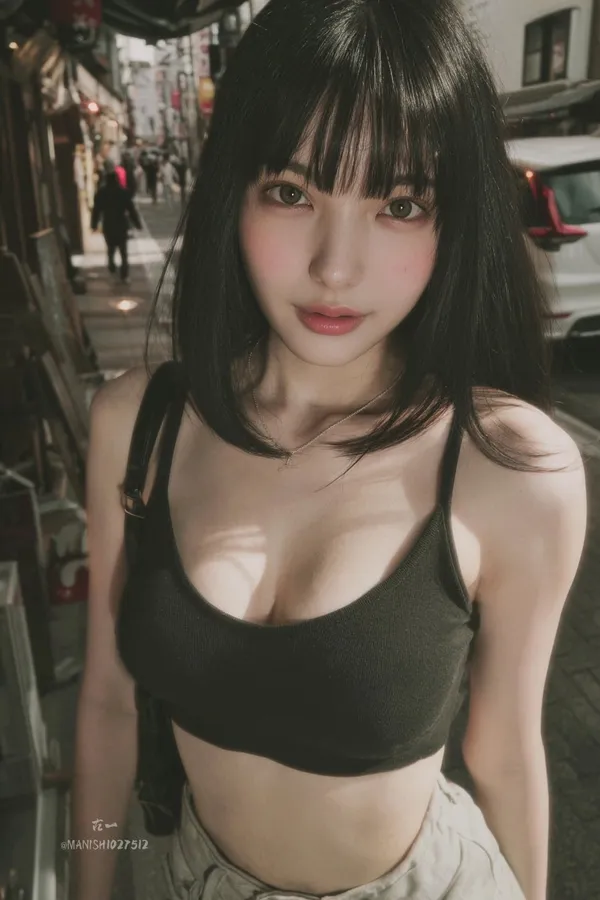
ndid snapshot of a young woman with straight black hair, blunt bangs, large expressive eyes, and fair skin, standing casually in a bustling Tokyo street, wearing a low-cut crop top and high-waisted shorts, slight motion blur on the edges, natural daylight filtering through buildings, captured as if from a hidden angle with a smartphone camera.
ndid snapshot of a young woman with straight black hair, blunt bangs, large expressive eyes, and fair skin, standing casually in a bustling Tokyo street, wearing a low-cut crop top and high-waisted shorts, slight motion blur on the edges, natural daylight filtering through buildings, captured as if from a hidden angle with a smartphone camera.
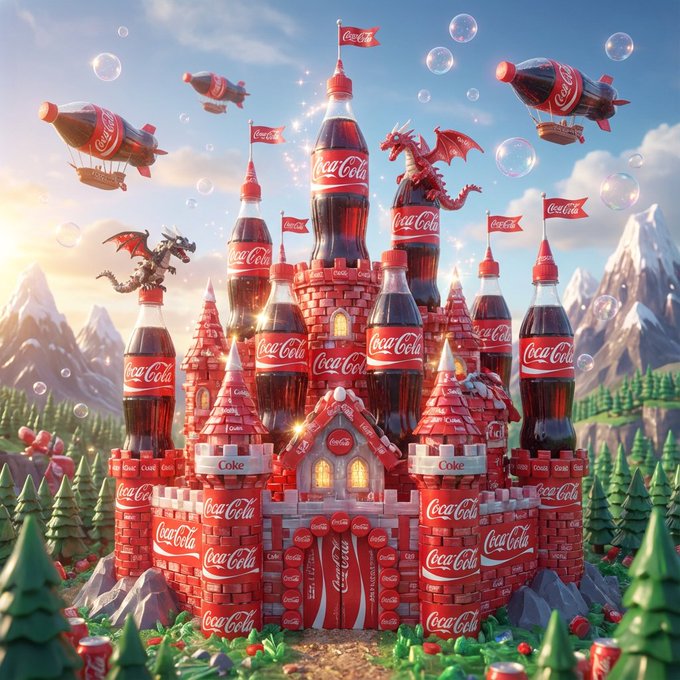
Verified prompt
is a whimsical【 orange-and-green】 fantasy castle crafted from 【Fanta 】bottle labels. The scene includes playful dragons and soda-themed airships — humorous yet surprisingly detailed, radiating an unexpected sense of magic.1080×1080
is a whimsical【 orange-and-green】 fantasy castle crafted from 【Fanta 】bottle labels. The scene includes playful dragons and soda-themed airships — humorous yet surprisingly detailed, radiating an unexpected sense of magic.1080×1080
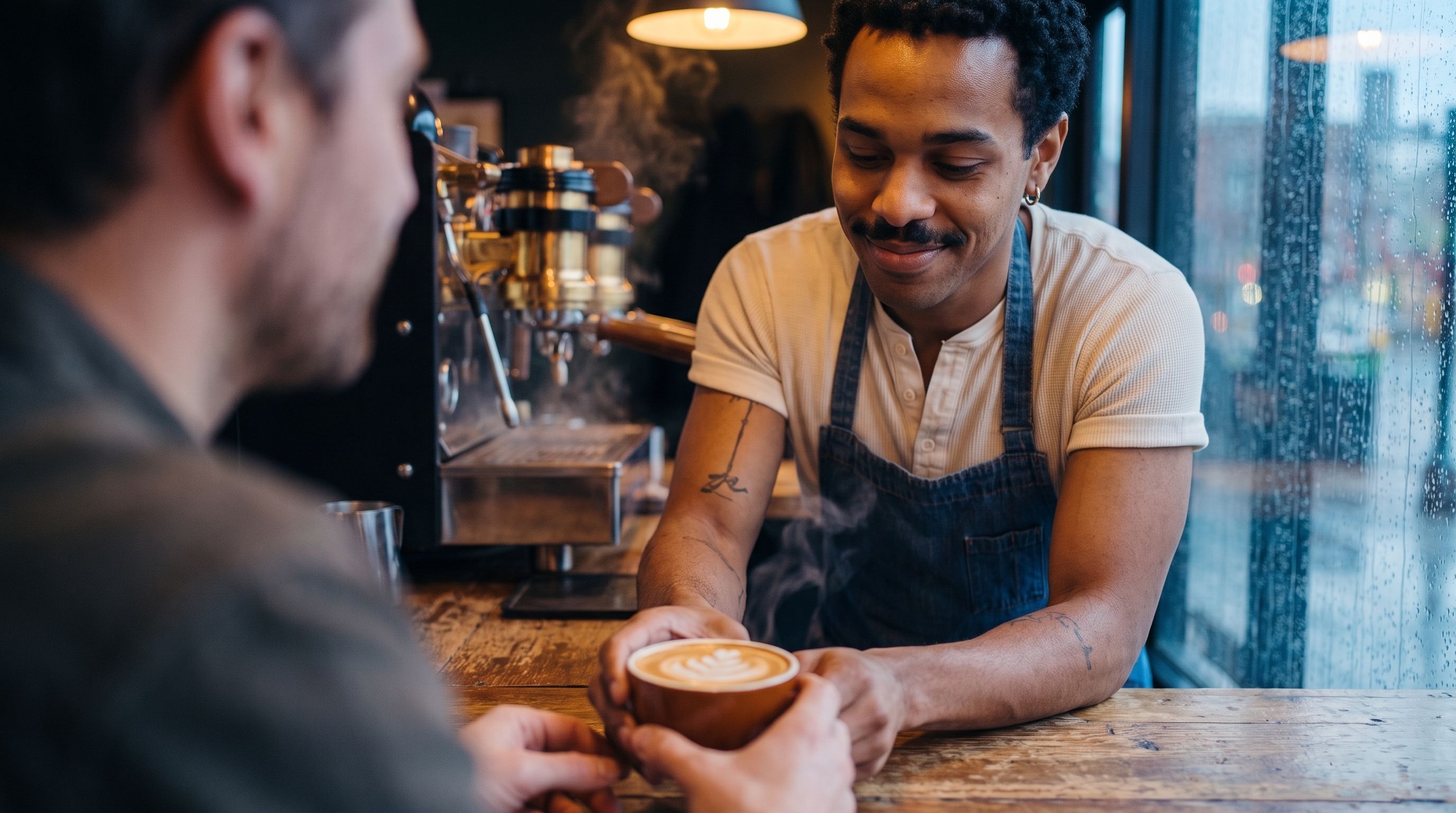
Verified prompt
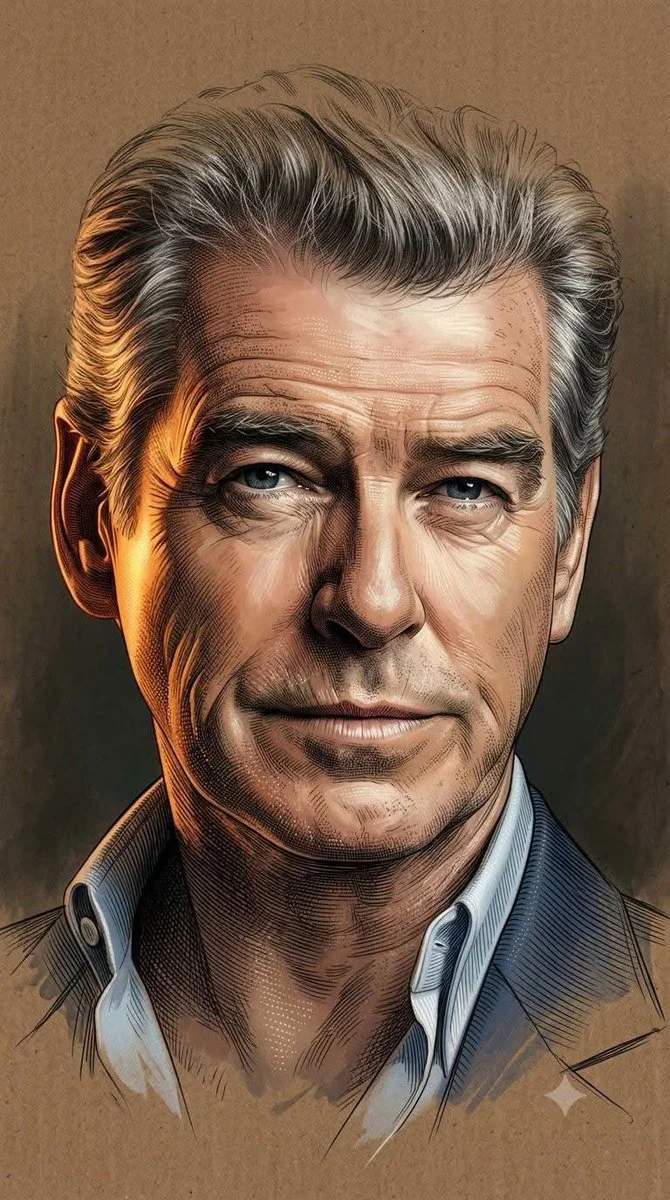
Verified prompt
Using an uploaded portrait as the subject reference, blend soft semi-realistic digital painting with highly detailed engraving illustration using painterly softness, ultra-fine crosshatching, and dotting. Apply cinematic warm golden-orange lighting on one side against cool shadows and chiaroscuro. Render skin and textures via luminous digital shading fused with dense engraving lines for gradients and intricate work. Preserve glossy eye highlights. Integrate soft brush strokes with contour lines and micro-etching. Fade head top and lower body into incomplete sketch dissolving into background. Use textured brown cardboard with matte grain merging into dark studio depth. Minimal elegant composition, warm muted palette, high contrast, museum-quality 8K finish. Aspect 9:16.
Using an uploaded portrait as the subject reference, blend soft semi-realistic digital painting with highly detailed engraving illustration using painterly softness, ultra-fine crosshatching, and dotting. Apply cinematic warm golden-orange lighting on one side against cool shadows and chiaroscuro. Render skin and textures via luminous digital shading fused with dense engraving lines for gradients and intricate work. Preserve glossy eye highlights. Integrate soft brush strokes with contour lines and micro-etching. Fade head top and lower body into incomplete sketch dissolving into background. Use textured brown cardboard with matte grain merging into dark studio depth. Minimal elegant composition, warm muted palette, high contrast, museum-quality 8K finish. Aspect 9:16.
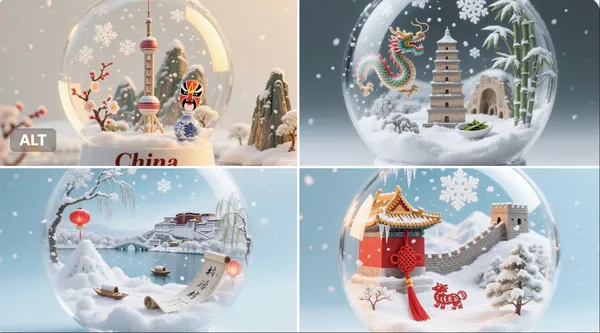
Verified prompt
per detailed, realistic snow globe containing the essence of [Country Name]. Inside the globe: miniature snowy landscapes, iconic landmarks, cultural symbols, and natural elements representing [Country Name], rendered with extreme realism and rich textures. Delicate falling snow creates a magical, atmospheric effect inside the globe. The background is clean and softly lit to focus entirely on the globe. The image is 1:1 aspect ratio. At the bottom of the image, the text “[Country Name]” is clearly written in an elegant serif font
per detailed, realistic snow globe containing the essence of [Country Name]. Inside the globe: miniature snowy landscapes, iconic landmarks, cultural symbols, and natural elements representing [Country Name], rendered with extreme realism and rich textures. Delicate falling snow creates a magical, atmospheric effect inside the globe. The background is clean and softly lit to focus entirely on the globe. The image is 1:1 aspect ratio. At the bottom of the image, the text “[Country Name]” is clearly written in an elegant serif font

Verified prompt
Create a high-resolution illustration of a [OBJECT] icon in the style of a flat, outlined sticker graphic. The icon should be made entirely from very thin, solid black outlines with no interior fill. Add a bold, soft-edged sticker-style contour around the icon using a flat, vibrant [YELLOW, BLUE, OR PINK] color. The result should look like a cartoon-style icon cut from black paper, outlined by a bright color. Do not use any white or filled shapes inside. No gradients, no shadows, no textures. Vector-friendly. Black background. Square aspect ratio.
Create a high-resolution illustration of a [OBJECT] icon in the style of a flat, outlined sticker graphic. The icon should be made entirely from very thin, solid black outlines with no interior fill. Add a bold, soft-edged sticker-style contour around the icon using a flat, vibrant [YELLOW, BLUE, OR PINK] color. The result should look like a cartoon-style icon cut from black paper, outlined by a bright color. Do not use any white or filled shapes inside. No gradients, no shadows, no textures. Vector-friendly. Black background. Square aspect ratio.
Explore Image Workflows
Explore the Nano Banana 2 workflow and compare it with the related image pages. The generator is the source of truth for current model access and settings. Use the prompt library to study published results and the model that created them.
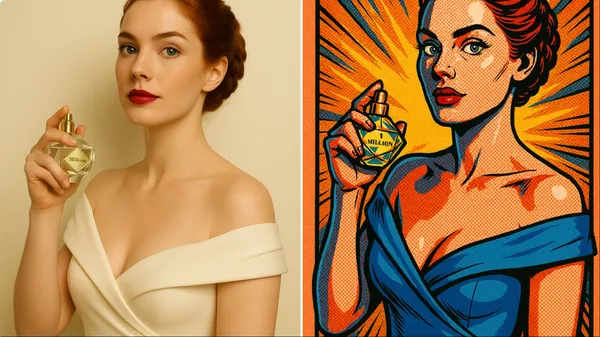
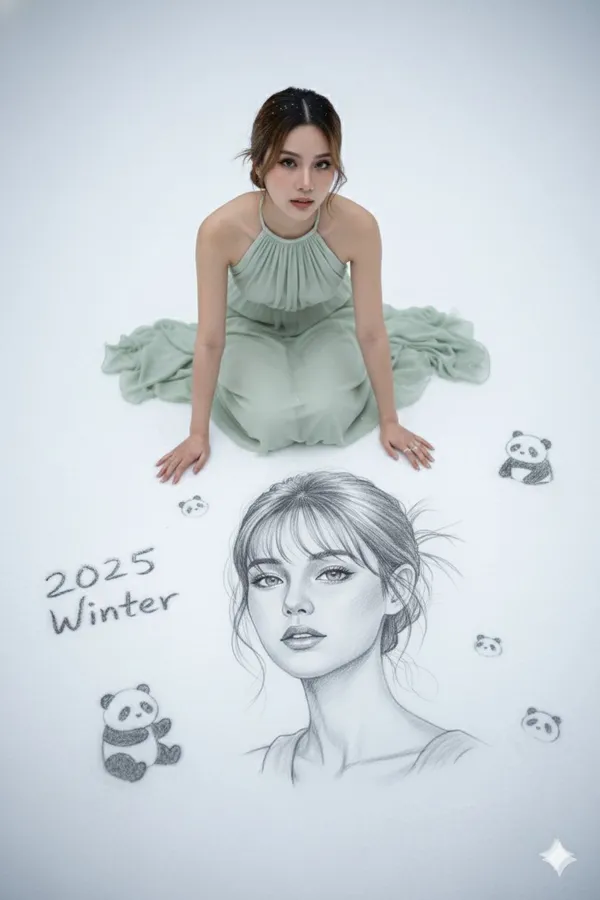
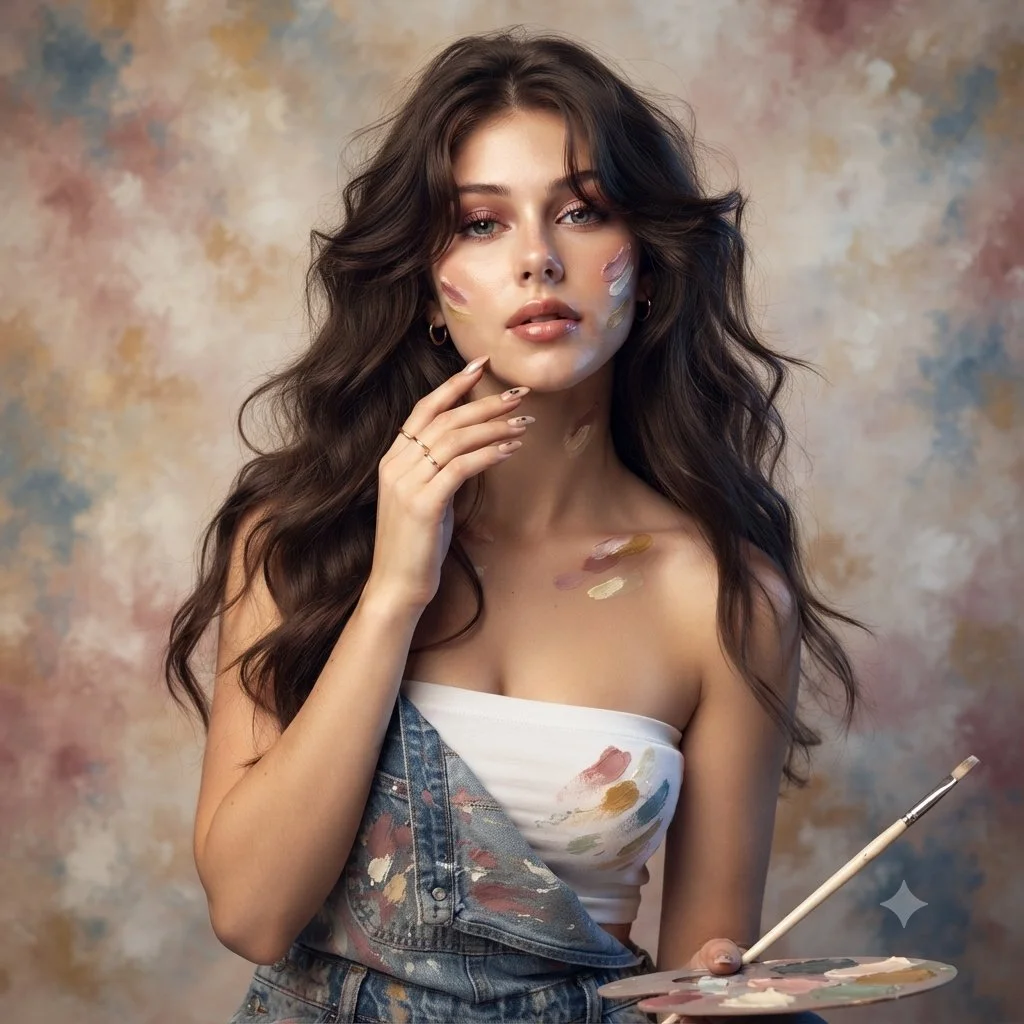
Nano Banana 2 AI Image Generator
Write your Nano Banana 2 image brief around a subject, composition, lighting and intended style. Add a material or texture when it matters. For edits, state one precise change and explain which parts of the source should remain intact.
Write your Nano Banana 2 image brief around a subject, composition, lighting and intended style. Add a material or texture when it matters. For edits, state one precise change and explain which parts of the source should remain intact.
Explore Nano Banana 2Build Your Nano Banana 2 Image Brief
Choose only the resolution and aspect ratio shown for the selected model. Check framing, fine details and any text in the completed image. A larger output size does not guarantee a more accurate result.
Advanced AI Image Generation & Customization
Choose only the resolution and aspect ratio shown for the selected model. Check framing, fine details and any text in the completed image. A larger output size does not guarantee a more accurate result.
Write Precise Editing and Style Directions
Choose only the resolution and aspect ratio shown for the selected model. Check framing, fine details and any text in the completed image. A larger output size does not guarantee a more accurate result.
Describe the Changes and Details to Preserve
Explore the Nano Banana 2 workflow and compare it with the related image pages. The generator is the source of truth for current model access and settings. Use the prompt library to study published results and the model that created them.
Describe the Changes and Details to Preserve
Choose only the resolution and aspect ratio shown for the selected model. Check framing, fine details and any text in the completed image. A larger output size does not guarantee a more accurate result.
Review Usage Terms Before Sharing
Check the applicable model and platform terms before using a result commercially. You are responsible for the rights to uploaded images, identifiable people, logos and any other source material in your Nano Banana 2 image brief.
Keep Your Workflow Simple
Develop your Nano Banana 2 image brief around the result you need. Keep the main direction specific, check supported settings in the generator, and review the completed work before using it in your project.
A Clearer Creative Brief for Nano Banana 2
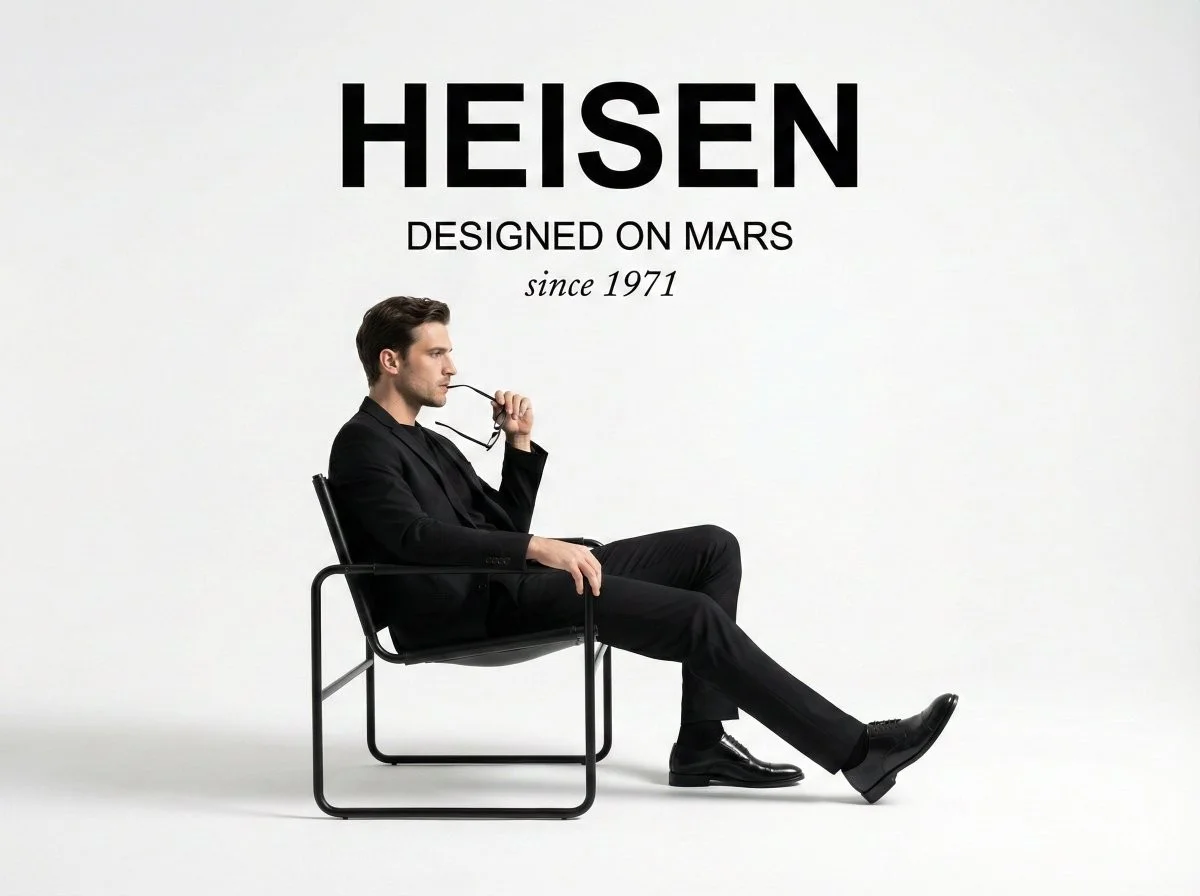
Diverse Styles & Effects for Every Vision
Develop your Nano Banana 2 image brief around the result you need. Keep the main direction specific, check supported settings in the generator, and review the completed work before using it in your project.
Write your Nano Banana 2 image brief around a subject, composition, lighting and intended style. Add a material or texture when it matters. For edits, state one precise change and explain which parts of the source should remain intact.
Versatile Nano Banana 2 AI Image Generator for Every Creator's Vision
Start your Nano Banana 2 image brief with a source image you have permission to use. Name the area to change and the colors, proportions or objects to preserve. Reference count and editing support depend on the selected model.
For Architects and Designers
Write your Nano Banana 2 image brief around a subject, composition, lighting and intended style. Add a material or texture when it matters. For edits, state one precise change and explain which parts of the source should remain intact.

For E-Commerce Professionals
List the details that matter in your Nano Banana 2 image brief: identity, shape, colors, clothing and background. Use supported references where appropriate and compare every result; exact consistency is not guaranteed.
For Content Publishers
Choose only the resolution and aspect ratio shown for the selected model. Check framing, fine details and any text in the completed image. A larger output size does not guarantee a more accurate result.
For Event Planners
Write your Nano Banana 2 image brief around a subject, composition, lighting and intended style. Add a material or texture when it matters. For edits, state one precise change and explain which parts of the source should remain intact.
From a Brief to a Reviewed Image: The Nano Banana 2 Workflow
Add Your Input
Start your Nano Banana 2 image brief with a source image you have permission to use. Name the area to change and the colors, proportions or objects to preserve. Reference count and editing support depend on the selected model.
Customize Your Options
The generator shows current model availability. When a model accepts requests, choose its supported settings and review the required credits before submitting. Review your selection and credit balance before generating.
Generate and Refine
Write your Nano Banana 2 image brief around a subject, composition, lighting and intended style. Add a material or texture when it matters. For edits, state one precise change and explain which parts of the source should remain intact.
Review and Download Completed Results
Start your Nano Banana 2 image brief with a source image you have permission to use. Name the area to change and the colors, proportions or objects to preserve. Reference count and editing support depend on the selected model.
Nano Banana 2 Image Ideas for Your Projects
Choose only the resolution and aspect ratio shown for the selected model. Check framing, fine details and any text in the completed image. A larger output size does not guarantee a more accurate result.
Digital Art & Illustration
Choose only the resolution and aspect ratio shown for the selected model. Check framing, fine details and any text in the completed image. A larger output size does not guarantee a more accurate result.
Marketing & E-Commerce Visuals
For a Nano Banana 2 product concept, specify the product shape, material, key detail and setting. Keep logos and claims accurate, allow room for your own typography, and review the result before using it in an advertisement.
Educational Content & Presentations
Use a Nano Banana 2 visual concept to support one teaching or presentation point. Check facts and labels yourself, and add final captions in your editing workflow rather than relying on generated text.
Game Development
List the details that matter in your Nano Banana 2 image brief: identity, shape, colors, clothing and background. Use supported references where appropriate and compare every result; exact consistency is not guaranteed.
Creative Notes for Your Nano Banana 2 Image Brief
Give the main subject one clear action. For a Nano Banana 2 concept, a precise brief is easier to assess than a list of competing effects.
Nano Banana 2 Image Workflow: Questions & Answers
This klingai.me page explains the Nano Banana 2 image workflow. It helps you write a focused brief and review the available inputs. Current access is shown in the generator; a model name on a guide does not mean it currently accepts requests.
Write your Nano Banana 2 image brief around a subject, composition, lighting and intended style. Add a material or texture when it matters. For edits, state one precise change and explain which parts of the source should remain intact.
Use only the input modes and controls offered by the selected model. Describe the intended image clearly and add supported references when useful. This page does not promise separate motion-brush, audio-upload, restoration or editing tools.
Check the applicable model and platform terms before using a result commercially. You are responsible for the rights to uploaded images, identifiable people, logos and any other source material in your Nano Banana 2 image brief.
New accounts receive 10 registration credits. Review the credit cost of your selected model before submitting; those credits do not guarantee a free video. klingai.me subscriptions and credit packs are listed on the Pricing page and are separate from any official Kling service plans.
Develop your Nano Banana 2 image brief around the result you need. Keep the main direction specific, check supported settings in the generator, and review the completed work before using it in your project.
You can request a refund within 10 days of purchase if you have unused credits from that purchase and provide a clear reason, subject to our Refund Policy. If eligible, an unused purchase can be fully refunded; a partly used purchase is refunded in proportion to its remaining unused credits. Fully used purchases and free or promotional credits are not refundable.
Credit validity depends on the pack, subscription or promotion that issued them. Review the purchase terms and expiration dates in Settings > Credits. A renewal or new purchase does not extend older credits. Use credits before their stated expiration; do not assume unused subscription credits roll over indefinitely.
Credits charged for a task that is confirmed as failed due to a system error are returned automatically. A task that is still processing has not yet been confirmed as failed. Check its status and your credit history before submitting again. If a confirmed failure still shows an unresolved charge, email support@klingai.me with the task ID.
AI results can vary, so a completed result that differs from your expectations is not automatically treated as a technical failure. Eligible completed image tasks can be submitted for credit refund review using the refund option where available; approval is required. For a video or another issue, contact support@klingai.me with the task ID and details. A credit refund returns credits, not money to your payment method.
Email support@klingai.me. For billing, include your account email and order ID; for generation, include the task ID, issue description and relevant screenshots. If you purchased as a guest, keep the original browser data and payment receipt so we can help locate the purchase.
Explore Your Next Nano Banana 2 Image Idea
Explore the Nano Banana 2 workflow and compare it with the related image pages. The generator is the source of truth for current model access and settings. Use the prompt library to study published results and the model that created them.
klingai.me · Updated
See update history
- — Added editable example prompts and separate drafts for text and reference modes, with an action to restore the example.
- — Updated page copy and content.
- — Page content published.