
Flamingo Floatie AI for a Gentle Inward Drift
Create your Flamingo Floatie scene
Study pool-float movement and framing
History
Loading history…
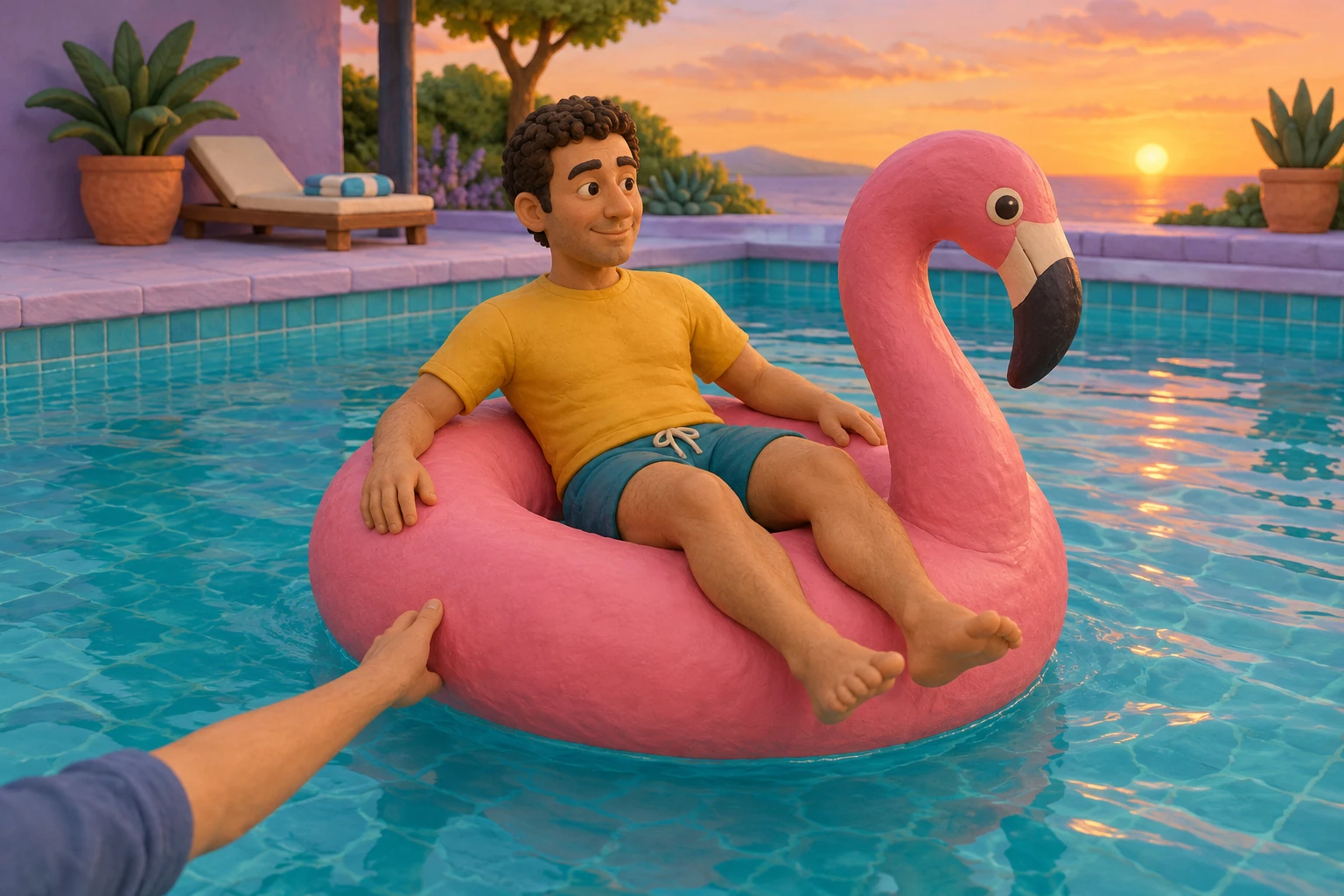
Use Flamingo Floatie AI to request a calm 8-second poolside scene from one clear adult portrait. The prepared direction places a recognizable rider in a sculpted-clay pool diorama, then guides the pink float inward with one partial helper hand. Review the point of contact and the small thankful wave. Optional visual notes can stay empty.
Create your Flamingo Floatie video
Choose one adult portrait
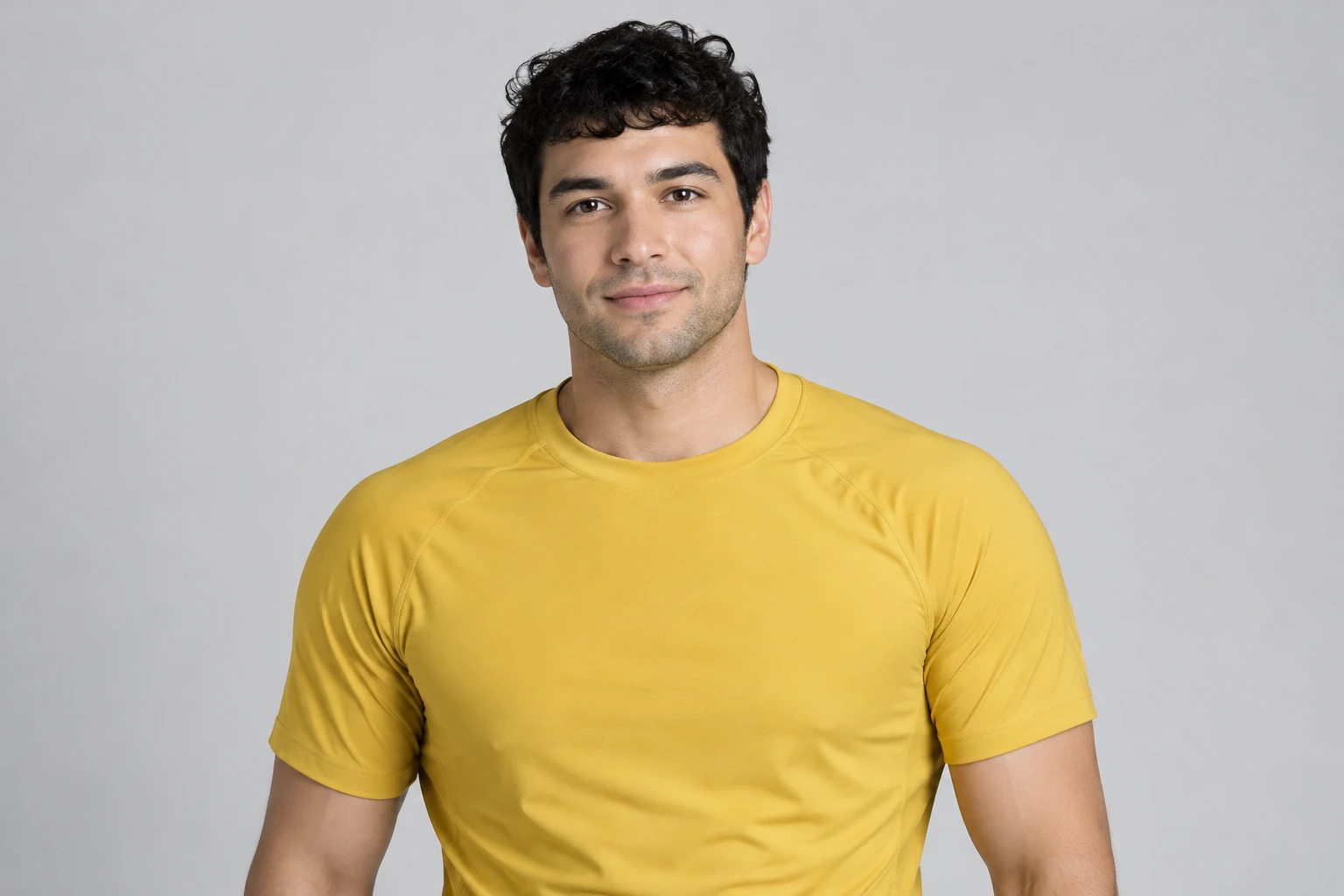
Upload one clear portrait of the adult whose recognizable face, hair, and clothing should guide the scene. A straightforward, well-lit image makes those details easier to reference.
Keep visual notes optional
The prepared direction already describes the clay pool, float, helper contact, inward drift, wave, and finish. Leave Optional visual notes empty unless you want to add a brief personal preference; no second photo or video upload is needed.
Set the output controls
Choose the available aspect ratio and resolution, and check the duration and audio controls. This scene is intended to run for eight seconds. Review the live quote and account eligibility shown for your selection before you proceed.
Review the result in History
Waiting time varies. Open the ready clip in History and review the face, hand placement, rim contact, inward drift and wave. If a detail needs another attempt, choose a clearer portrait or refine the optional visual notes, then check the quote again before generating.
What makes the scene readable
The action has a simple visual order: the partial hand enters from the near-camera foreground, makes gentle contact with the pink rim, and guides the float away from the pool edge. The rider remains comfortably seated as the float moves inward, gives a small thankful wave, and settles. A steady wide view leaves room to read both the contact and the drift without turning the moment into a stunt.
Portrait and scene direction
Use the uploaded portrait as the sole adult identity reference. The prepared prompt asks to retain the person’s recognizable face, hair, and clothing while replacing the portrait background with an original sculpted-clay pool diorama: turquoise tiles, a low lavender deck, and soft sunset light. The portrait supplies the adult reference; the scene description supplies the pool, float, helper hand, and action. The example clothing in the prepared direction is a plain mustard-yellow swim shirt with teal swim shorts.
A separate study, not a required input
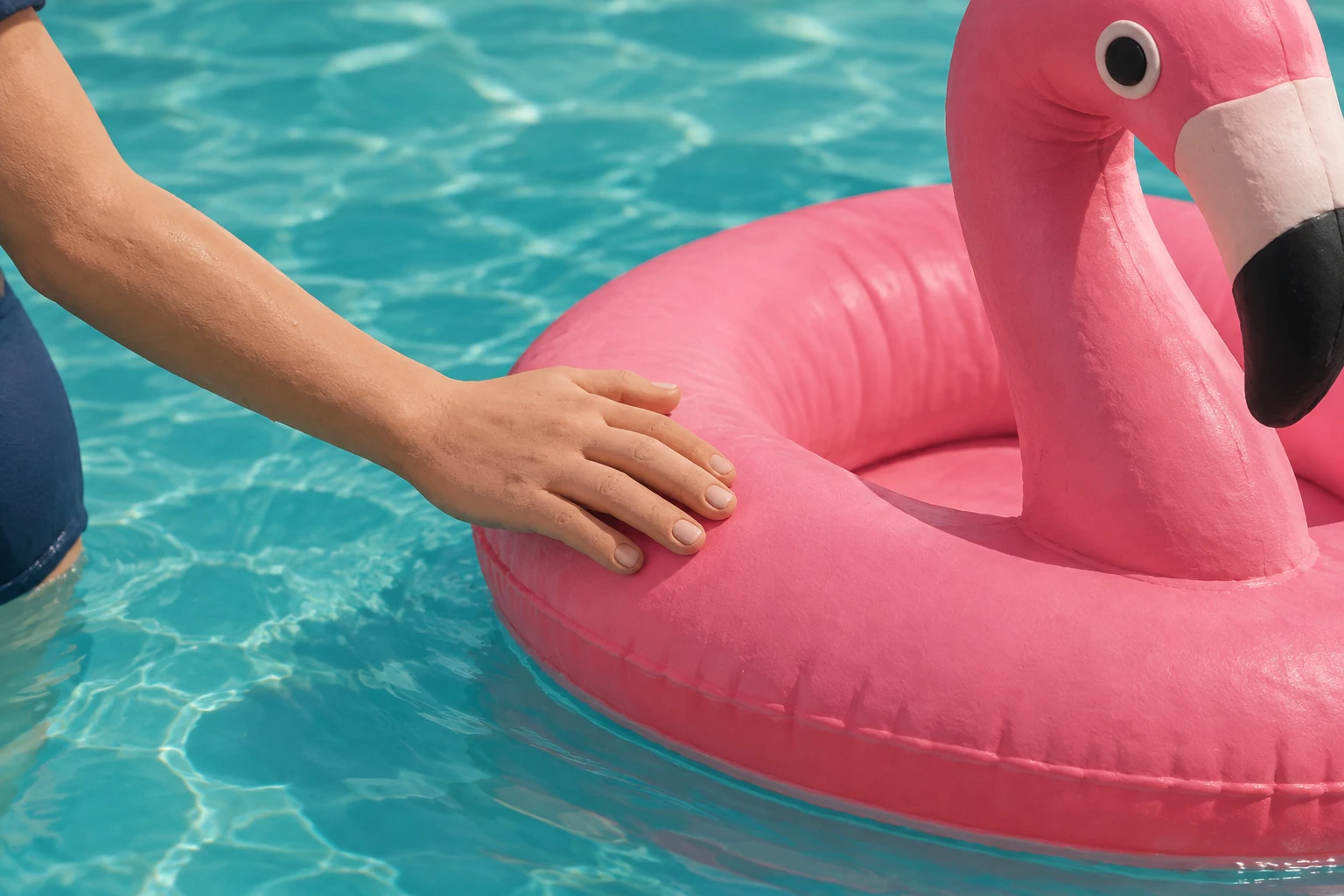
The accompanying eight-second filmed study shows three empty circular inflatable rings drifting in a small pool. Their curved rims, spacing, and small water ripples offer a separate visual observation. It does not show the rider or helper, and it is not a generated scene or mandatory upload.
Check framing and contact in History
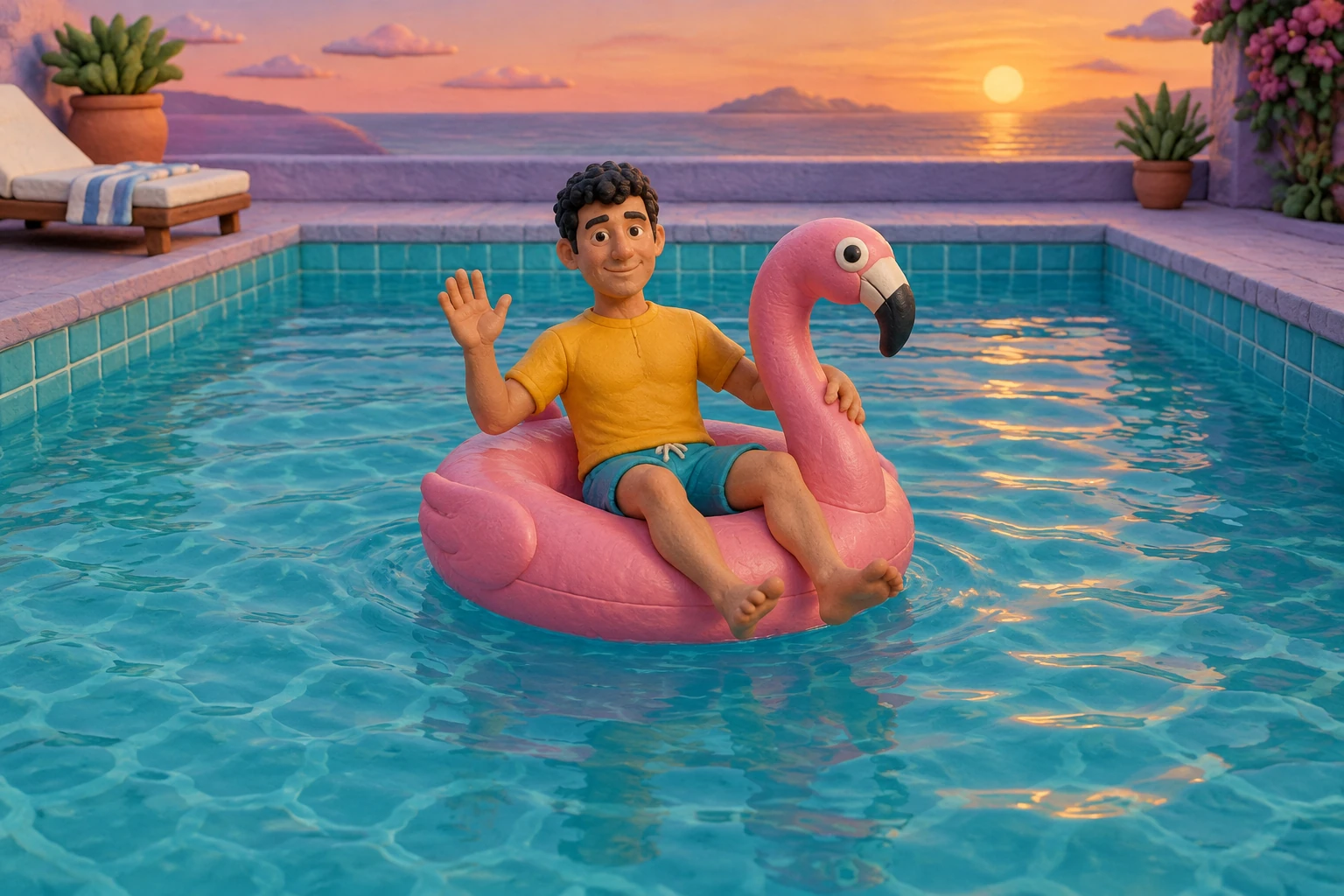
Review the output at the selected aspect ratio. Confirm there is exactly one full adult and one partial helper forearm and hand, with no other full person. Check that the hand touches only the float rim, the rider remains seated, and the drift reads as calm and inward. Also look for the small wave and settled ending; the requested scene excludes falls and injuries.
Flamingo Floatie AI questions
What should the one portrait show?
Choose one clear portrait of the adult whose face, hair, and clothing should remain recognizable. A plain, uncluttered background is suitable because the scene direction replaces it with the pool diorama. The prepared routine does not require a second portrait.
Who supplies the adult, outfit, and pool background?
You supply the adult portrait as the identity reference. The prepared direction specifies the example outfit—a plain mustard-yellow swim shirt and teal swim shorts—and describes an original clay-style pool background. Use a portrait that represents the adult and clothing you want referenced.
How is the hand-nudge and wave described?
The prepared routine calls for one partial helper hand and forearm to enter from the near-camera foreground and gently touch only the float rim. It guides the float away from the pool edge into a calm inward drift, followed by the rider’s small thankful wave and a settled ending.
Do I need to fill in Optional visual notes?
No. The direction is already prepared, so the notes can remain empty. You do not need to upload another photo or a video for this scene.
Can I set eight seconds, and where do I check the quote?
The intended scene duration is eight seconds. Review the available duration, aspect ratio, resolution, and audio controls, then check the live quote and account eligibility shown for your selection. Waiting time can vary; use History to review the result when it is ready.
What should I check about the face, hand, rim, and drift?
In History, check that the adult remains recognizable, the partial hand touches only the curved rim, and the float moves gently inward rather than toward the pool edge. Confirm there is one full adult and only one partial helper forearm and hand, with no extra full person, fall, or injury.
More ideas to explore
klingai.me · Updated
See update history
- — Added a one-portrait Flamingo Floatie guide with an original 8-second poolside direction, optional notes, four independent pictures and a filmed water-movement study.