
Add Pumpkin To Photo
Add Pumpkin To Photo
History
Add a pumpkin to an existing image or create a new autumn scene from a text prompt. Choose an available model, edit the prompt, and review the live credit quote before generating. The result is a still image that can serve as a visual starting point for a later video project.
How to add a pumpkin to your photo
1. Choose a starting point
Select edit mode to work from an uploaded image, or generate mode to create a new autumn scene from text.
2. Describe the pumpkin scene
Enter or adjust the prompt with details about the pumpkin’s placement, the setting, the light, and the framing.
3. Select a model and review
Choose an available model and check the live credit quote before you generate.
4. Generate and find your image
Start the image generation, then check History for its status and result. This tool creates still images, not video.
Seasonal scene ideas
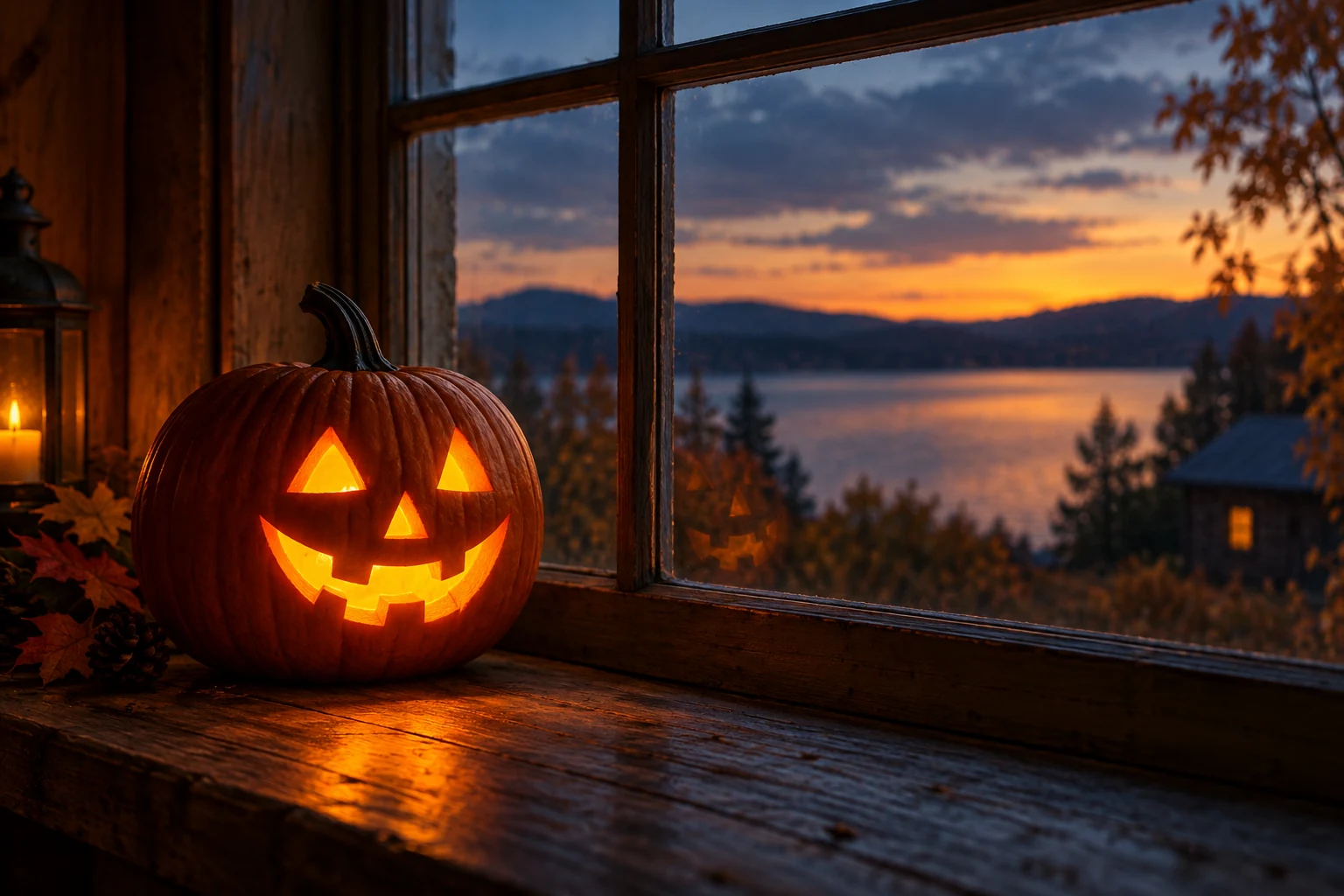
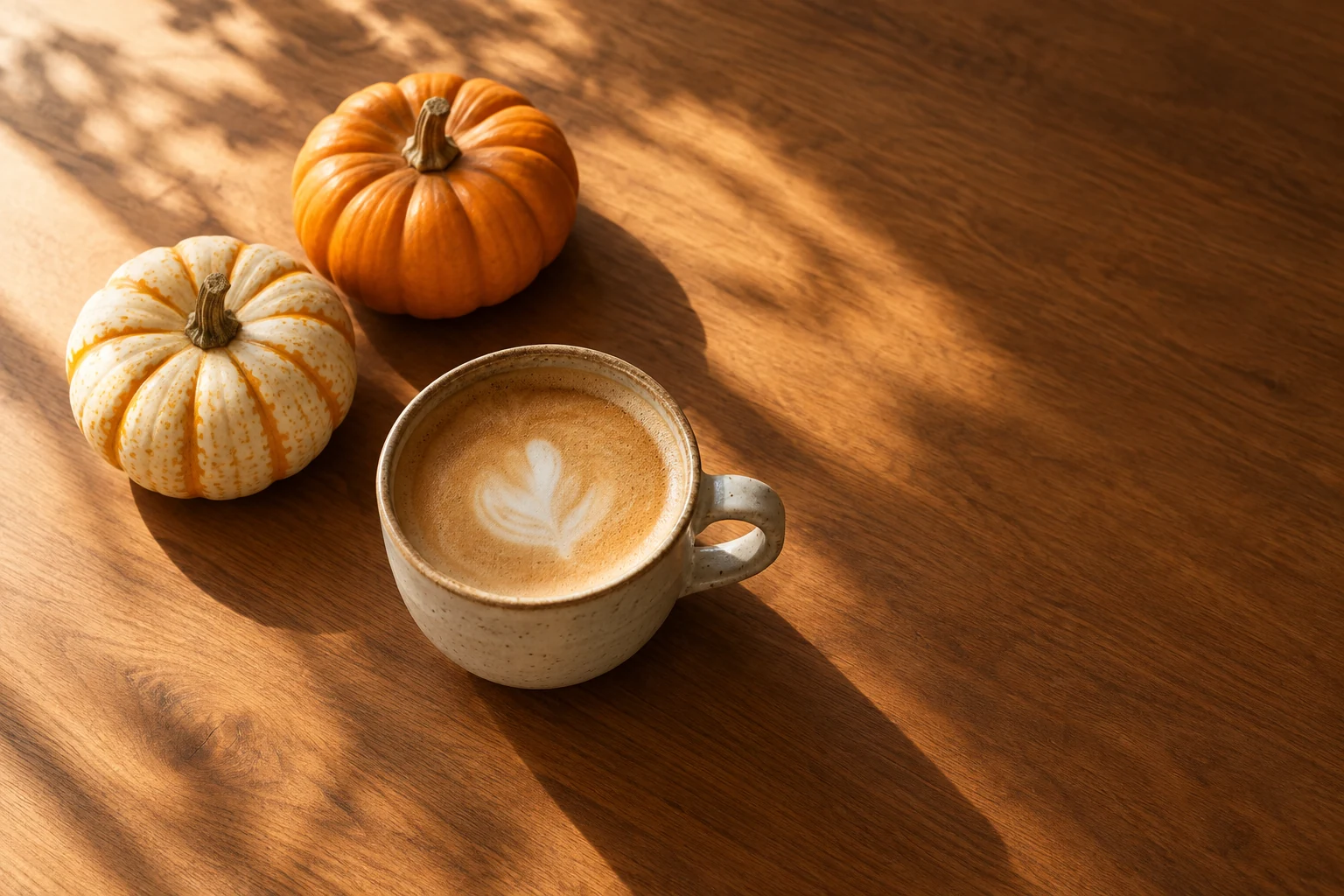
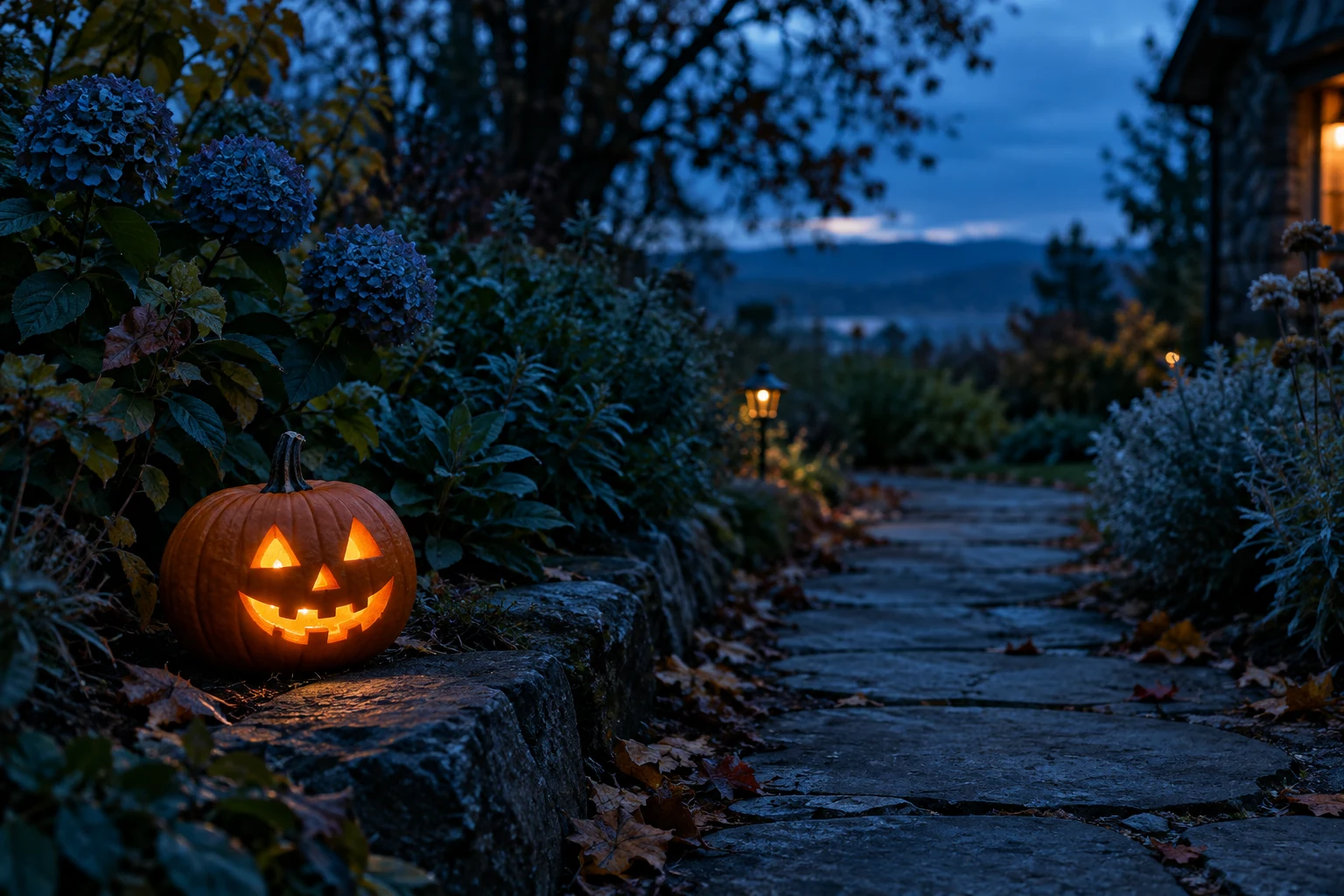
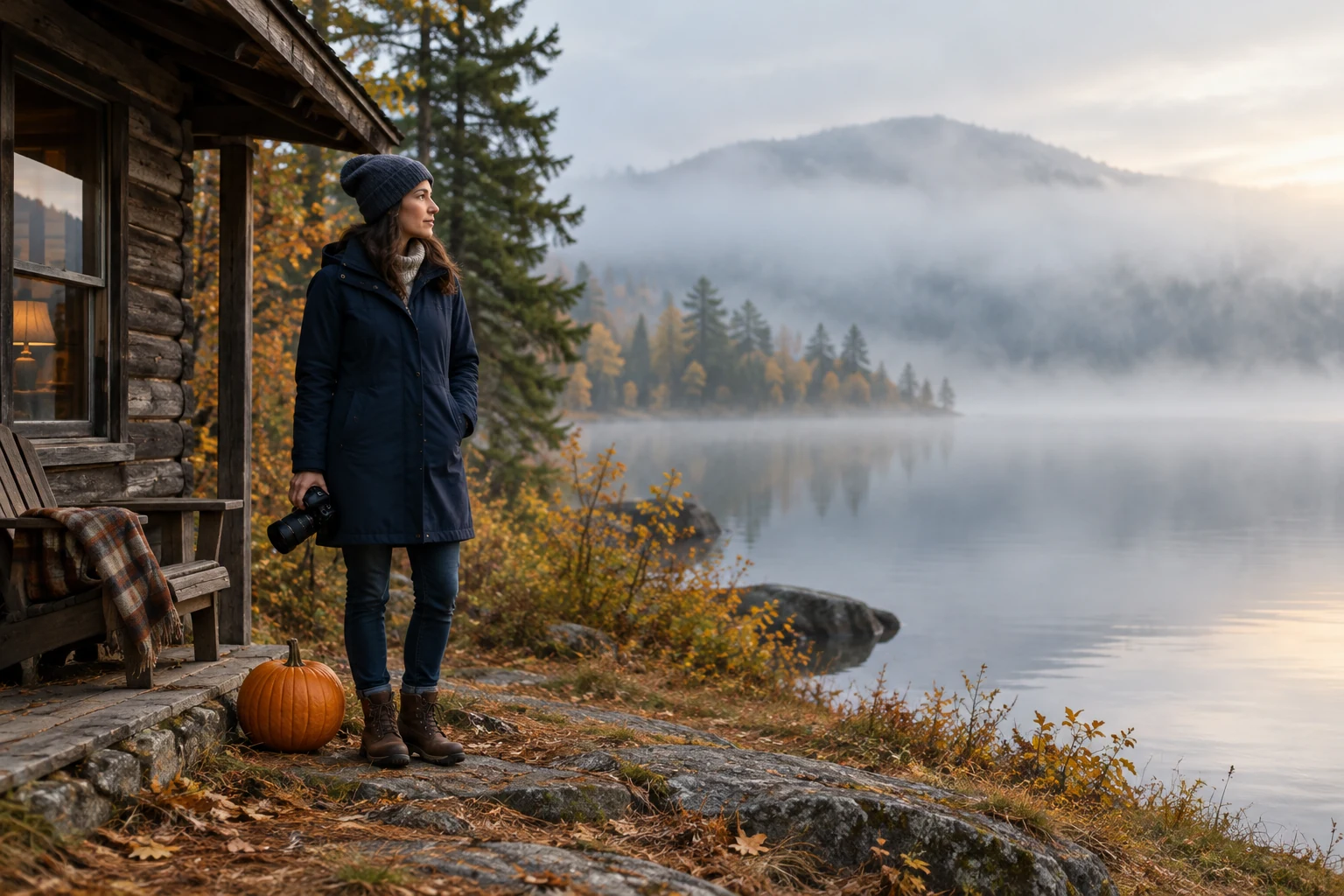
Plan your pumpkin composition
Edit an existing photo
Use an uploaded image as the starting point and describe where a pumpkin should appear.
Create a new autumn scene
Use text mode to compose a scene from scratch, such as a candlelit pumpkin on a rustic windowsill.
Shape the still-frame composition
Prompt for scenes such as a clean coffee tabletop with pumpkins or a blue-hour garden path with a small lantern pumpkin.
Review your generation
Choose a model, edit the prompt, view the live credit quote, and return to History to check your generated images.
Add Pumpkin To Photo FAQ
Do I need to upload an image to add a pumpkin?
Yes, editing requires one uploaded image. If you do not upload an image, text mode can create a new scene instead.
What is the difference between generate mode and edit mode?
Generate mode creates a new image from text without an upload. Edit mode uses one uploaded image as the starting point for an edit.
Will the original photo be preserved exactly?
Exact preservation is not guaranteed. Describe what should remain unchanged in the editable prompt, but review the generated result to see how the edit turned out.
How much does it cost, and is it free?
The live credit quote shows the cost for your selected model and settings. Any free access depends on the current conditions shown on the site; no particular allowance is guaranteed here.
How long will image generation take?
Generation time can vary, so a specific wait time cannot be promised. Check History for the status and result.
How can I download the generated image?
When the result is available, open it from History and use the download option provided with the image.
Continue your project
klingai.me · Updated
What's new on this page
- — Added a pumpkin photo editor with editable prompts, four seasonal image ideas and a step-by-step guide.