
Plan Focused Image Edits with Nano Banana 2
Explain Your Subject, Changes and References
List the details that matter in your Nano Banana 2 image brief: identity, shape, colors, clothing and background. Use supported references where appropriate and compare every result; exact consistency is not guaranteed.

Verified prompt
create image with 1: 1 ratio turn a vector [ type ] icon with the following json style { "object": "icon", "material": { "primary_surface": "smooth matted translucent metallic", "finish": "iridescent sheen", "color_profile": { "base_color": "deep blue", "secondary_tones": [ "black", "violet", "copper-orange highlights" ] }, "panel_lines": { "material": "metallic copper", "visual_treatment": "glowing edge with subtle bevel" }, }, "lighting": { "type": "studio", "key_light": { "position": "top-left", "effect": "smooth gradient highlight across the surface" }, "rim_light": { "position": "right side", "effect": "sharp metallic edge glow" }, "reflections": { "character": "diffused but iridescent, hinting at a highly polished or lacquered surface" }, "shadows": "soft edge, minimal ground contact due to floating presentation" }, "background": { "color": "#FFF", "style": "solid matte", }, "composition": { "camera_angle": "centered, eye-level", "depth_of_field": "none (sharp focus throughout)", "presentation": "floating, isolated subject" "angle": "isometric style" }, "visual_style": { "tone": "modern, high-impact", "inspiration": "sports branding meets futuristic product design", "aesthetic": "bold contrast, tech-luxury fusion" } }
create image with 1: 1 ratio turn a vector [ type ] icon with the following json style { "object": "icon", "material": { "primary_surface": "smooth matted translucent metallic", "finish": "iridescent sheen", "color_profile": { "base_color": "deep blue", "secondary_tones": [ "black", "violet", "copper-orange highlights" ] }, "panel_lines": { "material": "metallic copper", "visual_treatment": "glowing edge with subtle bevel" }, }, "lighting": { "type": "studio", "key_light": { "position": "top-left", "effect": "smooth gradient highlight across the surface" }, "rim_light": { "position": "right side", "effect": "sharp metallic edge glow" }, "reflections": { "character": "diffused but iridescent, hinting at a highly polished or lacquered surface" }, "shadows": "soft edge, minimal ground contact due to floating presentation" }, "background": { "color": "#FFF", "style": "solid matte", }, "composition": { "camera_angle": "centered, eye-level", "depth_of_field": "none (sharp focus throughout)", "presentation": "floating, isolated subject" "angle": "isometric style" }, "visual_style": { "tone": "modern, high-impact", "inspiration": "sports branding meets futuristic product design", "aesthetic": "bold contrast, tech-luxury fusion" } }
Verified prompt
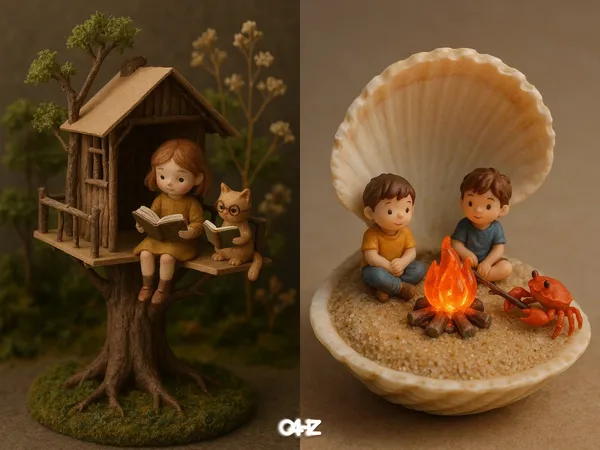
le] miniature handcrafted diorama. [Material] tree branches, cardboard, clay, moss, dried flowers, paper. [Surface Texture] organic, rough and varied (wood grain, soft moss, paper texture). [Lighting] Type: soft ambient natural light. Intensity: low to moderate. Direction: diffused overhead. Accent Colors: forest green, earth brown, soft beige, muted pink. Reflections: false. Refractions: false. Dispersion Effects: false. Bloom: false. [Color Scheme] Primary: natural greens and browns. Secondary: soft neutral tones (cardboard, clay, paper). Highlights: light falling on the open book and cat’s glasses. Rim Light: subtle natural edge light from the forest opening. [Background] Color: natural moss green. Vignette: false. Texture: moss and dried floral structure. [Post Processing] Chromatic Aberration: false. Glow: false. High Contrast: false. Sharp Details: true. Film Grain: false. [Form Composition] Scene Elements: a small girl sitting on a balcony holding an open miniature book, a cat with glasses observing the book's illustrations, a treehouse made from twigs, cardboard, and clay, balcony and surrounding forest made of moss and dried flowers. Scale: miniature. Theme: childlike wonder and storytelling in a handcrafted world. Visual Metaphor: curiosity, quiet companionship, imagination in nature. [Metadata] Artist: -Zho-. Series: ZH4O.
le] miniature handcrafted diorama. [Material] tree branches, cardboard, clay, moss, dried flowers, paper. [Surface Texture] organic, rough and varied (wood grain, soft moss, paper texture). [Lighting] Type: soft ambient natural light. Intensity: low to moderate. Direction: diffused overhead. Accent Colors: forest green, earth brown, soft beige, muted pink. Reflections: false. Refractions: false. Dispersion Effects: false. Bloom: false. [Color Scheme] Primary: natural greens and browns. Secondary: soft neutral tones (cardboard, clay, paper). Highlights: light falling on the open book and cat’s glasses. Rim Light: subtle natural edge light from the forest opening. [Background] Color: natural moss green. Vignette: false. Texture: moss and dried floral structure. [Post Processing] Chromatic Aberration: false. Glow: false. High Contrast: false. Sharp Details: true. Film Grain: false. [Form Composition] Scene Elements: a small girl sitting on a balcony holding an open miniature book, a cat with glasses observing the book's illustrations, a treehouse made from twigs, cardboard, and clay, balcony and surrounding forest made of moss and dried flowers. Scale: miniature. Theme: childlike wonder and storytelling in a handcrafted world. Visual Metaphor: curiosity, quiet companionship, imagination in nature. [Metadata] Artist: -Zho-. Series: ZH4O.
Verified prompt
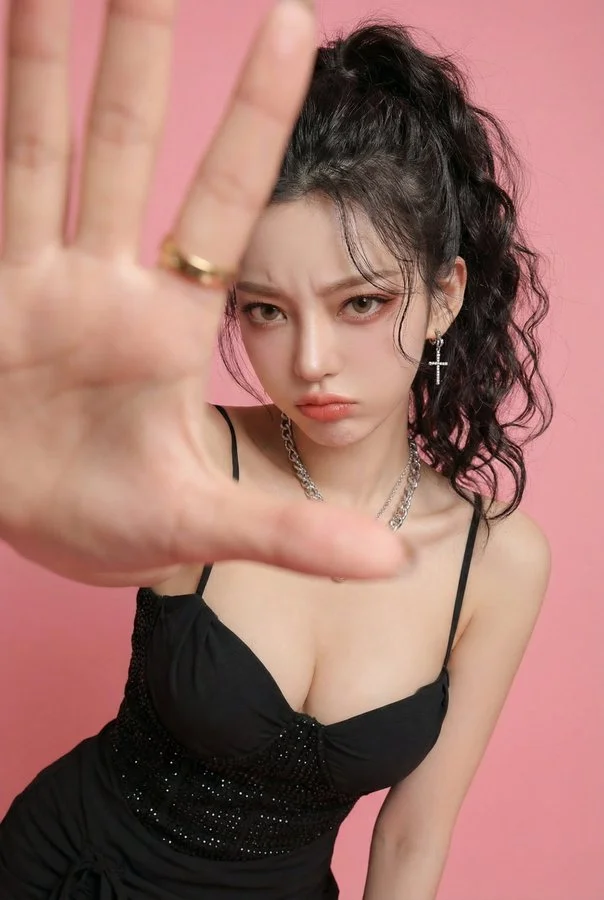
Photorealistic edit using the input person photo as strict identity reference: keep the same face, facial features, skin tone, hairstyle (color/bangs/length/volume), outfit and accessories unchanged (no face swap, no new person, no hair/outfit change). Change only expression/pose/background: pouty lips and furrowed brows, slightly angry/annoyed, like she's playfully mad at her boyfriend and saying 'stop filming me'. Close wide-angle perspective (18–28mm), body slightly leaning forward, one hand reaching toward the lens as if grabbing the boyfriend's phone / blocking the camera; huge foreground hand occupying 30–50% of the frame, palm facing camera, five natural fingers, realistic anatomy; face in the back in sharp focus. Replace background with a clean solid pink studio backdrop (seamless, no texture). No text, no watermark, no frame, no extra fingers, no deformed hands, no heavy blur, no style change.
Photorealistic edit using the input person photo as strict identity reference: keep the same face, facial features, skin tone, hairstyle (color/bangs/length/volume), outfit and accessories unchanged (no face swap, no new person, no hair/outfit change). Change only expression/pose/background: pouty lips and furrowed brows, slightly angry/annoyed, like she's playfully mad at her boyfriend and saying 'stop filming me'. Close wide-angle perspective (18–28mm), body slightly leaning forward, one hand reaching toward the lens as if grabbing the boyfriend's phone / blocking the camera; huge foreground hand occupying 30–50% of the frame, palm facing camera, five natural fingers, realistic anatomy; face in the back in sharp focus. Replace background with a clean solid pink studio backdrop (seamless, no texture). No text, no watermark, no frame, no extra fingers, no deformed hands, no heavy blur, no style change.
Verified prompt
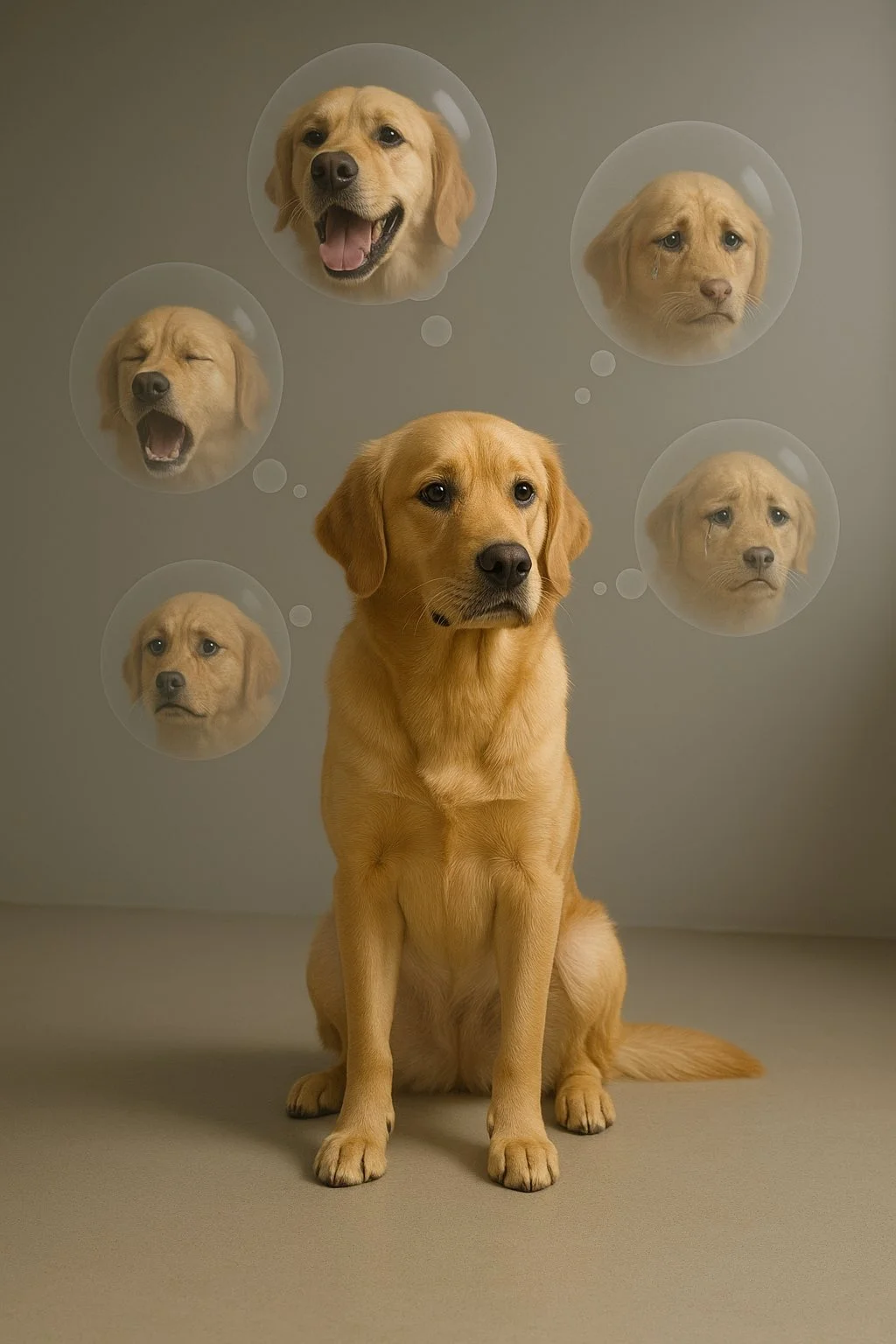
A [SUBJECT] sits alone in a minimalistic room filled with floating, semi-transparent thought bubbles. Each bubble contains a fragment of their face from different emotional states — smiling, crying, screaming — forming a psychological self-portrait suspended in mid-air.
A [SUBJECT] sits alone in a minimalistic room filled with floating, semi-transparent thought bubbles. Each bubble contains a fragment of their face from different emotional states — smiling, crying, screaming — forming a psychological self-portrait suspended in mid-air.
Verified prompt
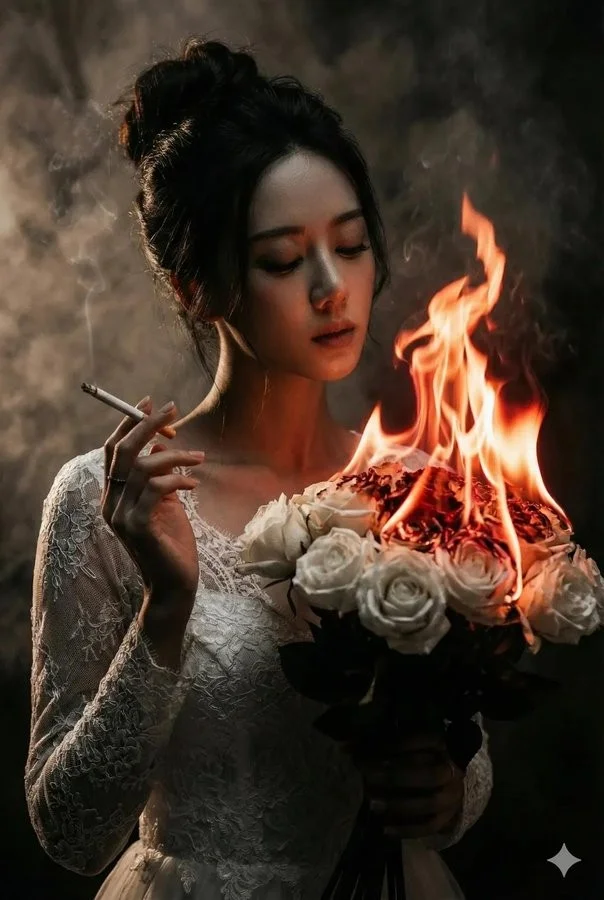
A cinematic, dark-romantic portrait of a mysterious bride holding a bouquet of white roses that are on fire, orange flames consuming the flowers, soft glowing embers and smoke in the air. The woman is wearing an elegant white lace wedding dress, hair in a loose elegant updo, holding a cigarette between her fingers while exhaling smoke in front of her face. Dramatic low-key lighting, warm firelight illuminating her face from the side, deep shadows, moody atmosphere, gothic aesthetic, ultra-detailed, photorealistic, shallow depth of field, 85mm lens look, high contrast, soft skin texture, cinematic color grading, dark background, volumetric smoke, fantasy realism, 8k quality.
A cinematic, dark-romantic portrait of a mysterious bride holding a bouquet of white roses that are on fire, orange flames consuming the flowers, soft glowing embers and smoke in the air. The woman is wearing an elegant white lace wedding dress, hair in a loose elegant updo, holding a cigarette between her fingers while exhaling smoke in front of her face. Dramatic low-key lighting, warm firelight illuminating her face from the side, deep shadows, moody atmosphere, gothic aesthetic, ultra-detailed, photorealistic, shallow depth of field, 85mm lens look, high contrast, soft skin texture, cinematic color grading, dark background, volumetric smoke, fantasy realism, 8k quality.
Verified prompt
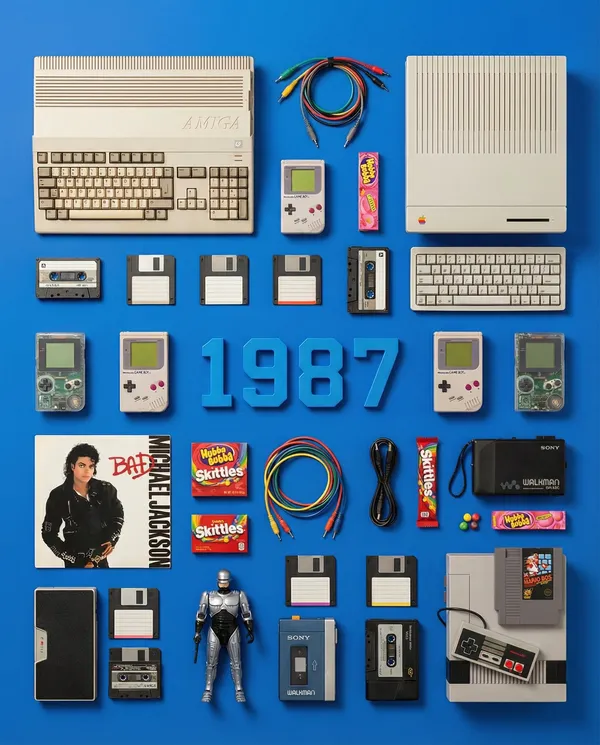
grafía de producto profesional estilo 'Knolling' (Flat Lay) de alta gama, representando una cápsula del tiempo del año [AÑO]. Composición: Organización cenital meticulosamente alineada en una cuadrícula perfecta de 90 grados. Fondo: Superficie sólida mate de color [COLOR QUE CONTRASTE, EJ: AMARILLO MOSTAZA / AZUL ELÉCTRICO]. Sujetos (Autogeneración Histórica): Selecciona y renderiza con precisión fotográfica los 5 objetos tecnológicos o de cultura pop más icónicos lanzados específicamente en [AÑO]. Incluye 5-7 accesorios menores correspondientes a la época (cables, medios de almacenamiento, papelería o dulces retro). Elemento Central: El año "[AÑO]" está escrito en el centro exacto de la cuadrícula utilizando tipografía física y táctil (letras de plástico recortado, madera o metal) con una fuente acorde a la década. Iluminación y Estética: Iluminación de estudio "Softbox" cenital, completamente difusa y sin sombras duras (shadowless). Estilo: Simetría obsesiva tipo Wes Anderson, vibrante, deconstruido, organizado y visualmente satisfactorio. Renderizado: Fotorealismo 8k, texturas de plástico y metal detalladas.
grafía de producto profesional estilo 'Knolling' (Flat Lay) de alta gama, representando una cápsula del tiempo del año [AÑO]. Composición: Organización cenital meticulosamente alineada en una cuadrícula perfecta de 90 grados. Fondo: Superficie sólida mate de color [COLOR QUE CONTRASTE, EJ: AMARILLO MOSTAZA / AZUL ELÉCTRICO]. Sujetos (Autogeneración Histórica): Selecciona y renderiza con precisión fotográfica los 5 objetos tecnológicos o de cultura pop más icónicos lanzados específicamente en [AÑO]. Incluye 5-7 accesorios menores correspondientes a la época (cables, medios de almacenamiento, papelería o dulces retro). Elemento Central: El año "[AÑO]" está escrito en el centro exacto de la cuadrícula utilizando tipografía física y táctil (letras de plástico recortado, madera o metal) con una fuente acorde a la década. Iluminación y Estética: Iluminación de estudio "Softbox" cenital, completamente difusa y sin sombras duras (shadowless). Estilo: Simetría obsesiva tipo Wes Anderson, vibrante, deconstruido, organizado y visualmente satisfactorio. Renderizado: Fotorealismo 8k, texturas de plástico y metal detalladas.
Verified prompt
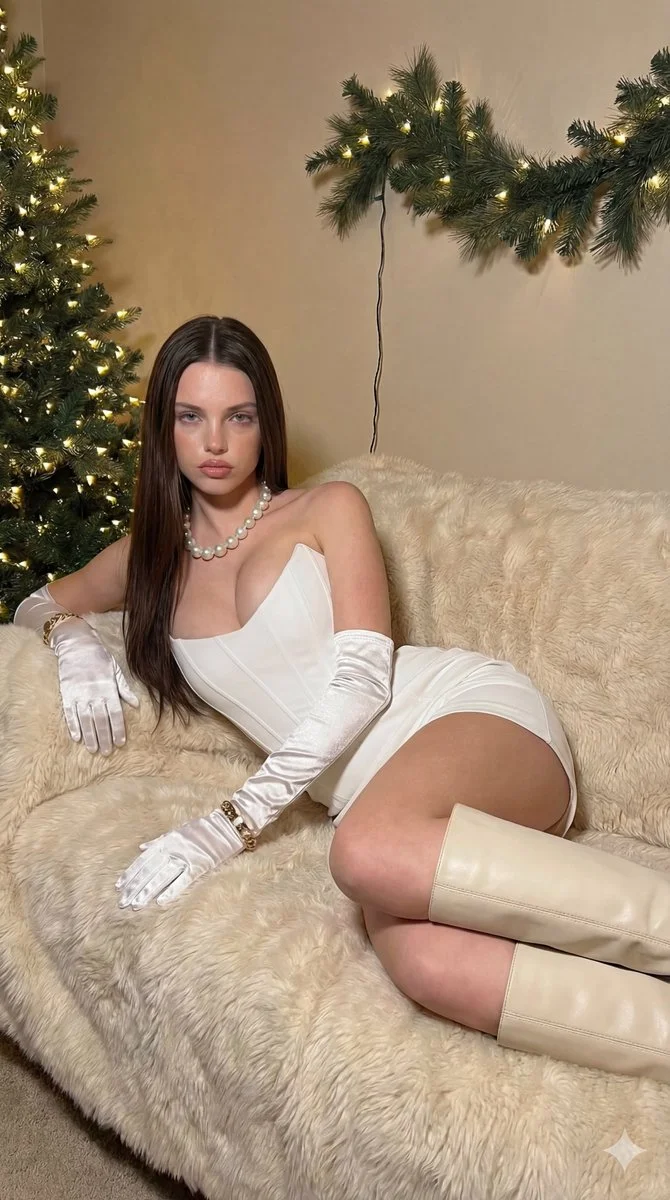
Female subject reclining on textured sofa, leaning back on one arm. Neutral confident expression with slight pout, direct camera gaze. Long straight dark brown hair, center-parted. Wearing white strapless mini dress with corset-style bodice, white satin opera-length gloves, cream knee-high leather boots with chain detail, chunky pearl necklace, gold bracelet over left glove. Setting: indoor festive living space, sofa with plush cream/beige fur throw, large Christmas tree with gold/silver ornaments and warm fairy lights, frosted pine garland on wall. Warm ambient light, soft shadows, highlights on satin and corset. Glamorous, cozy, holiday-themed, elegant atmosphere.
Female subject reclining on textured sofa, leaning back on one arm. Neutral confident expression with slight pout, direct camera gaze. Long straight dark brown hair, center-parted. Wearing white strapless mini dress with corset-style bodice, white satin opera-length gloves, cream knee-high leather boots with chain detail, chunky pearl necklace, gold bracelet over left glove. Setting: indoor festive living space, sofa with plush cream/beige fur throw, large Christmas tree with gold/silver ornaments and warm fairy lights, frosted pine garland on wall. Warm ambient light, soft shadows, highlights on satin and corset. Glamorous, cozy, holiday-themed, elegant atmosphere.
Verified prompt
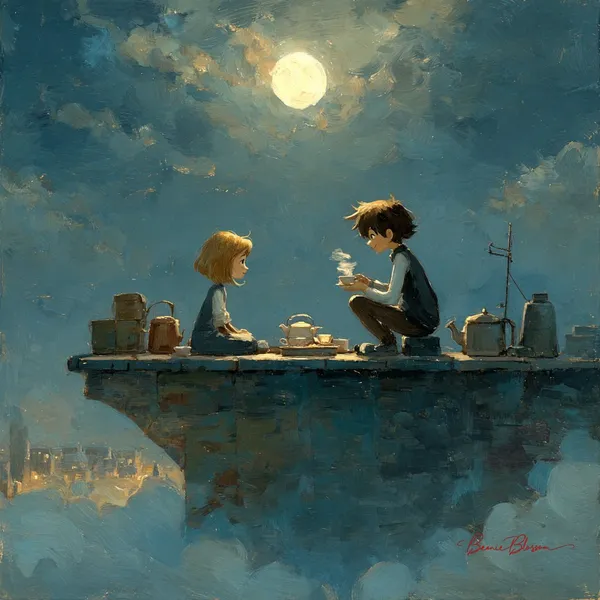
onlight rooftop tea party between a girl and a boy, dreamy, gentle, painterly.
onlight rooftop tea party between a girl and a boy, dreamy, gentle, painterly.
Verified prompt
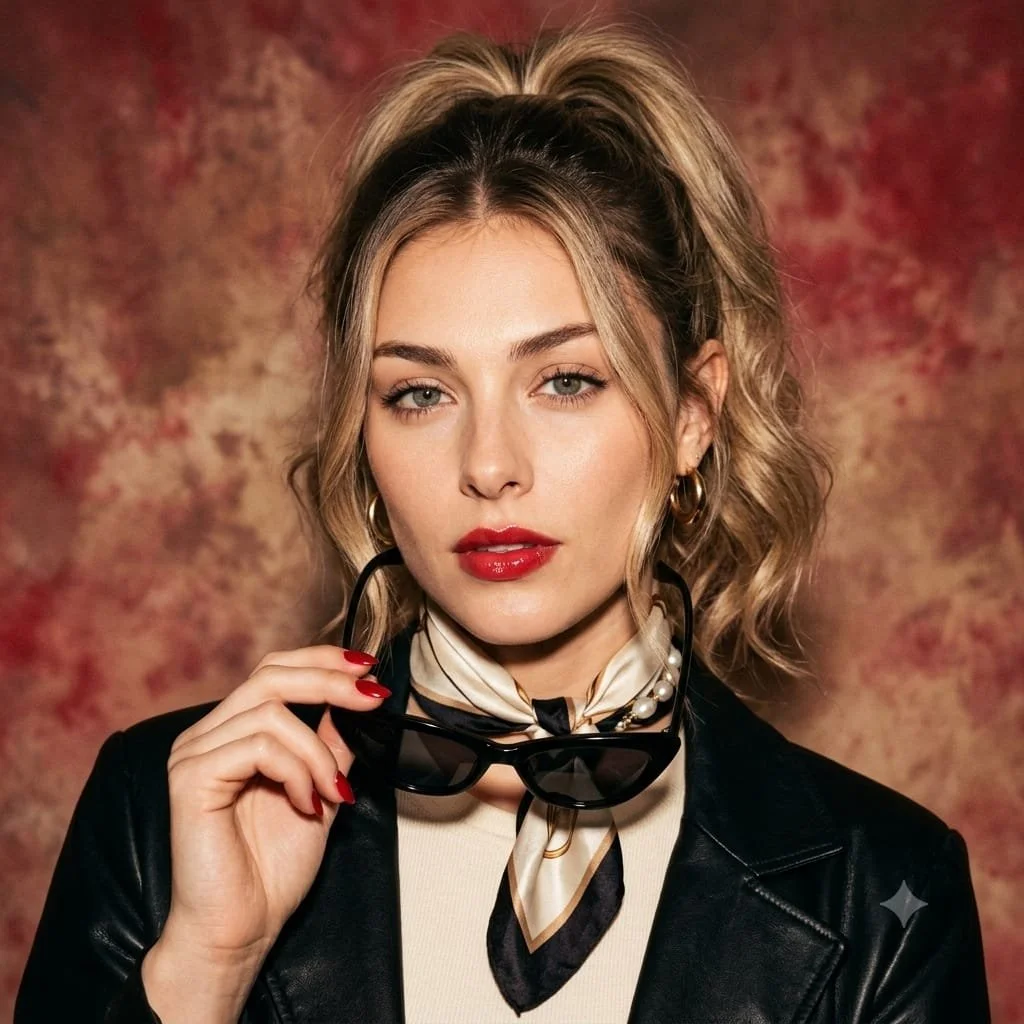
Use an uploaded adult portrait as the facial reference for a retro Italian-inspired studio image. Style the subject in a cream top, a dark leather jacket and a patterned silk scarf. Let one hand hold dark cat-eye sunglasses beside the face, with red nails as a small accent. Use loosely gathered hair, understated gold jewelry and a composed direct gaze. Place the portrait against a painterly warm red and cream background with soft cinematic light. Preserve realistic facial details and texture in a balanced square composition.
Use an uploaded adult portrait as the facial reference for a retro Italian-inspired studio image. Style the subject in a cream top, a dark leather jacket and a patterned silk scarf. Let one hand hold dark cat-eye sunglasses beside the face, with red nails as a small accent. Use loosely gathered hair, understated gold jewelry and a composed direct gaze. Place the portrait against a painterly warm red and cream background with soft cinematic light. Preserve realistic facial details and texture in a balanced square composition.
Verified prompt
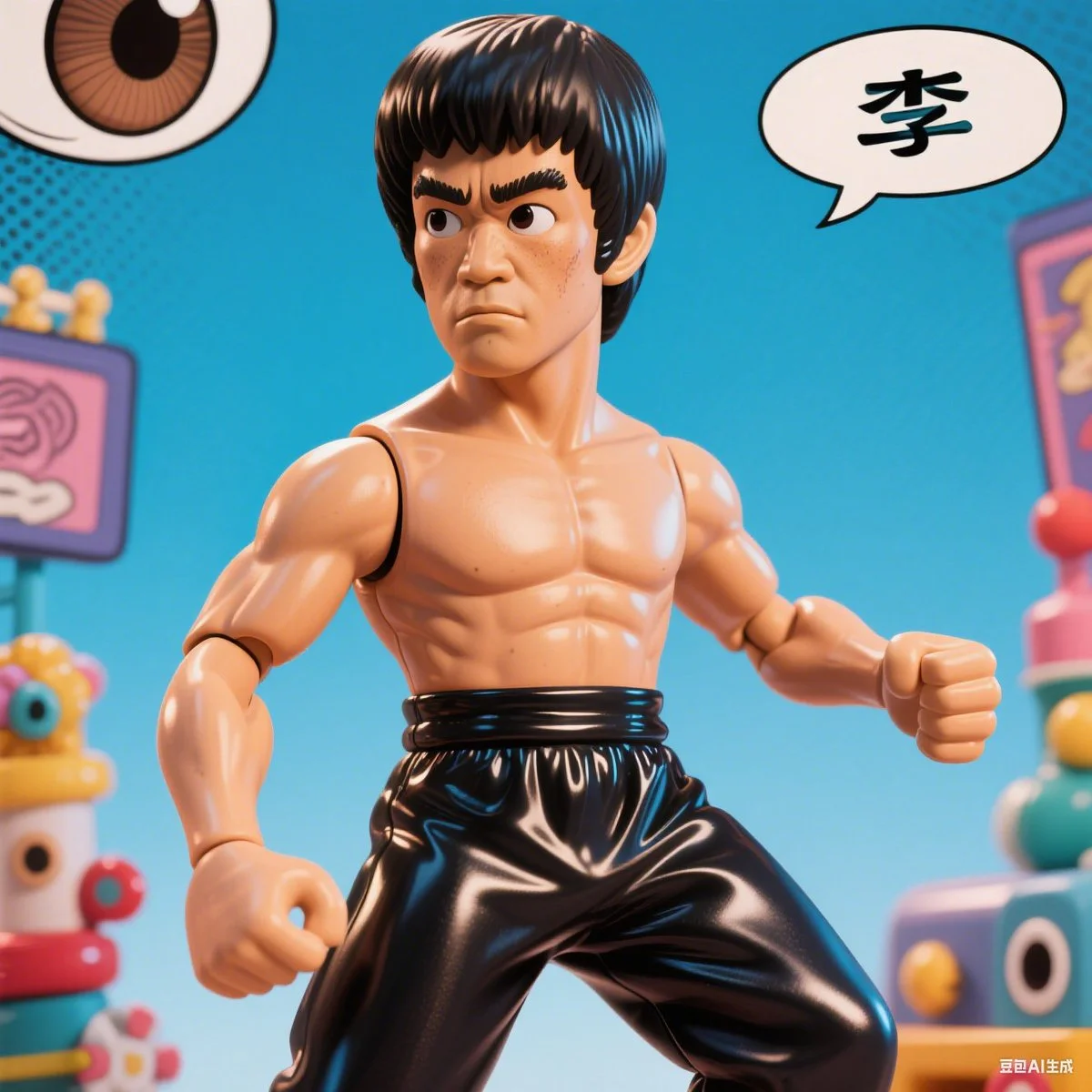
A comic-style caricature illustration of [subject], with an oversized head and expressive eyes, rendered in a hyper-realistic vinyl toy aesthetic. The character features exaggerated proportions, glossy textures, and playful details, blending caricature art with collectible figure charm.
A comic-style caricature illustration of [subject], with an oversized head and expressive eyes, rendered in a hyper-realistic vinyl toy aesthetic. The character features exaggerated proportions, glossy textures, and playful details, blending caricature art with collectible figure charm.
Verified prompt
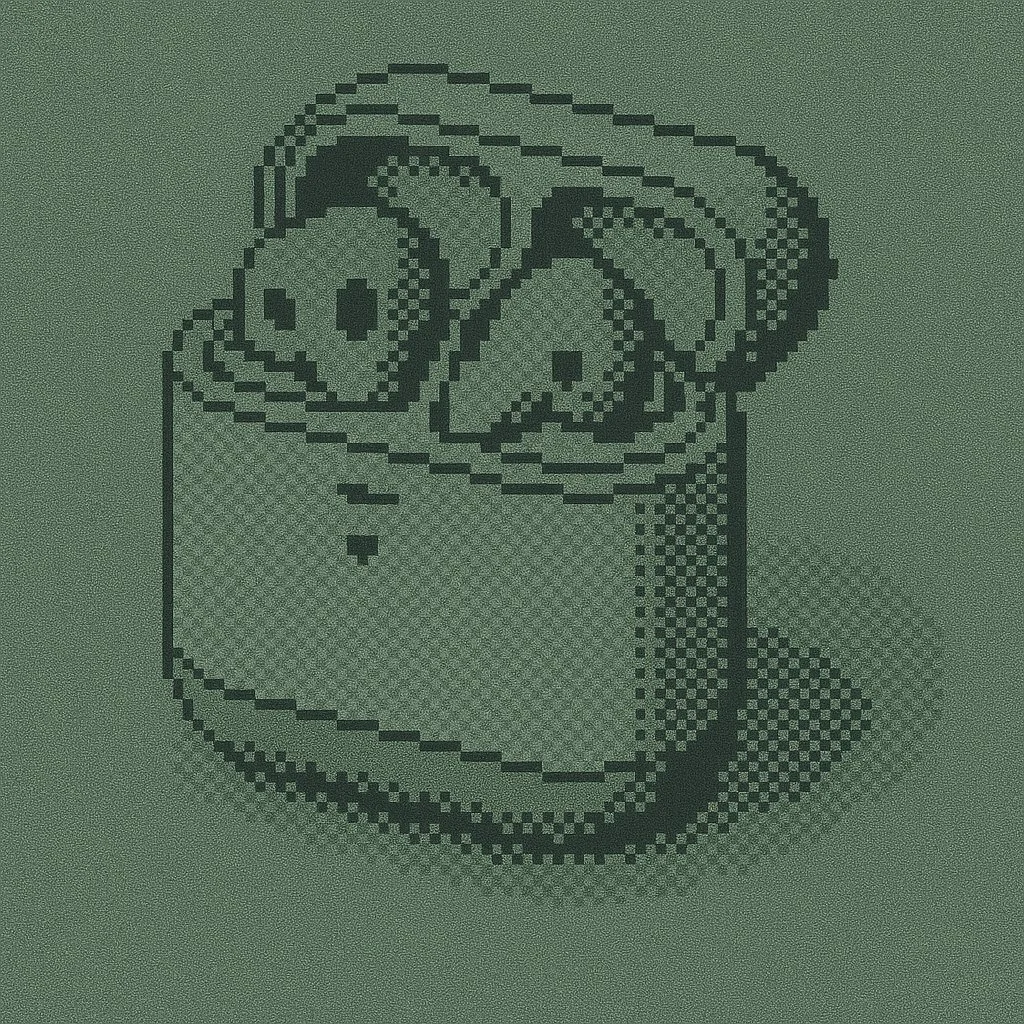
{ "styleAesthetic": { "title": "Monochrome Pixel Mosaic", "overallVibe": "Retro mobile-screen pixel art—clean, minimal, and slightly nostalgic", "renderingStyle": "1-bit square-pixel grid with optional dithering to suggest tone and depth", "viewAngle": "Orthographic front view (no perspective distortion)", "pixelation": { "pixelSize": 6, // width/height of each square in px (tweak per output res) "pixelShape": "perfect square", "gridAlignment": "uniform, no gaps", "ditheringPattern": "Floyd–Steinberg or ordered 2×2" }, "colorPalette": { "pixelColor": "#000000", // foreground pixels "backgroundColor": "#8CA17C", // muted pastel green sample; replace to recolor "paletteType": "1-bit monochrome" }, "lightingAndShadows": { "pixelDropShadow": { "enabled": true, "offsetX": 0, "offsetY": 1, "blur": 2, "opacity": 0.25 }, }, "materialsAndTextures": [ { "type": "Matte LCD surface", "description": "Flat display with very fine grain/noise to simulate old LCD texture", "noiseIntensity": 0.01 } ], "typography": { "fontFamily": "monospaced bitmap", "weight": "bold", "capitalization": "uppercase", "letterSpacing": 0, "align": "center" }, "postProcessing": { "edgeSmoothing": "none (hard pixel edges preserved)", "filmGrain": 0.01, "overallContrast": 1.0 }, "adaptabilityHints": { "applyToPhotographs": "posterize → 1-bit → downsample to pixel grid → apply dithering", "applyToVectorText": "render glyphs to bitmap grid using same pixel size and drop shadow", "safeResize": "always scale by whole-number multiples to keep squares crisp" } } }
{ "styleAesthetic": { "title": "Monochrome Pixel Mosaic", "overallVibe": "Retro mobile-screen pixel art—clean, minimal, and slightly nostalgic", "renderingStyle": "1-bit square-pixel grid with optional dithering to suggest tone and depth", "viewAngle": "Orthographic front view (no perspective distortion)", "pixelation": { "pixelSize": 6, // width/height of each square in px (tweak per output res) "pixelShape": "perfect square", "gridAlignment": "uniform, no gaps", "ditheringPattern": "Floyd–Steinberg or ordered 2×2" }, "colorPalette": { "pixelColor": "#000000", // foreground pixels "backgroundColor": "#8CA17C", // muted pastel green sample; replace to recolor "paletteType": "1-bit monochrome" }, "lightingAndShadows": { "pixelDropShadow": { "enabled": true, "offsetX": 0, "offsetY": 1, "blur": 2, "opacity": 0.25 }, }, "materialsAndTextures": [ { "type": "Matte LCD surface", "description": "Flat display with very fine grain/noise to simulate old LCD texture", "noiseIntensity": 0.01 } ], "typography": { "fontFamily": "monospaced bitmap", "weight": "bold", "capitalization": "uppercase", "letterSpacing": 0, "align": "center" }, "postProcessing": { "edgeSmoothing": "none (hard pixel edges preserved)", "filmGrain": 0.01, "overallContrast": 1.0 }, "adaptabilityHints": { "applyToPhotographs": "posterize → 1-bit → downsample to pixel grid → apply dithering", "applyToVectorText": "render glyphs to bitmap grid using same pixel size and drop shadow", "safeResize": "always scale by whole-number multiples to keep squares crisp" } } }
Verified prompt
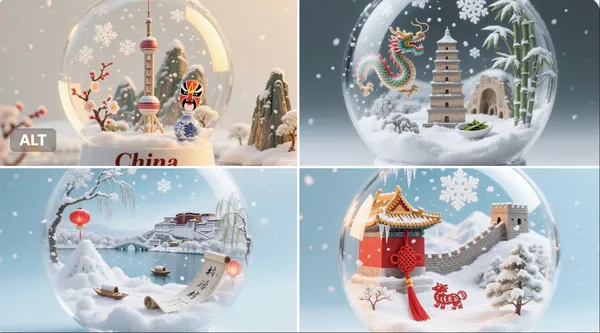
per detailed, realistic snow globe containing the essence of [Country Name]. Inside the globe: miniature snowy landscapes, iconic landmarks, cultural symbols, and natural elements representing [Country Name], rendered with extreme realism and rich textures. Delicate falling snow creates a magical, atmospheric effect inside the globe. The background is clean and softly lit to focus entirely on the globe. The image is 1:1 aspect ratio. At the bottom of the image, the text “[Country Name]” is clearly written in an elegant serif font
per detailed, realistic snow globe containing the essence of [Country Name]. Inside the globe: miniature snowy landscapes, iconic landmarks, cultural symbols, and natural elements representing [Country Name], rendered with extreme realism and rich textures. Delicate falling snow creates a magical, atmospheric effect inside the globe. The background is clean and softly lit to focus entirely on the globe. The image is 1:1 aspect ratio. At the bottom of the image, the text “[Country Name]” is clearly written in an elegant serif font
Nano Banana 2: Create and Edit with Natural Language
Develop your Nano Banana 2 image brief around the result you need. Keep the main direction specific, check supported settings in the generator, and review the completed work before using it in your project.
Choose only the resolution and aspect ratio shown for the selected model. Check framing, fine details and any text in the completed image. A larger output size does not guarantee a more accurate result.
Explore Nano Banana 2
From a Brief to a Reviewed Image: The Nano Banana 2 Workflow
Allow time to inspect each image result and refine your brief. Processing time varies by model, request and service load. Change one direction at a time so that you can judge which edit improves the result.
Enter prompt or upload image
Start your Nano Banana 2 image brief with a source image you have permission to use. Name the area to change and the colors, proportions or objects to preserve. Reference count and editing support depend on the selected model.
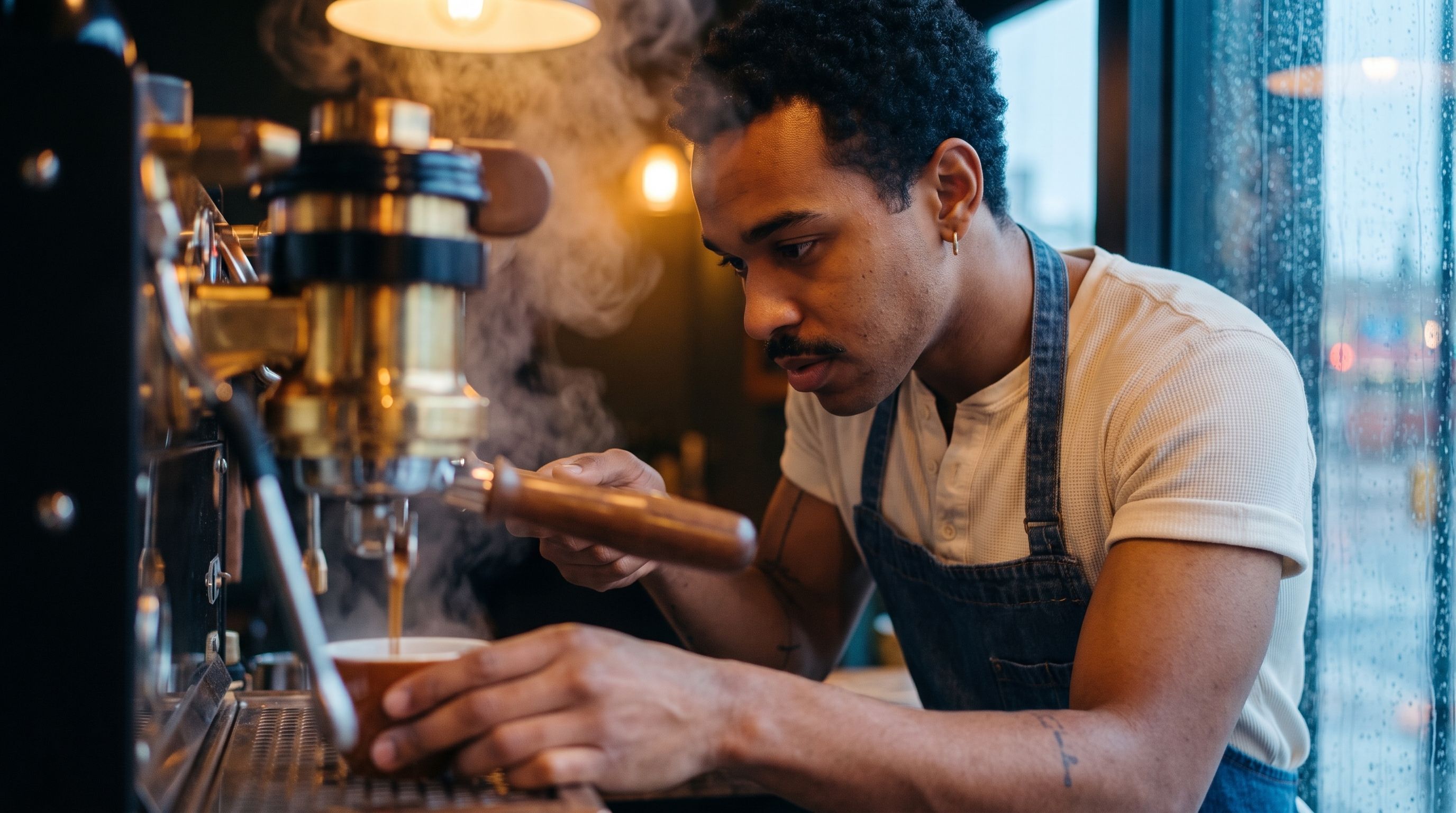
Review Availability, Settings and Credits
Allow time to inspect each image result and refine your brief. Processing time varies by model, request and service load. Change one direction at a time so that you can judge which edit improves the result.
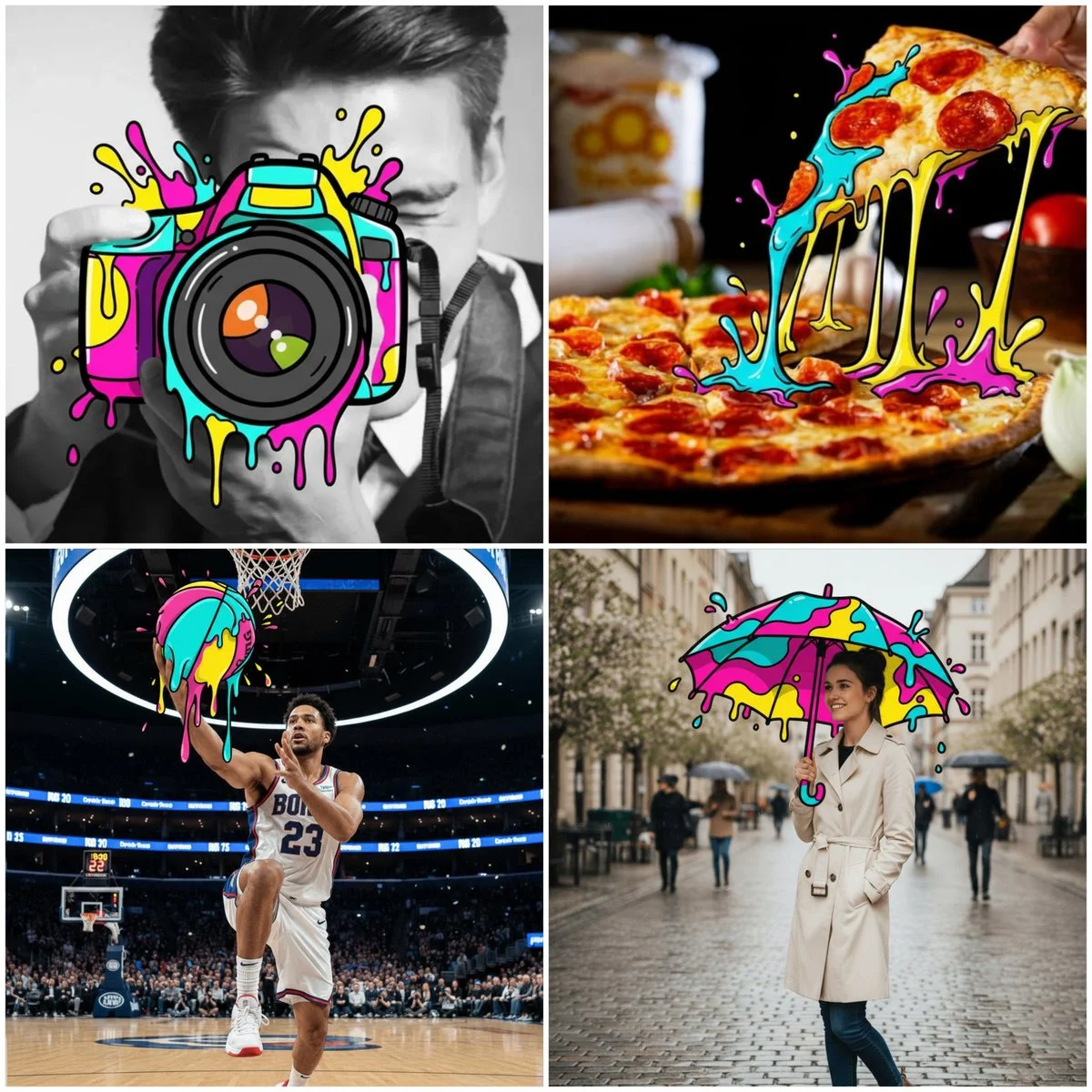
Review and Download Completed Results
When a request completes, inspect the image in History and download the result you want to keep. Review the composition and any unintended details before sharing it with your team or publishing it.
Build Your Nano Banana 2 Image Brief
For a Nano Banana 2 product concept, specify the product shape, material, key detail and setting. Keep logos and claims accurate, allow room for your own typography, and review the result before using it in an advertisement.
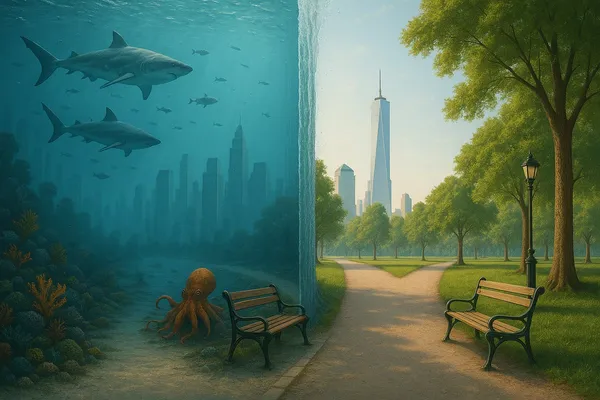
Explain Your Subject, Changes and References
Start your Nano Banana 2 image brief with a source image you have permission to use. Name the area to change and the colors, proportions or objects to preserve. Reference count and editing support depend on the selected model.
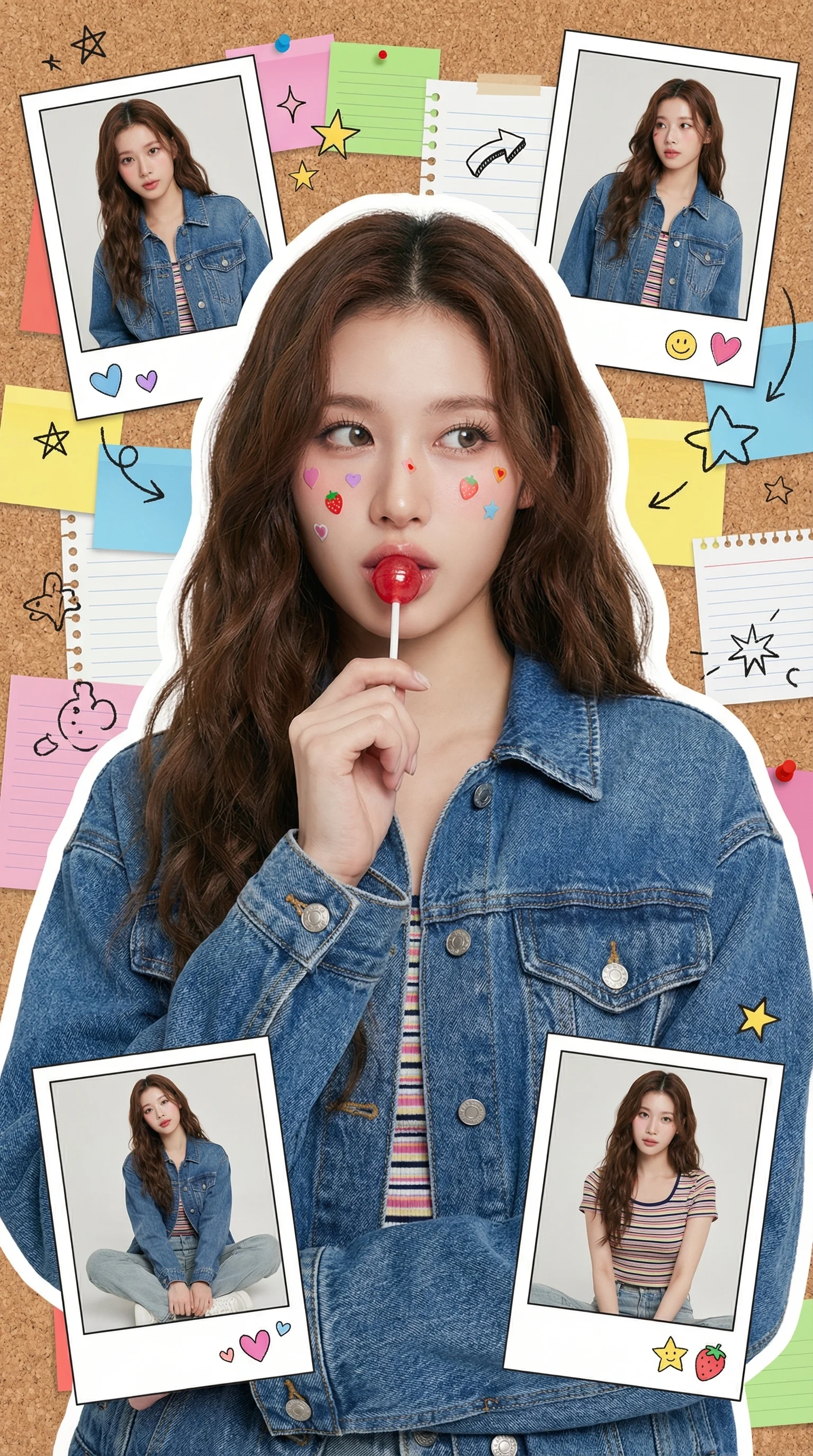
Describe the Changes and Details to Preserve
Write your Nano Banana 2 image brief around a subject, composition, lighting and intended style. Add a material or texture when it matters. For edits, state one precise change and explain which parts of the source should remain intact.
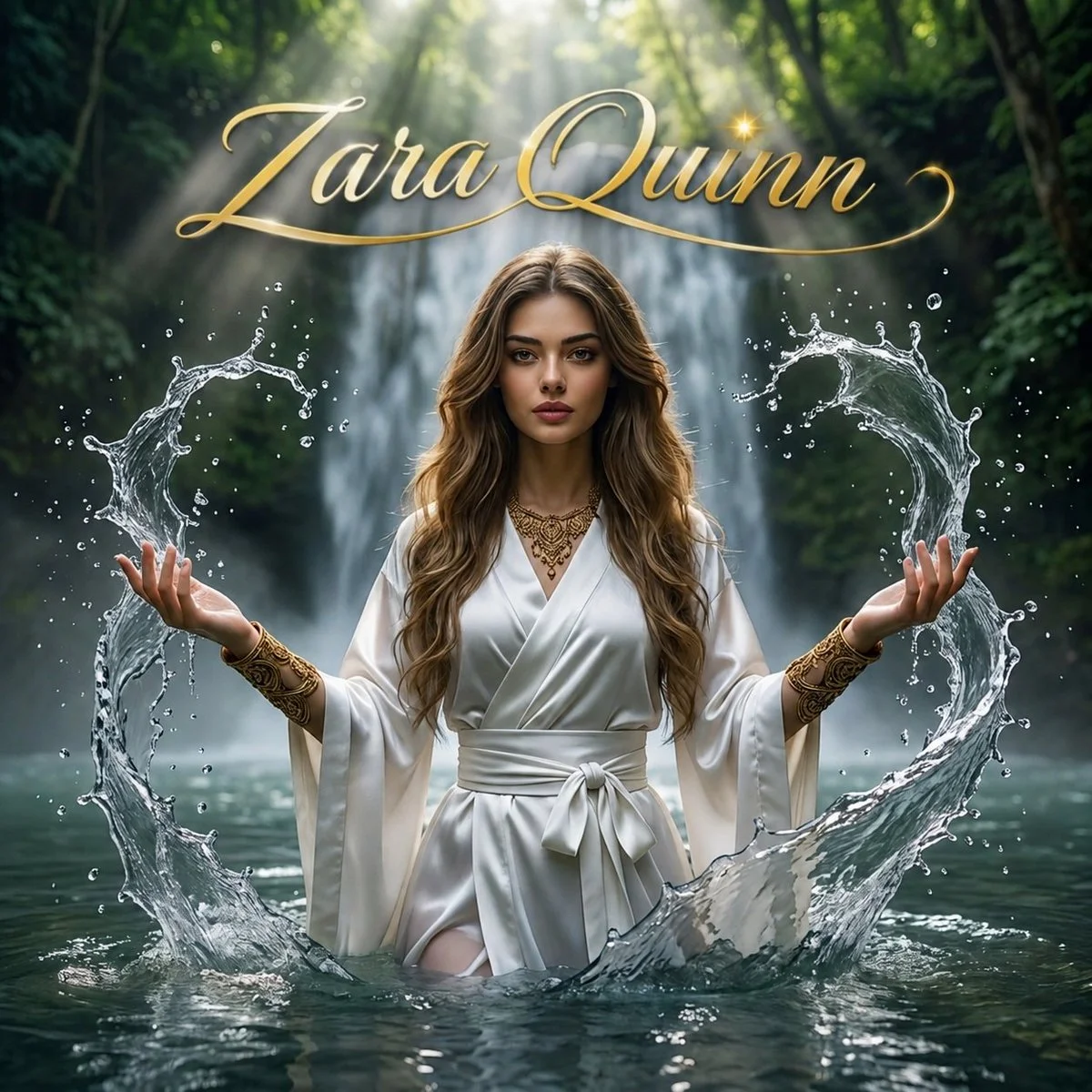
Check Details Across Every Result
Allow time to inspect each image result and refine your brief. Processing time varies by model, request and service load. Change one direction at a time so that you can judge which edit improves the result.
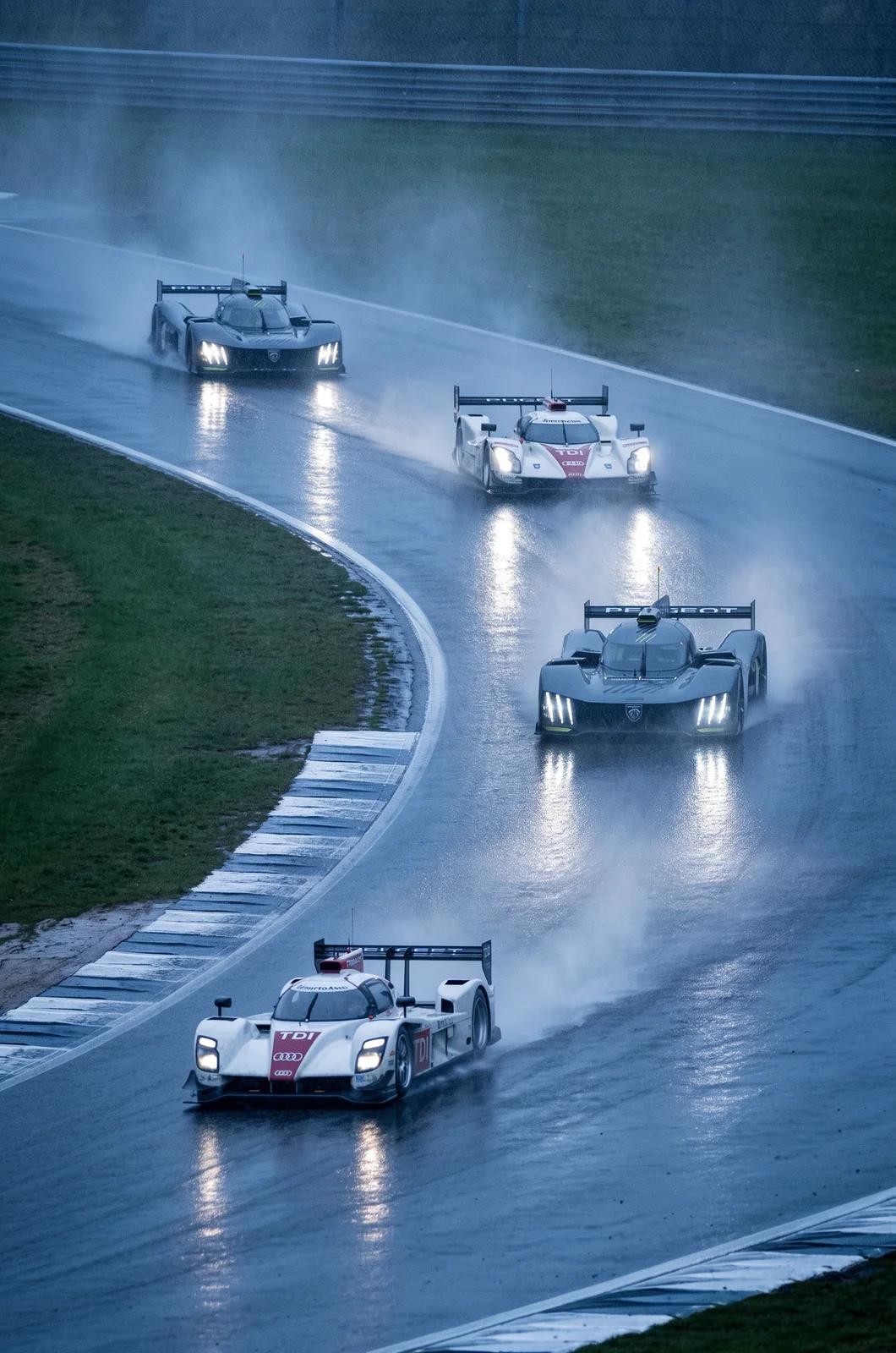
Explain Your Subject, Changes and References
List the details that matter in your Nano Banana 2 image brief: identity, shape, colors, clothing and background. Use supported references where appropriate and compare every result; exact consistency is not guaranteed.
A Clearer Creative Brief for Nano Banana 2
Allow time to inspect each image result and refine your brief. Processing time varies by model, request and service load. Change one direction at a time so that you can judge which edit improves the result.
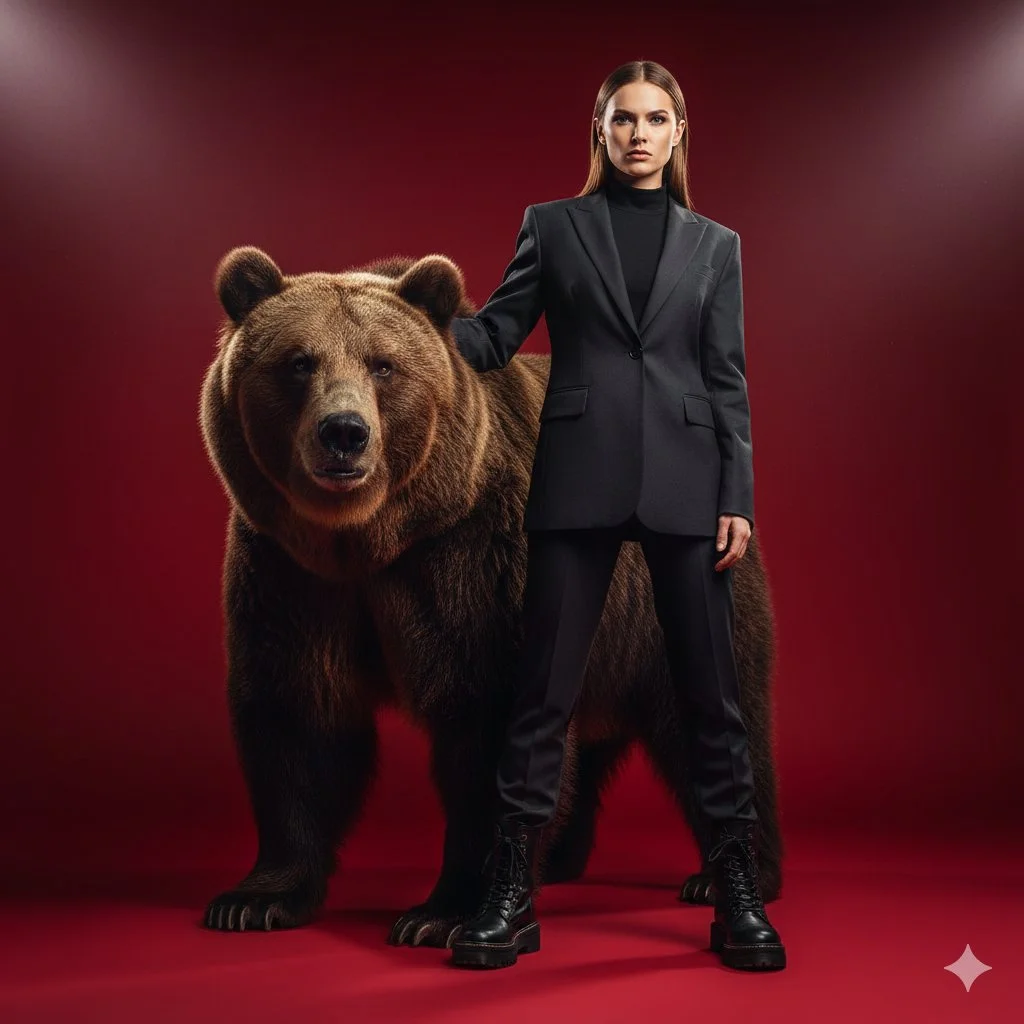
Explain Your Subject, Changes and References
Allow time to inspect each image result and refine your brief. Processing time varies by model, request and service load. Change one direction at a time so that you can judge which edit improves the result.
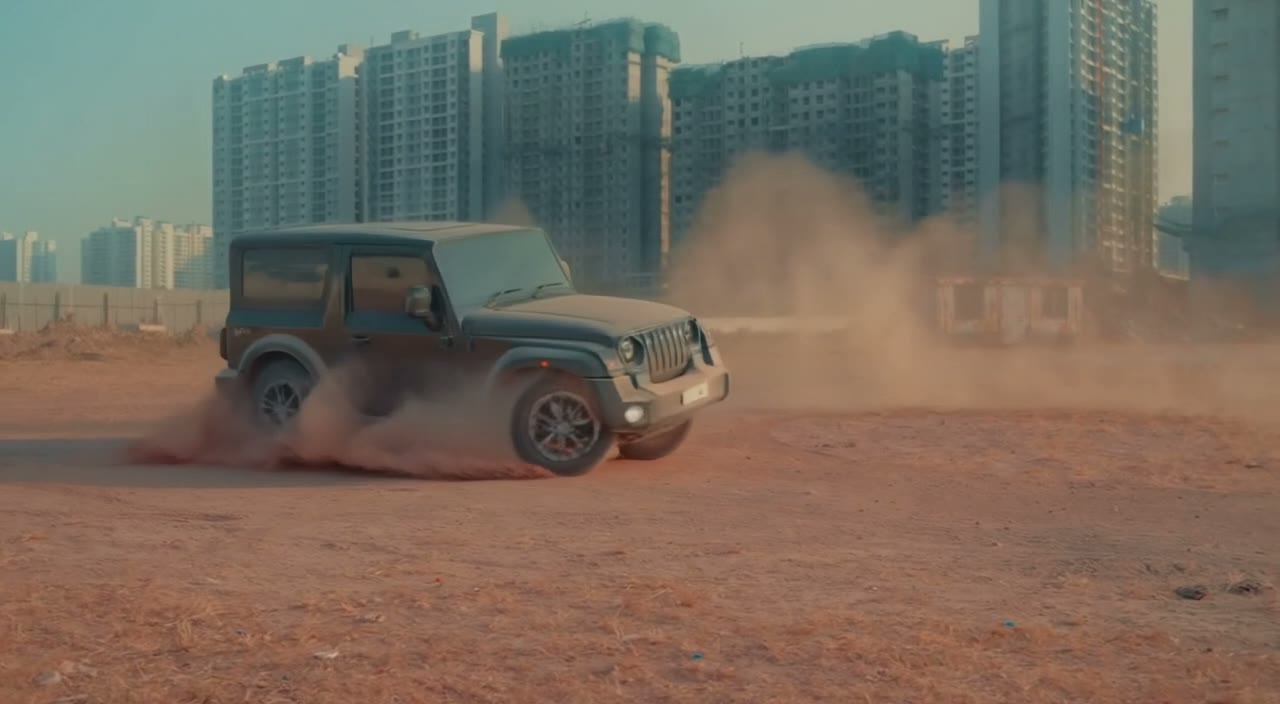
Social Media & Advertising
For a Nano Banana 2 product concept, specify the product shape, material, key detail and setting. Keep logos and claims accurate, allow room for your own typography, and review the result before using it in an advertisement.
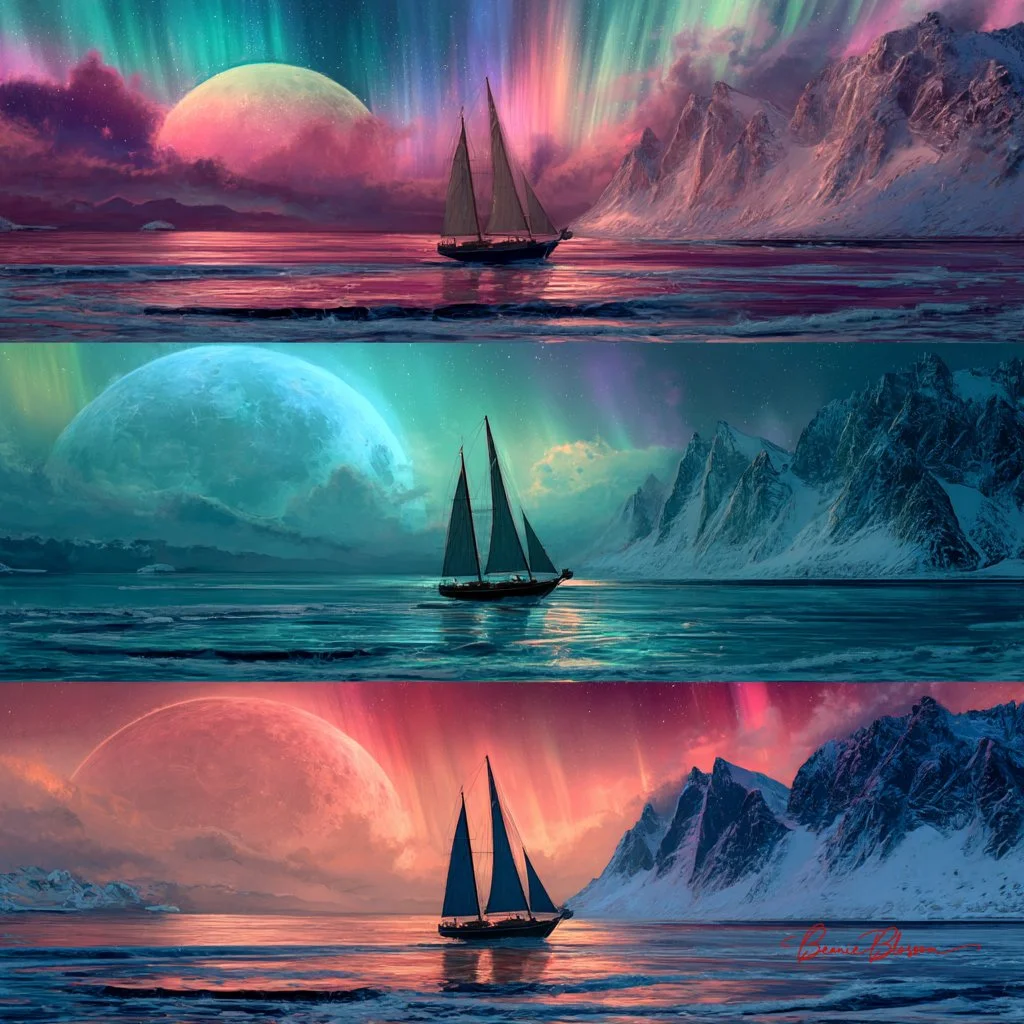
Check Details Across Every Result
List the details that matter in your Nano Banana 2 image brief: identity, shape, colors, clothing and background. Use supported references where appropriate and compare every result; exact consistency is not guaranteed.
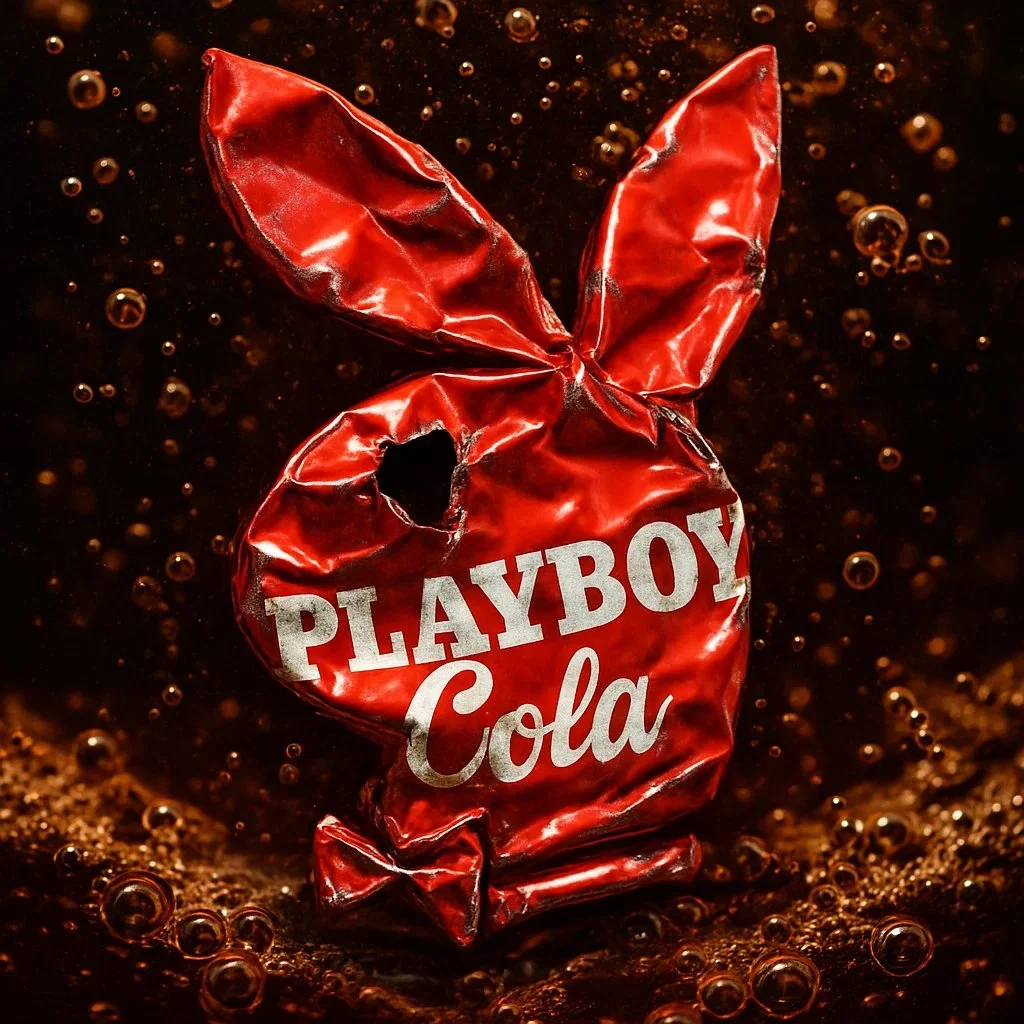
Efficient Production Workflow
For a Nano Banana 2 product concept, specify the product shape, material, key detail and setting. Keep logos and claims accurate, allow room for your own typography, and review the result before using it in an advertisement.
Creative Notes for Your Nano Banana 2 Image Brief
Give the main subject one clear action. For a Nano Banana 2 concept, a precise brief is easier to assess than a list of competing effects.
Nano Banana 2 Image Workflow: Questions & Answers
For a Nano Banana 2 product concept, specify the product shape, material, key detail and setting. Keep logos and claims accurate, allow room for your own typography, and review the result before using it in an advertisement.
This klingai.me page explains the Nano Banana 2 image workflow. It helps you write a focused brief and review the available inputs. Current access is shown in the generator; a model name on a guide does not mean it currently accepts requests.
Write your Nano Banana 2 image brief around a subject, composition, lighting and intended style. Add a material or texture when it matters. For edits, state one precise change and explain which parts of the source should remain intact.
Start your Nano Banana 2 image brief with a source image you have permission to use. Name the area to change and the colors, proportions or objects to preserve. Reference count and editing support depend on the selected model.
Develop your Nano Banana 2 image brief around the result you need. Keep the main direction specific, check supported settings in the generator, and review the completed work before using it in your project.
Use only the input modes and controls offered by the selected model. Describe the intended image clearly and add supported references when useful. This page does not promise separate motion-brush, audio-upload, restoration or editing tools.
List the details that matter in your Nano Banana 2 image brief: identity, shape, colors, clothing and background. Use supported references where appropriate and compare every result; exact consistency is not guaranteed.
For a Nano Banana 2 product concept, specify the product shape, material, key detail and setting. Keep logos and claims accurate, allow room for your own typography, and review the result before using it in an advertisement.
Choose only the resolution and aspect ratio shown for the selected model. Check framing, fine details and any text in the completed image. A larger output size does not guarantee a more accurate result.
You can request a refund within 10 days of purchase if you have unused credits from that purchase and provide a clear reason, subject to our Refund Policy. If eligible, an unused purchase can be fully refunded; a partly used purchase is refunded in proportion to its remaining unused credits. Fully used purchases and free or promotional credits are not refundable.
Credit validity depends on the pack, subscription or promotion that issued them. Review the purchase terms and expiration dates in Settings > Credits. A renewal or new purchase does not extend older credits. Use credits before their stated expiration; do not assume unused subscription credits roll over indefinitely.
Credits charged for a task that is confirmed as failed due to a system error are returned automatically. A task that is still processing has not yet been confirmed as failed. Check its status and your credit history before submitting again. If a confirmed failure still shows an unresolved charge, email support@klingai.me with the task ID.
AI results can vary, so a completed result that differs from your expectations is not automatically treated as a technical failure. Eligible completed image tasks can be submitted for credit refund review using the refund option where available; approval is required. For a video or another issue, contact support@klingai.me with the task ID and details. A credit refund returns credits, not money to your payment method.
Email support@klingai.me. For billing, include your account email and order ID; for generation, include the task ID, issue description and relevant screenshots. If you purchased as a guest, keep the original browser data and payment receipt so we can help locate the purchase.
Explore Your Next Nano Banana 2 Image Idea
Choose only the resolution and aspect ratio shown for the selected model. Check framing, fine details and any text in the completed image. A larger output size does not guarantee a more accurate result.
klingai.me · Updated
See update history
- — Added editable example prompts and separate drafts for text and reference modes, with an action to restore the example.
- — Updated page copy and content.
- — Page content published.