
Romantic Couple Spotlight
Edit a Shared Couple Photo
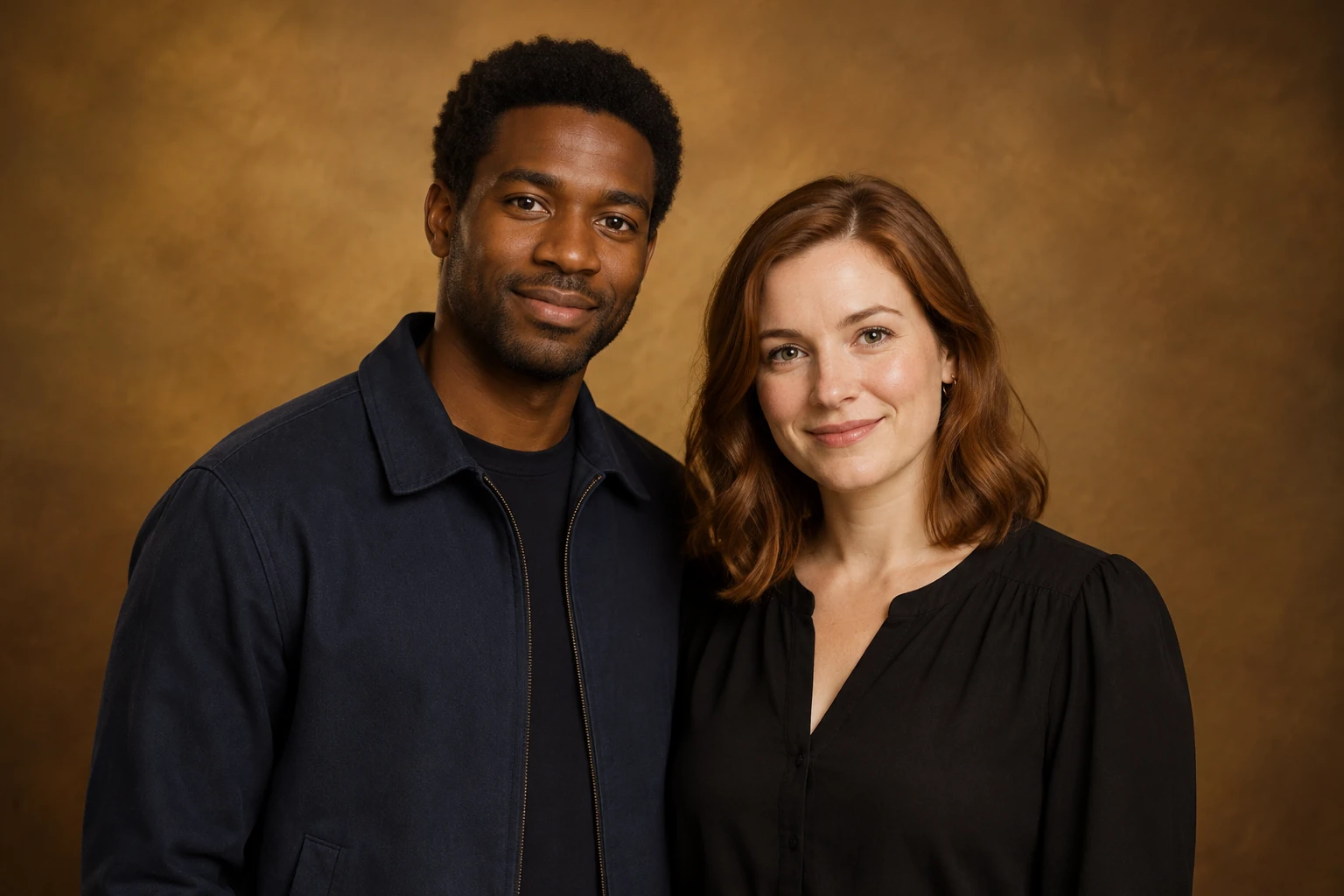
History
Use Romantic Couple Spotlight to shape an anniversary portrait from one photo of both adults. Begin with a warm bronze backdrop and broad golden light that reaches both faces, then adjust the prefilled prompt to suit your source. Compare each expression, outfit and hairline before choosing the ready image.
Plan and refine your H3 image
Choose one shared photo
Use the existing still-image editing form and provide one suitable photo containing both adults. Choose a consenting pair and a source where both faces, clothing, and pose are reasonably clear. Do not prepare two separate portraits: this workflow edits a shared image and does not provide separate identity merging or face-swap slots.
Review the prefilled direction
The complete studio-lighting direction is already in the editable prompt. You can use it as written or revise details such as the backdrop tone or framing. It describes a fictional example only; the edit should work from the actual shared photo you supply, not replace its people with that example.
Generate and check the result
Select an available aspect ratio and resolution, then review the live Required Credits for that selection before choosing Generate. The model is paid-eligible in this workflow. When generation is ready, check the image and its status in History; do not assume a fixed wait time.
Review both people carefully
Compare the result with the source: check each expression, hairstyle, outfit, pose, and proportion, along with the light on both faces. Look for uneven warmth, unwanted changes, or lost detail. If the edit drifts from the source, adjust the prompt or choose a clearer shared photo and try again.
What this edit is designed to do
The aim is a balanced anniversary studio look, not a new couple or a replacement portrait. The prompt requests a broad, soft golden key light reaching both adults, gentle fill in the shadows, and a subdued bronze background. These directions can shape the appearance of the shared photo, but they cannot guarantee that every feature will remain identical. Inspect the image at a useful size, especially around faces, hair, shoulders, and clothing.
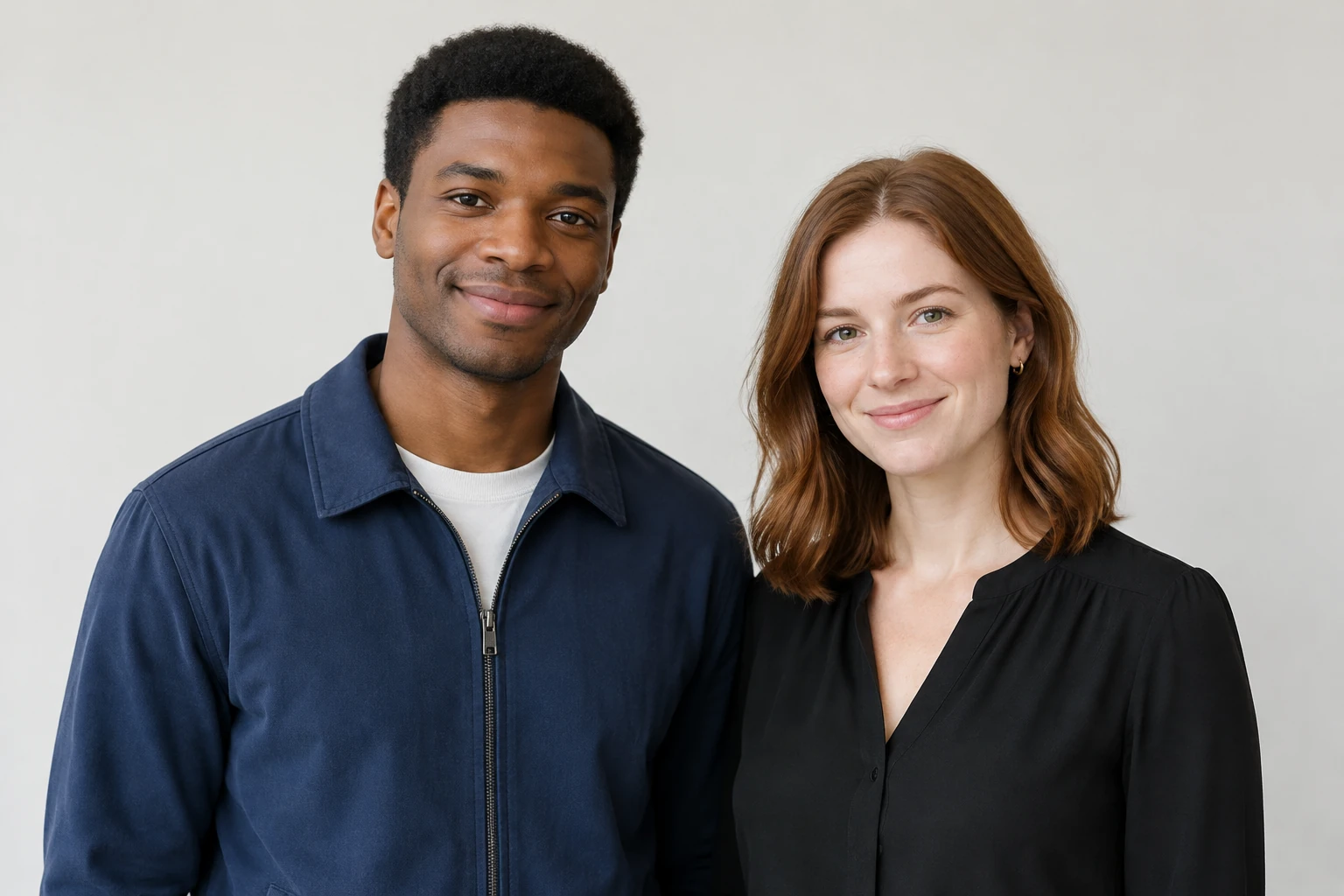
Start with a useful shared source
A photo with both people visible and comfortably framed gives the edit clearer visual context. Prefer readable faces, natural expressions, and enough space around heads and shoulders for the requested waist-up composition. If one face is obscured, very small, or in dramatically different lighting, the result may be less consistent. Use a photo you have permission to edit, and keep expectations practical: source quality affects how well the requested light and backdrop can be applied.
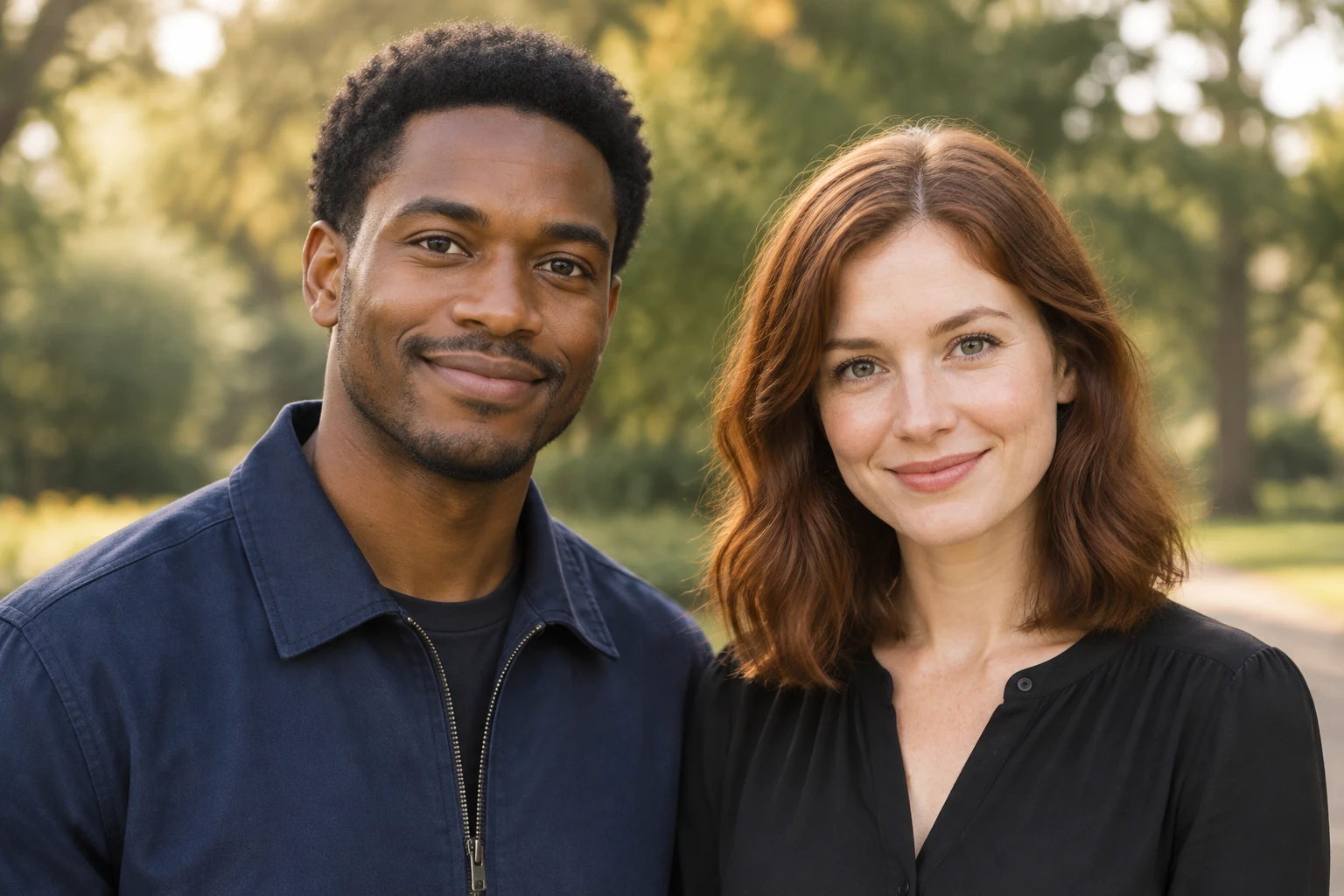
Adjust the prompt without losing the brief
The prompt is editable, so you can refine the atmosphere while keeping its central instructions: work from the supplied pair, retain their visible characteristics as closely as possible, illuminate both faces warmly, and keep the backdrop subdued. Avoid asking for incompatible changes to pose, clothes, or expressions if continuity with the source matters. Review the revised wording before generating, and check the resulting image rather than assuming every instruction was followed.
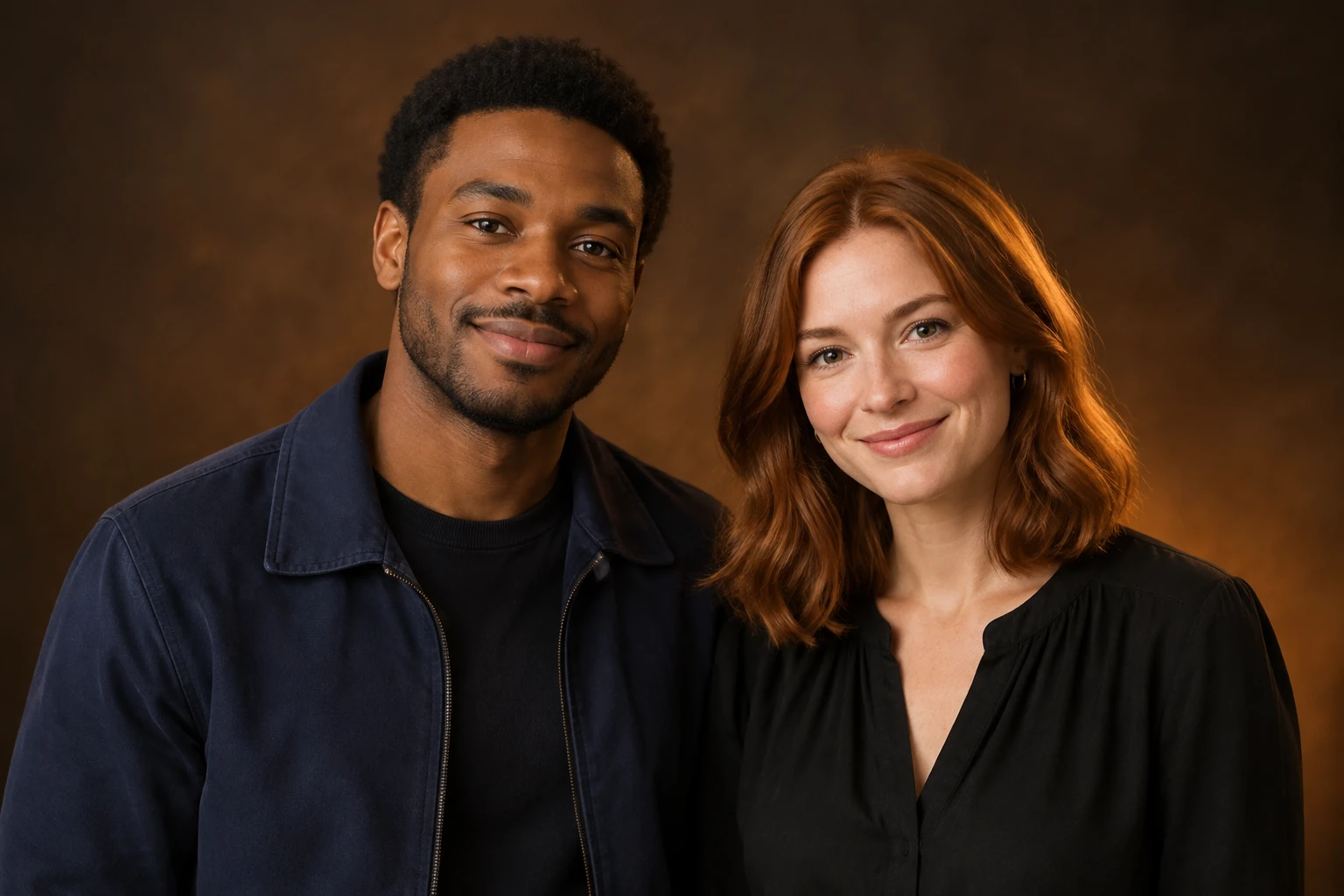
Try a darker bronze direction
For a different anniversary composition, use a separate seated portrait direction: a warm dark-brown backdrop, soft amber edge light, and natural expressions that remain readable. Use the actual source pose and crop when adapting this darker lighting direction. Keep the same practical starting point of one shared photo with both adults, and inspect both faces and the overall framing after editing.
Seedream 5.5 questions
What does this tool do, and what image should I provide?
It edits an existing still image to guide the portrait lighting and backdrop. Provide one shared photo containing both adults. It is not a text-only image workflow and does not combine two separate portraits.
Can I change the prefilled prompt?
Yes. The complete studio-lighting direction is prefilled in an editable prompt. Use it directly or adjust it while retaining the shared-photo, both-face lighting, and source-continuity goals.
Do I need an account, and how do I check credits?
This guide uses Seedream 5.5, which requires paid access here. Check your account eligibility and the live Required Credits for the selected aspect ratio and resolution before Generate. The quote can change with settings; this guide does not assign a fixed price or free allowance.
How long will generation take, and where do I find the image?
Processing time can vary, so there is no fixed wait time to rely on. Check the generation status and ready image in History.
What makes a good reference photo?
Choose a clear, well-framed shared photo where both adults and their expressions are visible. Similar, readable lighting and enough room around heads and shoulders can help the requested studio treatment, though results vary.
How can I check that both faces were handled well?
Compare each face with the source for expression, visible features, and natural-looking skin tone. Check that warm light reaches both people, shadows remain gentle, and neither person’s pose, hair, or clothing has drifted in a way you do not want.
More ideas to explore
klingai.me · Updated
See update history
- — Added an anniversary-portrait guide with four original paired-photo studies, one shared-photo upload, an editable lighting prompt, bronze-backdrop direction and practical both-face checks.