
Create a Cat Taxi AI Scene
Create your Cat Taxi AI scene
Preview the late-afternoon boulevard
History
Loading history…
Cat Taxi AI sets up an eight-second Seedance 2.0 video scene with an adult passenger in the rear seat and a cat at the steering wheel. Add two separate photos: the adult passenger as @Image1 and the cat as @Image2. The tool shows current access and a quote before you create the video; optional notes can guide the prepared base direction.
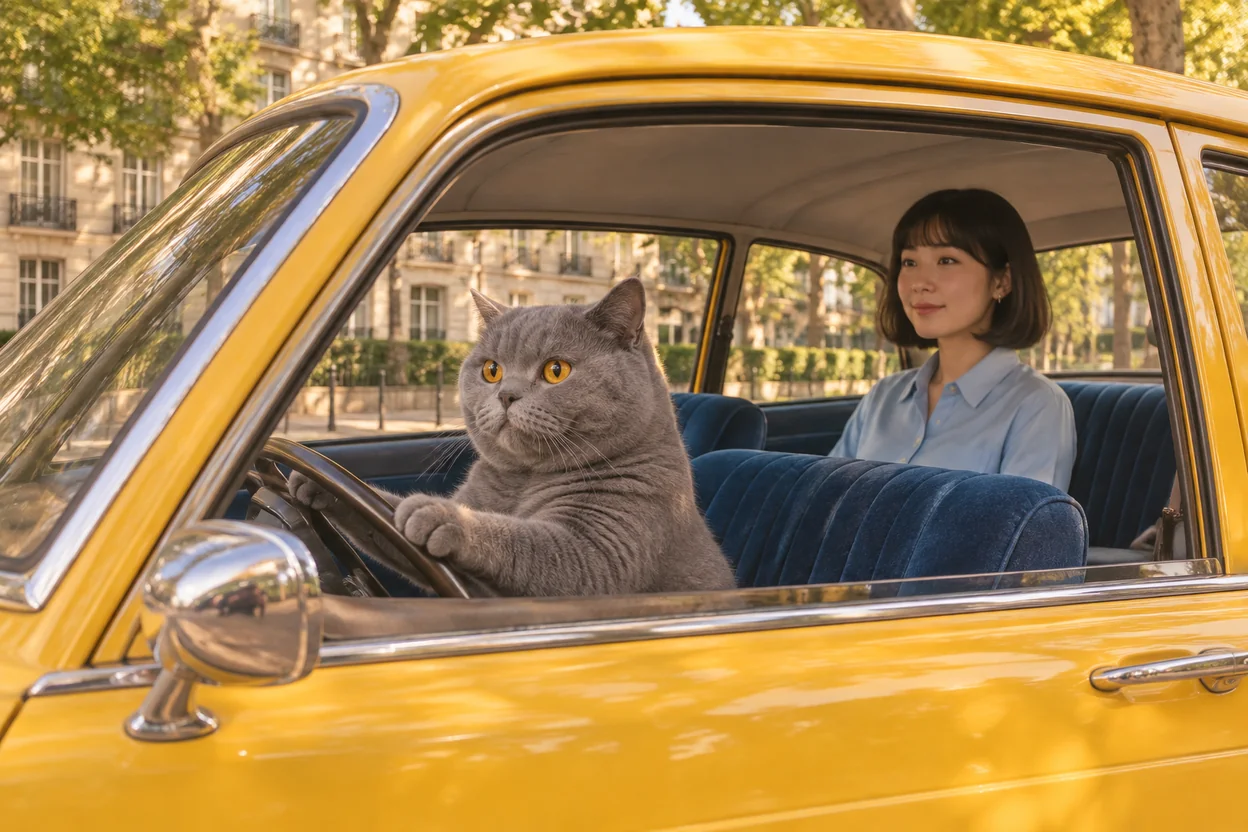
How to create a Cat Taxi AI video
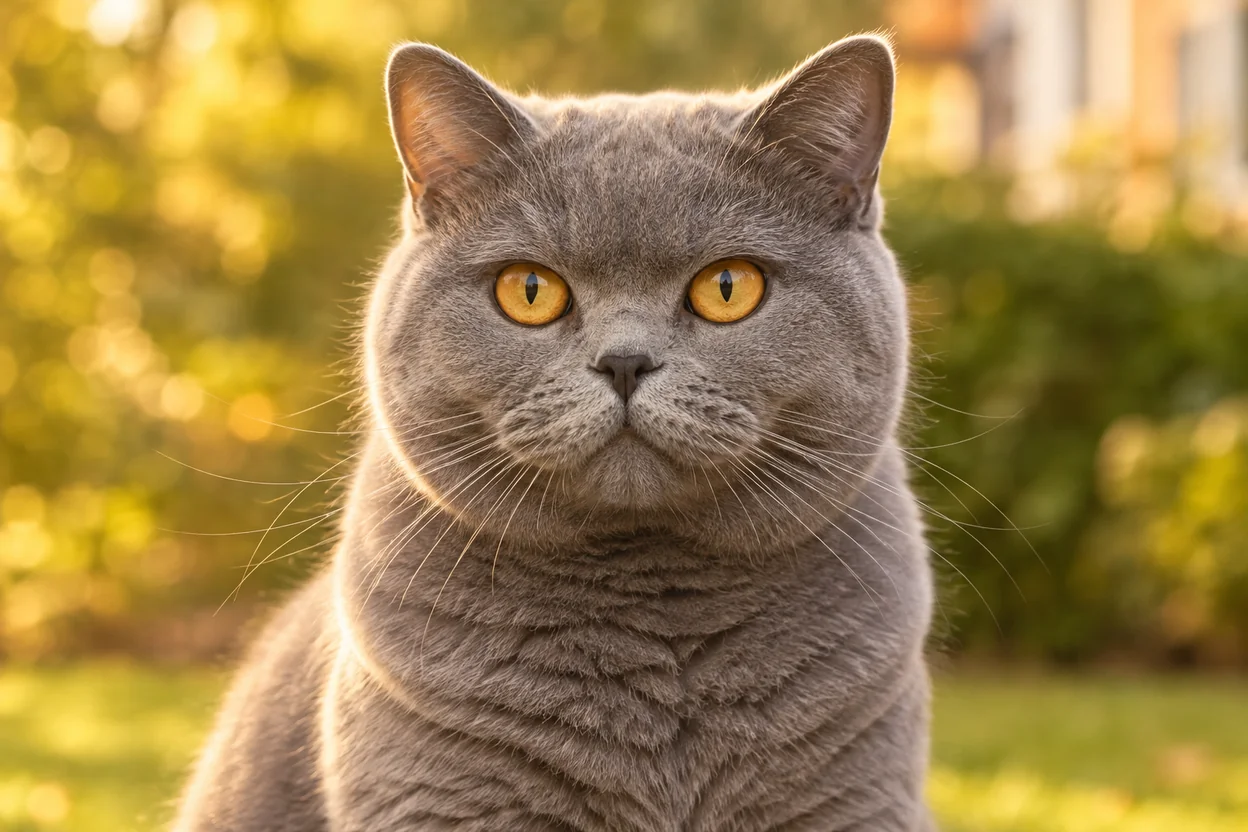
- Prepare two separate source portraits in the correct order: the adult passenger photo first as @Image1, then the cat driver photo as @Image2. Clear, well-lit images with visible faces make useful references.
- The eight-second scene direction is already prepared. Add optional visual notes, then select the available settings that suit your shot.
- After adding both photos and selecting your settings, check the live credit quote before generating.
- Inspect the result for identity continuity, eye visibility, character positions, cab orientation, and lighting. Revise your direction if you want to try another version.
Choose the adult passenger and cat driver photos

Plan the late-afternoon boulevard
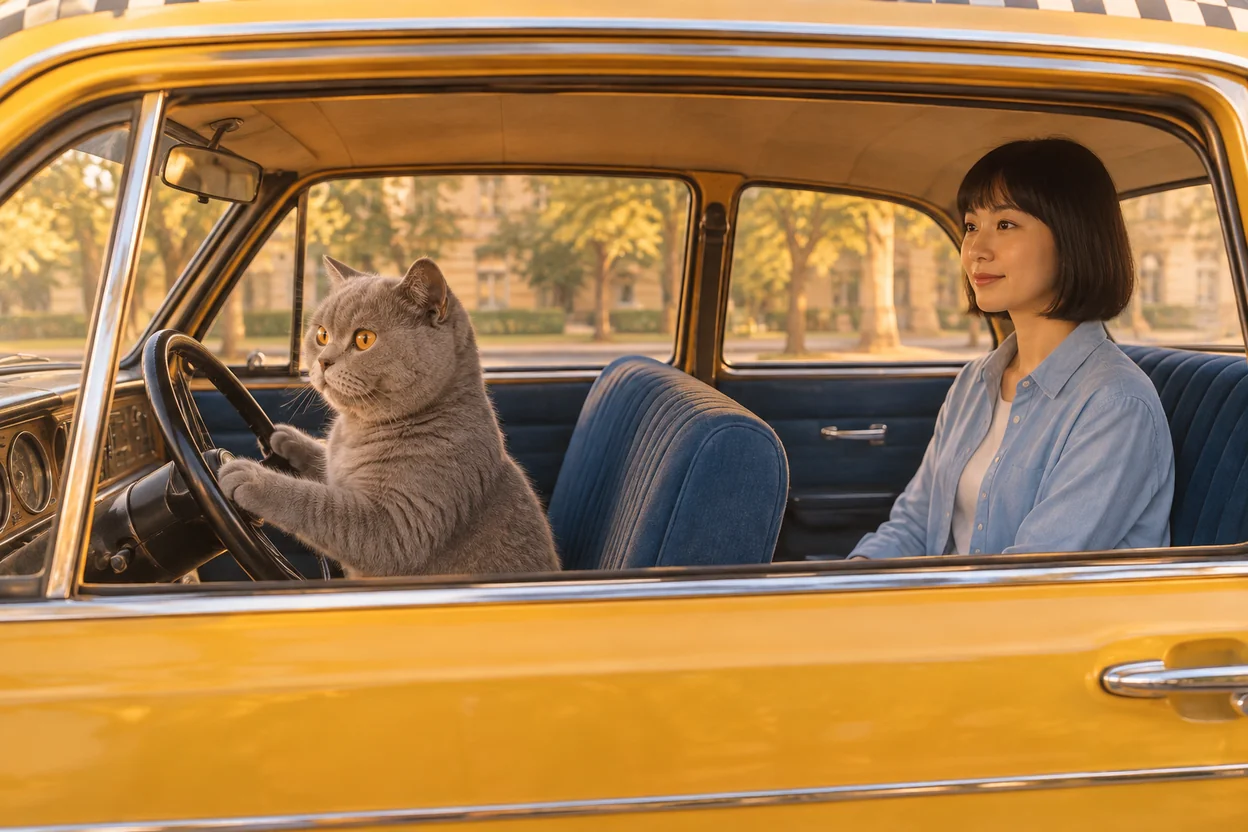
- Choose one clear adult portrait and one separate photo of your cat before opening the generator.
- Use a window angle that shows the steering wheel in front of the cat and the passenger a row behind.
- Keep lighting and character descriptions consistent, and avoid adding actions that could suggest the passenger changes seats or takes the wheel.
Cat Taxi AI questions
Can I use two separate photos?
Yes. Cat Taxi AI supports two separate photos. Put the adult passenger reference first as @Image1 and the cat driver reference second as @Image2.
How can I reduce the chance that the passenger and cat driver switch seats?
Assign each reference photo to a character and seat in the prompt, then repeat that the roles and positions stay unchanged throughout the eight-second scene. Keep the framing wide enough to show the seating arrangement.
Is there a fixed credit price, and is the result guaranteed?
Review the current quote for your selected settings before submitting. Generated scenes can vary, so check the passenger’s face and the cat’s markings before exporting.
Is this showing a real taxi stunt?
No. The cat taxi is a fictional scene for a creative video. Do not attempt to stage a real driving stunt.
Related video tools
klingai.me · Updated
See update history
- — Added separate adult and cat reference portraits, a new seating illustration and a framing video for the late-afternoon boulevard. Updated the page title to end with the site name.
- — Added a Cat Taxi AI video guide for turning separate photos of an adult passenger and a cat driver into a fictional taxi scene.