
Camera and composition planning
Ozil Goal AI Video Generator: Direct a Chipped-Goal Football Scene
Stage a chipped-goal football scene
History
Loading history…
Your questions, answered
What is Ozil Goal AI Video Generator?
It creates a short imagined football scene from a photo and written action direction. Use the prompt to stage the player, keeper and lifted finish, then judge the camera view and ball continuity in the completed clip.
How do I start?
Select reference-based video mode and upload a clear adult portrait or football photo. State the camera position and the approach-to-chip sequence, choose the available settings, read the quote and generate. Text to Video needs a written player description rather than an upload.
Can I try it for free?
Check your current account credits and the selected model’s access conditions. When the available balance covers the quoted job, you can generate without buying more credits.
What do I upload?
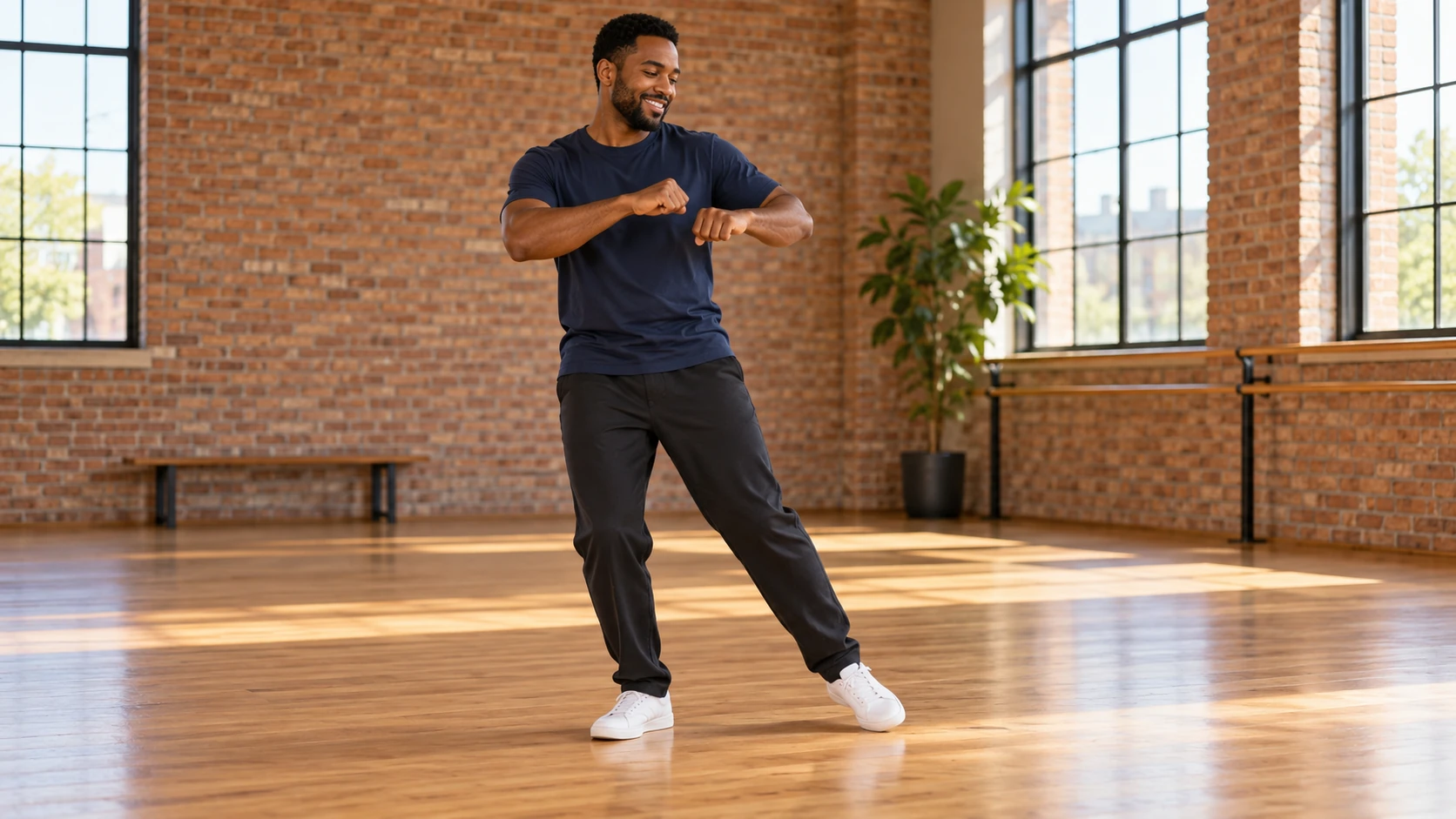
Use one adult with a clear face and readable posture. A simple football portrait is enough for the character reference; you can describe the pitch, keeper and goal separately in the prompt.
How much does it cost?
Read the live credit quote for the selected model and settings before submitting your chipped-goal clip. Preparing inputs or editing a description does not start a generation.
When is the result ready?
Follow the submitted job’s estimate and progress. The model, settings and queue affect waiting; History keeps the completed clip available for review and download.
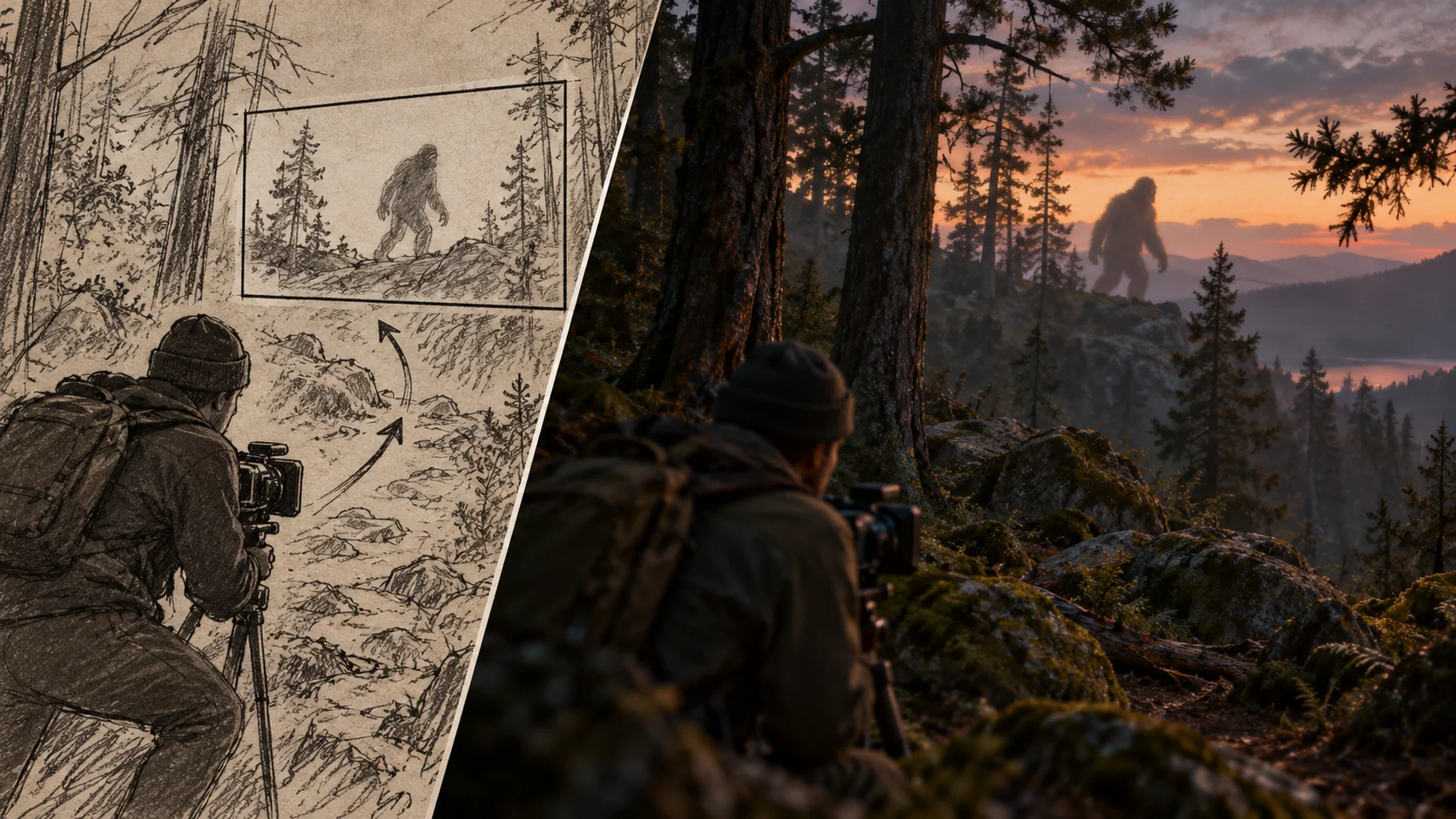
Choose a view that lets the ball explain the goal. The Ozil Goal AI Video Generator on klingai.me helps you stage an imagined dribble and chipped finish around a clear adult football portrait. A neighborhood pitch, a low camera and a keeper closing the space can give the moment a strong visual direction. Keep the sequence short enough that the viewer can follow each change of position.
Generate football video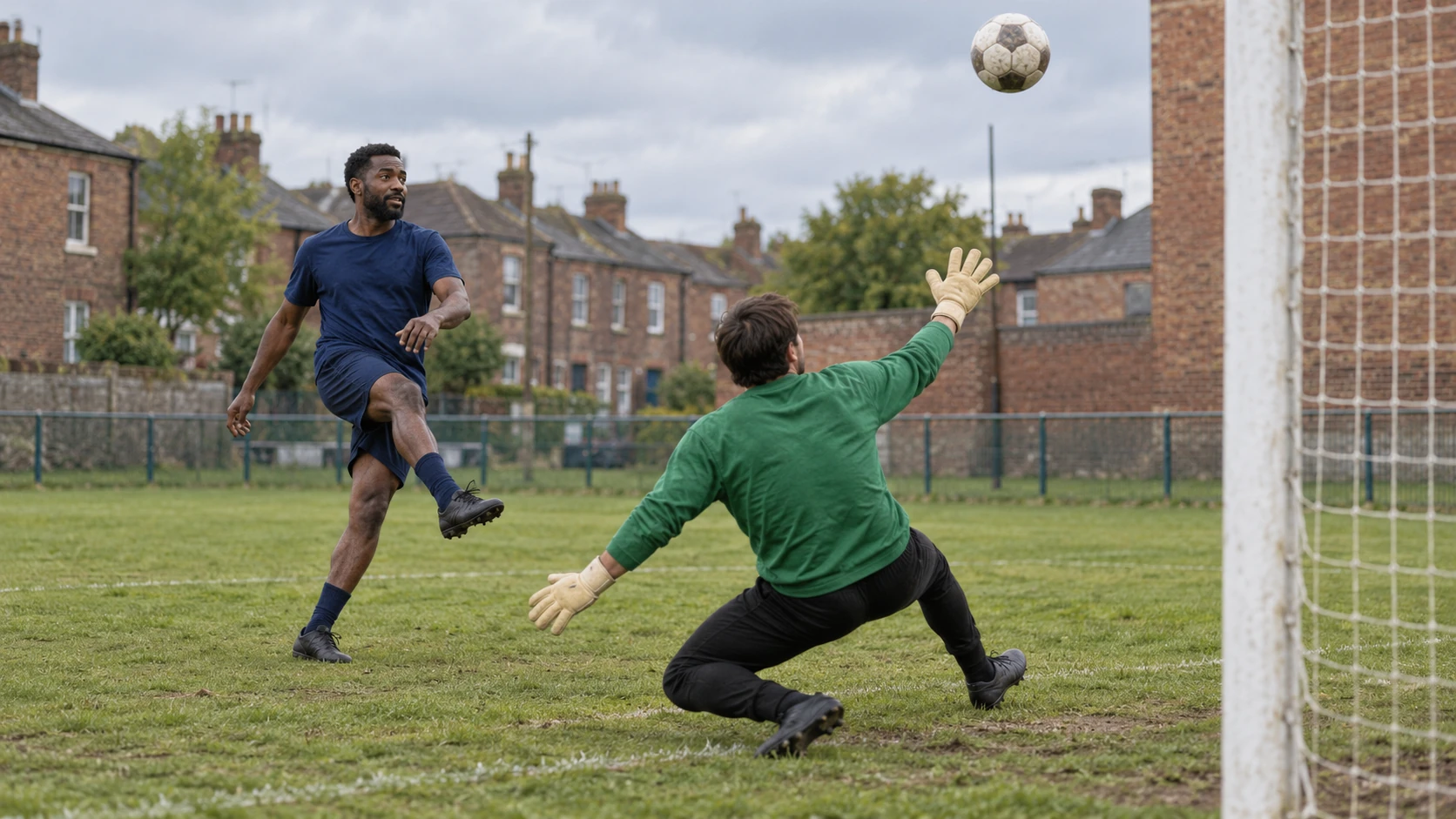
How a directed football clip comes together
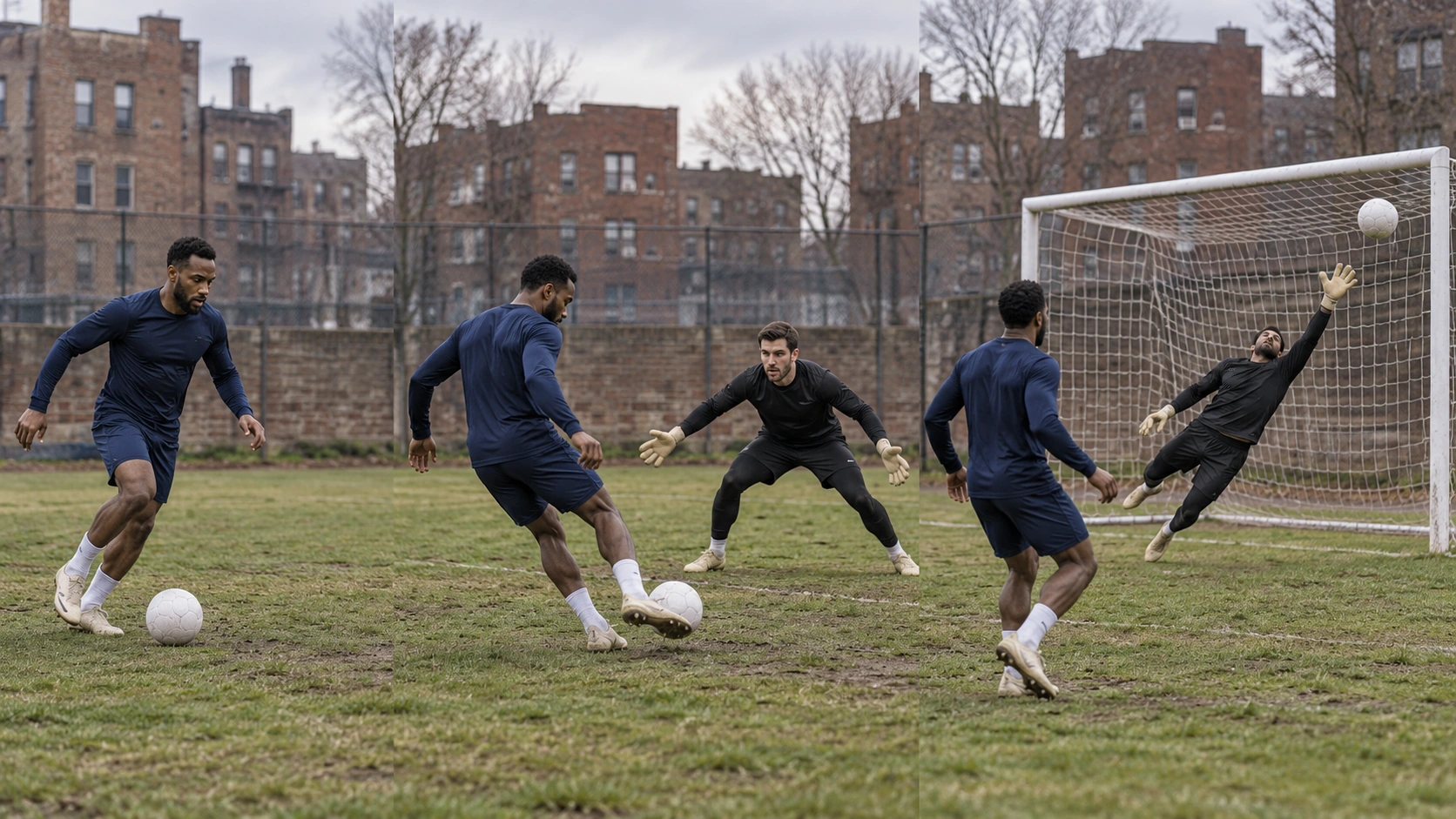
Upload one clear photo
Start with a single adult portrait or football photo. Pick a frame where the subject is well lit and the body is readable. Note the natural pose, because the prompt will extend it into motion. You are not supplying a replay or a motion reference. You are giving the generator a look and a starting point for the scene.
Write the camera direction
Use the editable prompt to state framing, lens feel, camera height and movement. Add the keeper approach and the chip. Then adjust the model controls the generator offers and read the live credit quote before you commit. Direction happens in words and settings, not fixed presets.
Generate and review
What the output gives you to judge
Camera choices you set in words
Framing, height and movement are prompt decisions. A low tracking angle near the turf feels faster than a wide sideline view. A tighter frame keeps the chip and keeper in the same read. Because you write these choices, you can test one variable at a time and compare results in History instead of guessing.
A scene that is guided, not replayed
The output is an original imagined sports scene. It does not reproduce a real match, a broadcast feed or an exact replay. That difference matters for how you use the clip. Treat it as concept footage, mood material or a visual pitch, and describe the action in your prompt rather than expecting a fixed motion reference to carry it.
Account, jobs and History in one place
Scenarios where camera direction matters
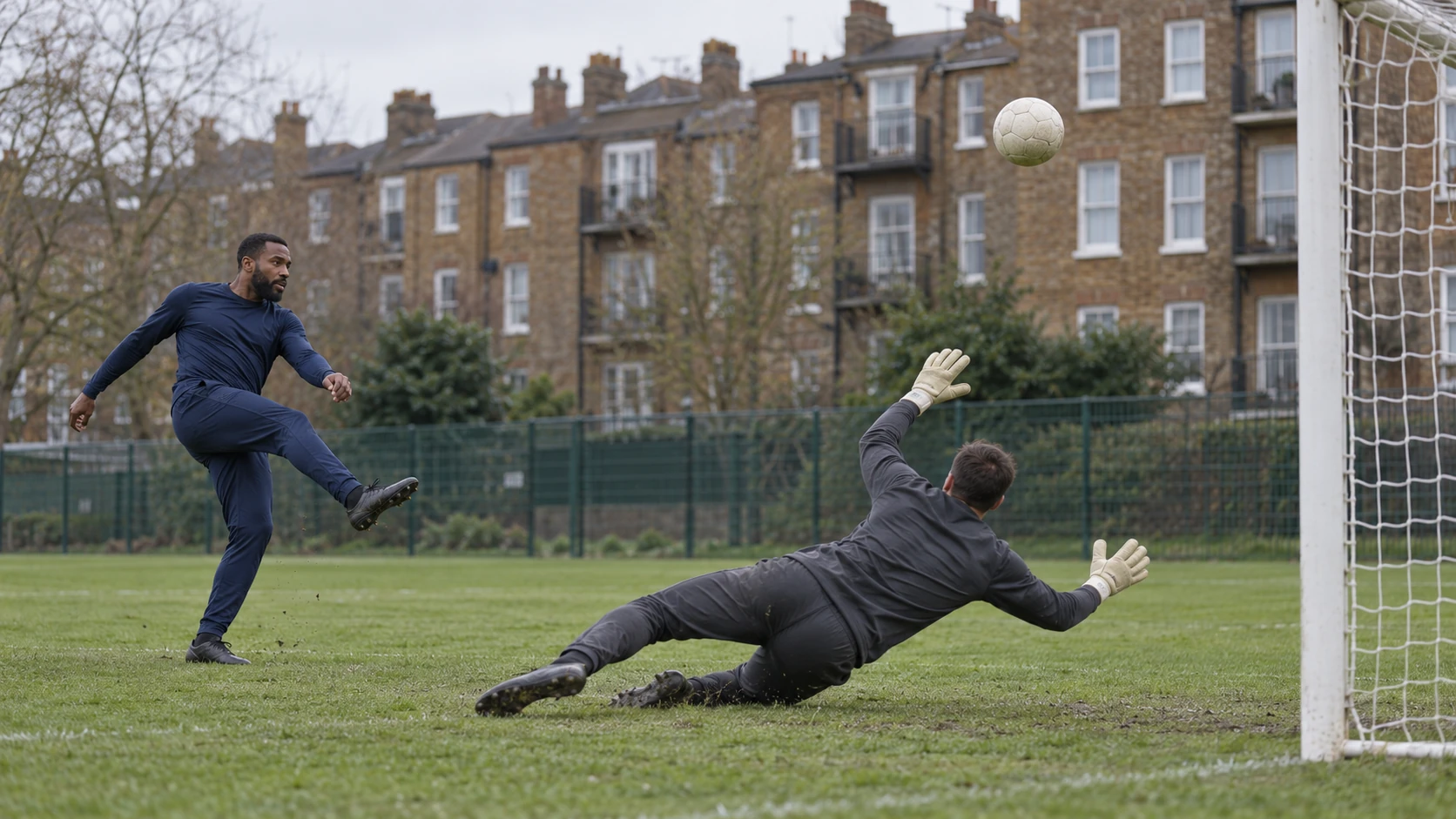
A low turf-level chip
Place the camera close to the grass behind the attacker. The keeper grows in frame as they approach, then the chip lifts over them. Keep the background soft so the flight of the ball reads clearly.
A portrait-led football moment
Start from a still portrait and build the scene around the subject's posture. Use a medium lens and a slight side angle. Let the dribble feel controlled rather than fast, so the finish stays believable.
A wide training-ground study
Use a wider frame with a high angle and slower movement. This suits a calm training-ground mood where the keeper approach and the chip happen in one readable composition. Good for mood boards and concept decks.
Preparation and review
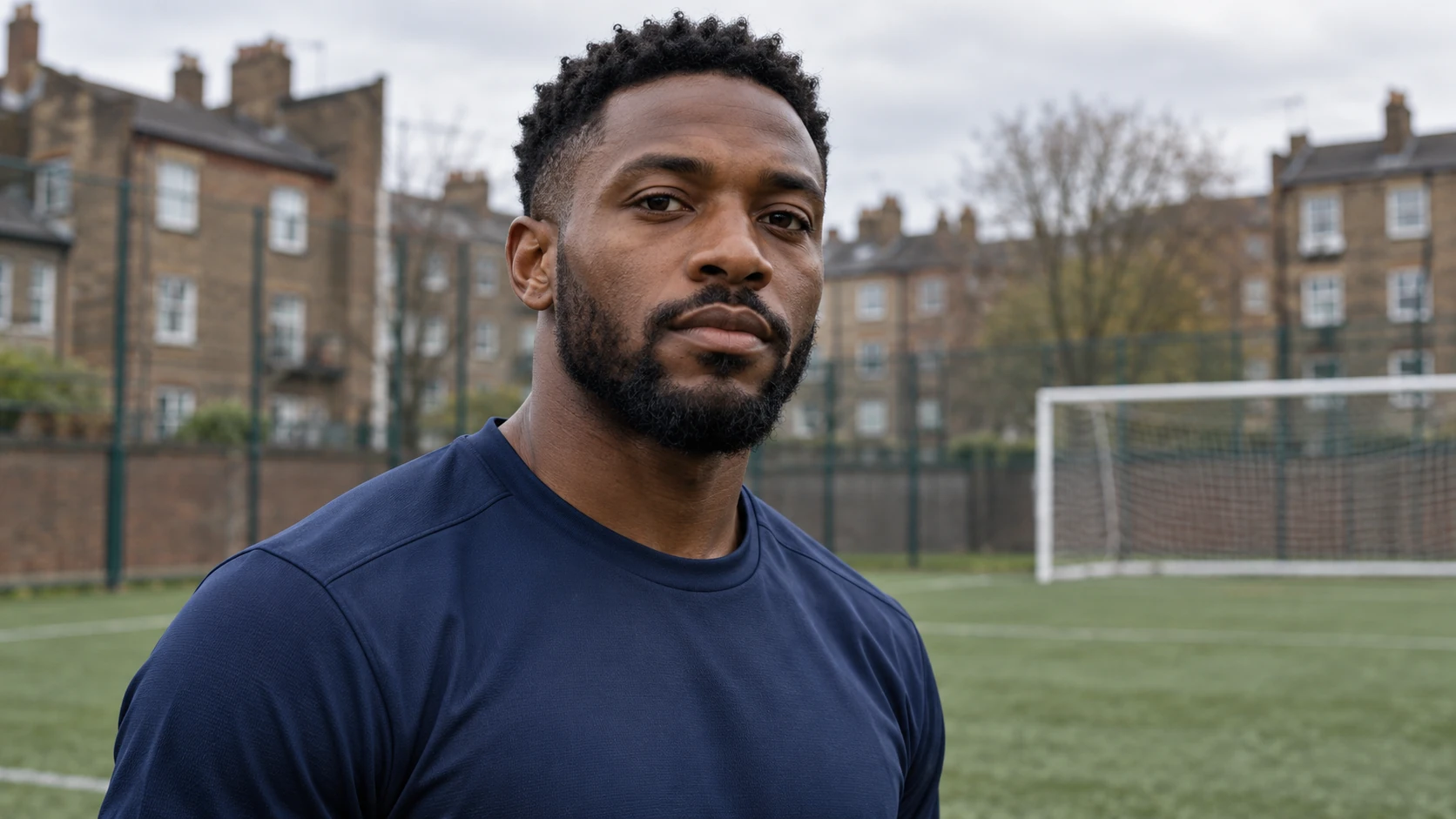
- Choose a photo with clean light and an uncluttered background so the scene has room to build.
- Name the camera height, lens feel and one movement in the prompt, then leave the rest to the scene.
- Read the live credit quote before starting, and compare finished jobs in History before running another.
Keep the goal visible beyond the keeper
A low camera can make the approach feel close, but it also makes the keeper a large shape in the frame. Leave enough of the goal visible beyond that shape to explain where the ball is going. In the neighborhood-pitch plan, the plain navy attacker and darker keeper separate the two roles without relying on official kits. Describe the ball rising above the challenge and moving toward the same goal that was visible at the start. If you want a side view, state that once and keep it through the finish. Several competing camera instructions can obscure the relationship between the player's touch and the ball's path.
Check the point of contact first. The foot should approach the same ball that subsequently rises into the air. Follow the keeper's response and the remaining distance to the goal, then inspect the ending. The scene does not need a crowd reaction to make the finish clear. A simple training-ground composition may explain it better than a packed stadium angle. If the clip loses the ball behind the keeper, try a slightly wider or more side-on view while retaining the same approach and finish. Compare those two camera choices in History before rewriting the character, setting and action at the same time.
Football scene questions
What does the Ozil Goal AI Video Generator actually create?
It creates a short, prompt-guided football scene from an uploaded adult portrait or football photo. The scene imagines a dribble, a keeper approach and a chipped goal. It is original generated footage, not a fixed motion reference, an exact replay or licensed broadcast material.
What kind of photo works best as input?
One clear adult portrait or football photo with good lighting and a readable body pose. Avoid heavy blur, cropped limbs or busy backgrounds. The photo sets the look and starting posture, and the prompt extends it into the imagined action.
How specific should the camera direction be?
Name the frame, the camera height and one movement. For example: low behind the attacker, medium lens, slow push forward. Keep the action description short. Test one change per generation so History comparisons stay useful.
Can I reproduce a real match or a real player?
No. The page does not promise licensed broadcast footage, original player identity or official affiliation. The output is a fictional sports scene for concept and editorial use. Describe the action and styling you want rather than referencing a real fixture.
How do credits and accounts work?
Direct your chipped-goal scene
Upload one clear adult photo, write the camera angle and chip in the prompt, then review the credit quote.
Generate football videoContinue with a related creative guide
klingai.me · Updated
What's new on this page
- — Added editable example prompts and separate drafts for text and reference modes, with an action to restore the example.
- — Page content published. Updated page copy and content. Updated page images or videos. Updated page generator or navigation settings.